


August 27, 2025
|
5 min de lecture


Accédez instantanément à un environnement TrueFoundry en direct. Déployez des modèles, acheminez le trafic LLM et explorez la plateforme complète : votre sandbox est prête en quelques secondes, aucune carte de crédit n'est requise.



Published: October 6, 202615
Une méthode incroyablement rapide pour créer, suivre et déployer vos modèles !
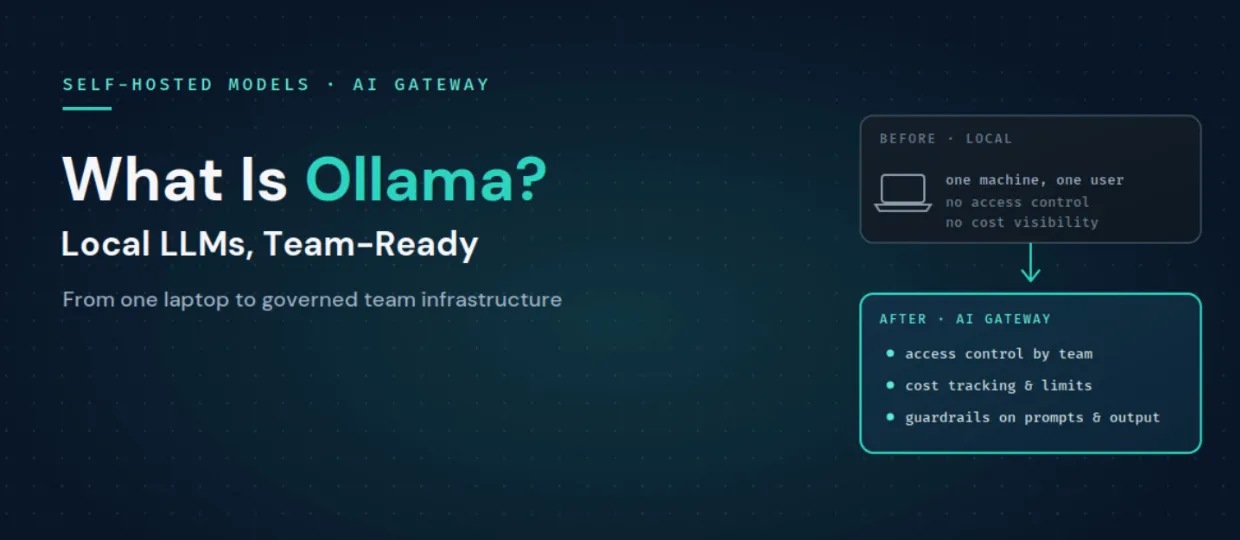
Ollama is an open-source runtime for running LLMs on your own infrastructure, whether that is a laptop, an on-premises GPU box, or a private cloud instance. You download an open-weight model such as Llama, Mistral, or Qwen, and Ollama serves it locally behind an HTTP endpoint. Crucially, that endpoint speaks an OpenAI-compatible API, so code written against the OpenAI SDK can talk to a local Ollama model with only a base URL change.
Teams pick Ollama for a few clear reasons:
The most common comparison is Ollama versus vLLM, because both expose OpenAI-compatible APIs and both self-host open-weight models. They optimize for different things.
The honest summary is that Ollama is the easiest way to run a model for one person, and vLLM is built for serving many concurrent users at high throughput. Many teams use both: Ollama for local development and vLLM for production. The good news is that because both are OpenAI-compatible, whatever you standardize on can sit behind the same gateway, and you can even route between them.
Ollama does its job well, but running it for an organization surfaces gaps that are outside its scope.
These are exactly the concerns a gateway exists to handle, which is how you turn a local model runner into team infrastructure.
TrueFoundry treats an Ollama server as a self-hosted model. You connect it to the AI Gateway by providing the endpoint URL and authentication details, and once registered it appears in the gateway's model catalog alongside cloud providers, with all gateway features applied: routing, guardrails, rate limiting, cost tracking, and observability. Ollama is explicitly supported here because it exposes an OpenAI-compatible API, the format the gateway works best with.
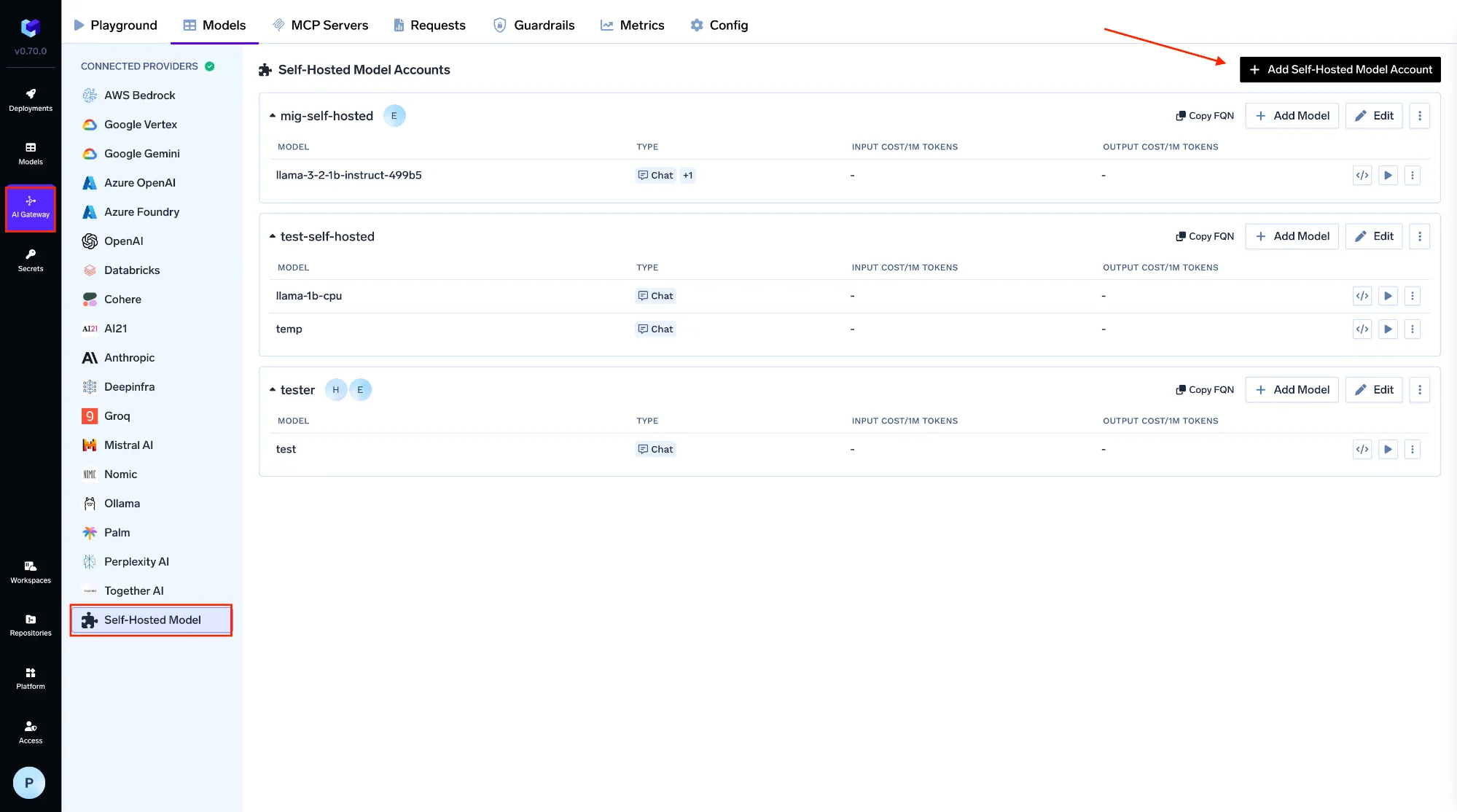
You register the model under AI Gateway, then Models, then Self Hosted Models, giving it a name, a model ID, the URL of your Ollama server, and the model server type, with optional auth. From that point, applications and agents stop talking to a raw localhost endpoint and instead call the gateway with one unified API:
from openai import OpenAI

client = OpenAI(
    api_key="your-truefoundry-api-key",   # a gateway token, not a raw endpoint
    base_url="https://gateway.truefoundry.ai",
)

resp = client.chat.completions.create(
    model="self-hosted/llama-3-8b-ollama",   # your registered Ollama model
    messages=[{"role": "user", "content": "Summarize this ticket"}],
)
That one change is what makes Ollama usable by a team:
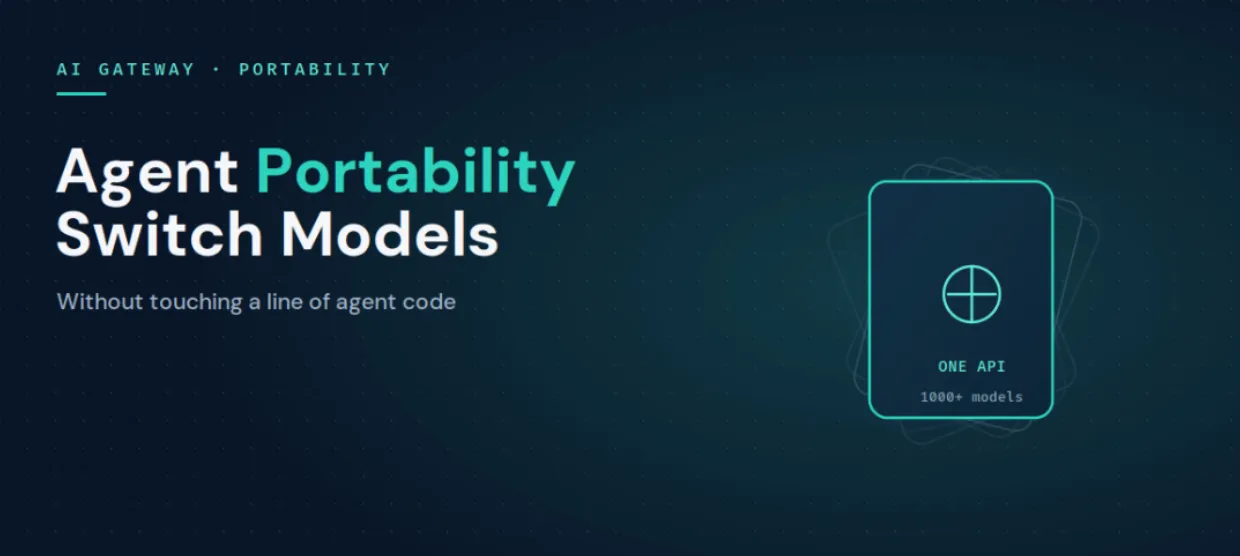
Because the gateway is provider-agnostic and OpenAI-compatible across 1,000+ models, you can also mix a local Ollama model with a vLLM deployment and cloud APIs under the same interface, which ties directly into AI agent portability. And since TrueFoundry runs inside your own VPC, the privacy that made you choose Ollama in the first place is preserved end to end.
Ollama is the fastest way to get a model running locally, and for privacy and cost it is hard to beat. It simply was not built to be team infrastructure, which is where access control, cost visibility, guardrails, and routing come in. Connect Ollama to the AI Gateway as a self-hosted model and it keeps its privacy and low cost while gaining everything a team needs to run it in production.
See how TrueFoundry turns local models into governed, team-ready infrastructure. Book a demo or start free.
TrueFoundry AI Gateway offre une latence d'environ 3 à 4 ms, gère plus de 350 RPS sur 1 processeur virtuel, évolue horizontalement facilement et est prête pour la production, tandis que LiteLM souffre d'une latence élevée, peine à dépasser un RPS modéré, ne dispose pas d'une mise à l'échelle intégrée et convient parfaitement aux charges de travail légères ou aux prototypes.




Ollama est un outil open source qui exécute de grands modèles de langage en local, sur votre propre matériel, et les sert derrière une API HTTP simple et compatible OpenAI. Les équipes l'utilisent pour une inférence privée, hors ligne et peu coûteuse avec des modèles à poids ouverts tels que Llama, Mistral et Qwen.
Ollama est optimisé pour une inférence locale simple sur une seule machine, tandis que vLLM est conçu pour le service en production à haut débit et à forte concurrence. Les deux exposent des API compatibles OpenAI ; de nombreuses équipes utilisent donc Ollama pour le développement et vLLM pour la production, et placent les deux derrière la même passerelle.
Le modèle s'exécute sur une infrastructure que vous contrôlez, ce qui est bon pour la confidentialité, mais un point de terminaison Ollama brut n'offre ni contrôle d'accès, ni attribution des coûts, ni garde-fous sur le contenu. Pour l'utiliser en toute sécurité au sein d'une équipe, placez-le derrière une passerelle qui ajoute l'authentification, le RBAC, des limites de débit et l'inspection des PII et des secrets.
Connectez le serveur Ollama à une AI Gateway en tant que modèle auto-hébergé en lui fournissant une URL et une authentification. Les applications appellent alors l'API unifiée de la passerelle plutôt qu'un point de terminaison brut, ce qui ajoute à Ollama un contrôle d'accès partagé, le suivi des coûts, des garde-fous et le routage.
Any LLM, embedding, or custom model via high-performance backends like vLLM, TGI, and Triton, all deployable in the same control plane as the gateway.
Oui. TrueFoundry s'exécute dans votre VPC, on-premise, en environnement air-gapped ou en hybride, de sorte que l'inférence locale et privée que vous offre Ollama reste privée sur l'ensemble de la pile.



Les dernières nouvelles, articles et ressources envoyés dans votre boîte de réception

.webp)




.webp)

.png)
.png)
.png)
.png)
.png)






.png)




