


October 14, 2026
|
Lesedauer: 5 Minuten


Erhalten Sie sofortigen Zugriff auf eine TrueFoundry-Live-Umgebung. Stellen Sie Modelle bereit, leiten Sie den LLM-Verkehr weiter und erkunden Sie die gesamte Plattform — Ihre Sandbox ist in Sekundenschnelle einsatzbereit, ohne dass eine Kreditkarte erforderlich ist.



Published: October 14, 2026

Unglaublich schnelle Methode zum Erstellen, Verfolgen und Bereitstellen Ihrer Modelle!
Claude Code gives developers a powerful way to build and modify software using AI directly from the terminal. But as developers experiment with different models, they often want more flexibility over which model handles a request, how much inference costs, and what happens when a provider becomes unavailable.
Claude Code Router addresses this need by allowing developers to route Claude Code requests to different supported models and providers. It makes model experimentation easier without requiring developers to change their entire coding workflow.
However, routing requests is only one part of managing AI across an engineering organization. As more developers adopt Claude Code, teams may also need centralized authentication, model-access policies, cost attribution, and visibility into how AI is being used.
This is where the distinction between a local router and an enterprise AI Gateway becomes important.
A local router can provide flexibility at the developer level. An enterprise AI Gateway extends model access and routing into a shared infrastructure layer, helping platform teams manage policies and usage across supported applications.
Understanding what an LLM router does provides a useful starting point, but the decision goes beyond routing alone.
In this guide, we'll compare Claude Code Router with an enterprise AI Gateway, examine where their capabilities overlap, and explain when a local routing setup may no longer meet your team's requirements.
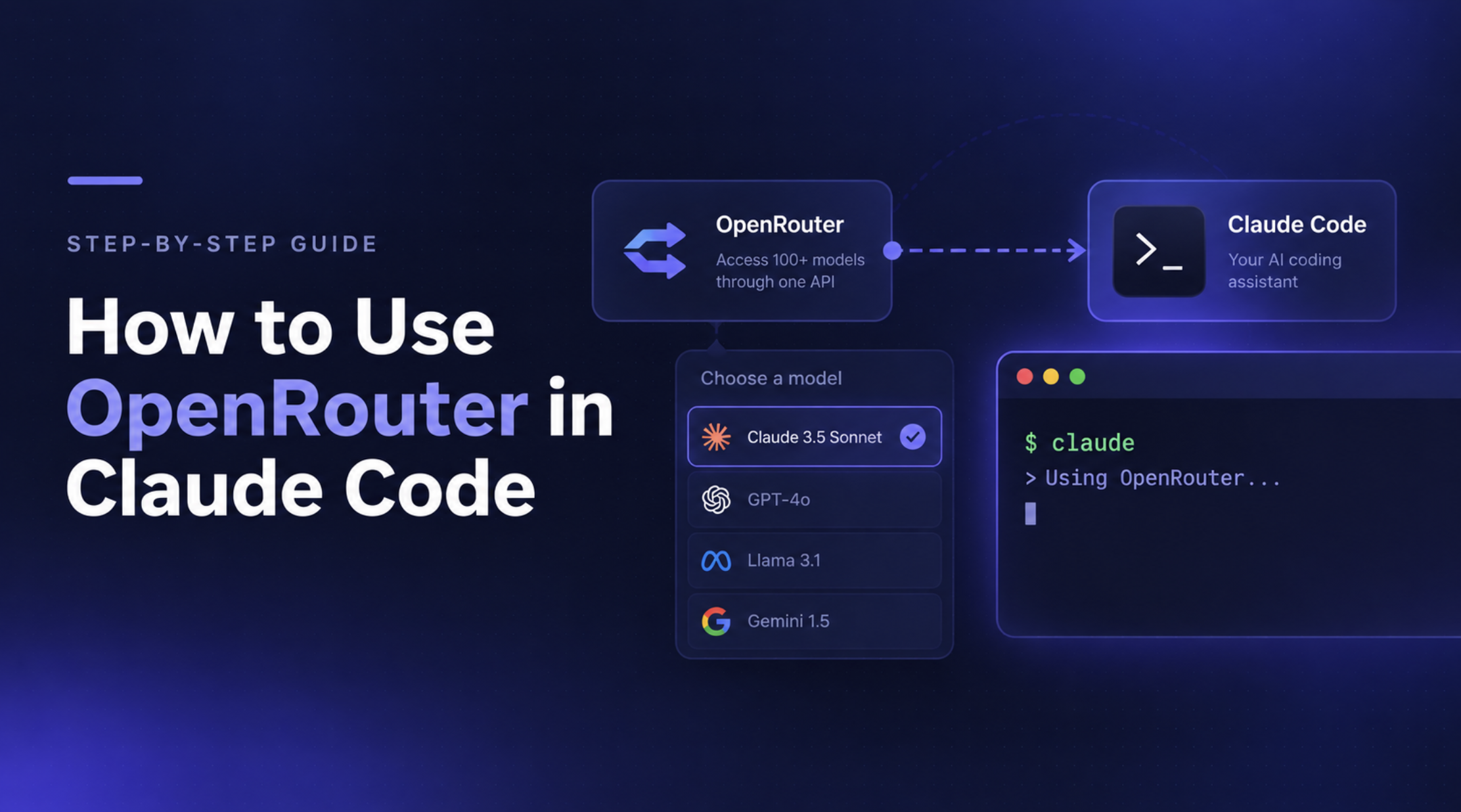
Claude Code Router is an open-source routing tool designed to let developers redirect Claude Code requests to different model providers and compatible endpoints. Instead of relying on a single model configuration, developers can customize how requests are handled according to their preferred models, providers, and supported routing rules.
For example, a developer might want to use a powerful model for complex coding tasks, a cheaper model for routine requests, or a locally hosted model for experimentation. A routing layer can make these setups easier to manage within an existing Claude Code workflow.
Its appeal is straightforward: developers can experiment with different models without rebuilding their coding workflow around each provider.
At a high level, the router sits between Claude Code and the model endpoint receiving its requests.
A typical setup looks like this:
Claude Code → Claude Code Router → Configured model provider
The developer configures the router with supported providers, models, and routing behavior. Requests are then directed according to that configuration.
Depending on the implementation and setup, the router may support capabilities such as:
The exact capabilities depend on the router version, available integrations, and configuration. Teams should verify the current implementation before relying on a specific feature.
For individual developers, the main benefit is flexibility. They can experiment with models, optimize their coding setup, and change providers without managing a separate workflow for every model.
Small teams may also find local routing sufficient when they can coordinate configuration and credentials without a centralized platform.
The limitations become more apparent when the requirements extend beyond the coding workflow itself.
For instance, a router configuration that works well for one developer does not automatically establish organization-wide access policies, attribute spending across teams, or provide centralized audit records. Those capabilities depend on the broader infrastructure surrounding the router.
This distinction becomes important as teams move from experimenting with models to managing AI usage across an engineering organization.
Claude Code Router and an enterprise AI Gateway can both help direct requests to different models. The difference is the scope of the problem they are designed to solve.
Claude Code Router focuses on configuring model routing for a coding workflow. An enterprise AI Gateway provides a shared layer for managing model access, routing, and operational controls across users and applications.
Here's how the two approaches compare.
These categories describe the typical distinction between local routing and enterprise gateway architectures, not a guarantee that every router or gateway implements every feature. The capabilities of the specific deployment matter.
A local router works well when developers need flexibility over model selection. The challenge begins when teams need to manage AI usage consistently across an organization.
Four signs indicate that your setup may need a centralized layer.
As more developers use Claude Code, maintaining consistent access to approved models and providers becomes harder. An enterprise AI Gateway can centralize authentication and model-access policies instead of relying entirely on individual configurations.
Knowing which model a developer uses isn't the same as understanding organization-wide spending. Centralized usage tracking helps teams attribute costs across users and applications and apply budgets or rate limits where supported.
For more on this, see why AI cost control requires a gateway, not just a switch.
When requests fail across multiple developers or providers, local logs may not provide the complete picture. A centralized gateway can help teams monitor request activity, latency, errors, and usage across supported workloads.
See our guide to AI Gateway observability.
Claude Code may be only the beginning. As teams add internal AI applications and agents, managing provider access and policies separately for each application creates unnecessary overhead. A shared gateway can standardize model access across supported integrations.
The takeaway: If local routing meets your needs, keep it. If managing access, spending, and visibility across teams requires increasingly complex workarounds, it's time to evaluate a centralized AI Gateway.

Claude Code Router helps developers customize how model requests are routed. But when Claude becomes part of an organization's engineering workflow, platform teams need more than model selection: they need control over who can use which models, how much they spend, and what their AI workflows are allowed to do.
TrueFoundry AI Gateway extends Claude workflows with centralized cost controls, access policies, guardrails, and auditability. Its Claude integrations cover Claude Code, Claude Desktop, and Claude Web, with the available controls depending on the interface, subscription plan, and configuration.
Rather than managing model access and policies independently across developer environments, teams can route supported Claude requests through a shared gateway.
TrueFoundry supports two authentication approaches for Claude Code:
This gives teams flexibility in how they manage model access and billing without assuming every developer must switch to API-based billing.
See the Claude integration documentation for plan-specific setup instructions.
These controls help platform teams move from individually configured developer workflows to a more consistent model-access and governance strategy.
Routing Claude's model requests through a gateway does not automatically govern every tool the agent can access.
For workflows that use MCP servers, TrueFoundry MCP Gateway provides a complementary layer for managing tool access and applying supported authentication and authorization policies. This helps teams govern both the models their developers use and the tools their AI workflows can reach.
For a deeper look at the architecture, read Claude Code Governance: How to Govern Agent Rollouts with an AI Gateway.
The goal isn't to replace Claude Code Router simply because a gateway offers more features. It's to establish a shared control layer when individual routing configurations are no longer sufficient for your organization's access, cost, security, and operational requirements.
TrueFoundry AI Gateway gives platform teams a way to manage those requirements centrally while developers continue using supported Claude workflows.
Give your team the freedom to use Claude, with the controls to govern it. Explore TrueFoundry AI Gateway to see how centralized model access, cost controls, and governance can fit into your AI infrastructure.
Claude Code Router is a practical starting point for developers who want more control over model selection. But as AI adoption expands, managing model access, spending, and governance across teams becomes a different problem.
An enterprise AI Gateway provides a centralized way to manage those requirements without treating every developer's configuration as a separate control point.
If your current setup meets your needs, keep it simple. If you're looking to govern Claude Code across teams and applications, explore TrueFoundry AI Gateway to see how centralized routing and enterprise controls can support that transition.
Claude Code Router helps developers route Claude Code requests to different supported models and providers. An enterprise AI Gateway extends model routing with centralized access control, cost management, observability, and governance across supported applications.
Potentially, yes, provided the router and gateway support compatible API protocols, authentication, and request handling. However, adding both layers may introduce unnecessary complexity if the local router does not provide a distinct benefit. Check the TrueFoundry Claude integration documentation for supported configurations.
No. Individual developers can use Claude Code without an AI Gateway. A gateway becomes useful when teams need centralized model access, usage tracking, cost controls, and governance across developers or applications.
TrueFoundry AI Gateway provides usage visibility and supports cost-management controls such as budgets and rate limits, depending on the configuration. These capabilities help teams monitor and manage spending across governed model requests.
It can be suitable for developer-level routing, depending on the implementation and deployment. Organizations with additional requirements around centralized identity, access policies, cost attribution, auditability, and multi-application governance should evaluate whether the router and supporting infrastructure meet those requirements or whether an enterprise AI Gateway is needed.
TrueFoundry AI Gateway bietet eine Latenz von ~3—4 ms, verarbeitet mehr als 350 RPS auf einer vCPU, skaliert problemlos horizontal und ist produktionsbereit, während LiteLM unter einer hohen Latenz leidet, mit moderaten RPS zu kämpfen hat, keine integrierte Skalierung hat und sich am besten für leichte Workloads oder Prototyp-Workloads eignet.





Die neuesten Nachrichten, Artikel und Ressourcen werden in Ihren Posteingang gesendet



.png)
.png)
.png)
.png)
.png)






.png)



