November 5, 2025
|
5 min read


Blazingly fast way to build, track and deploy your models!
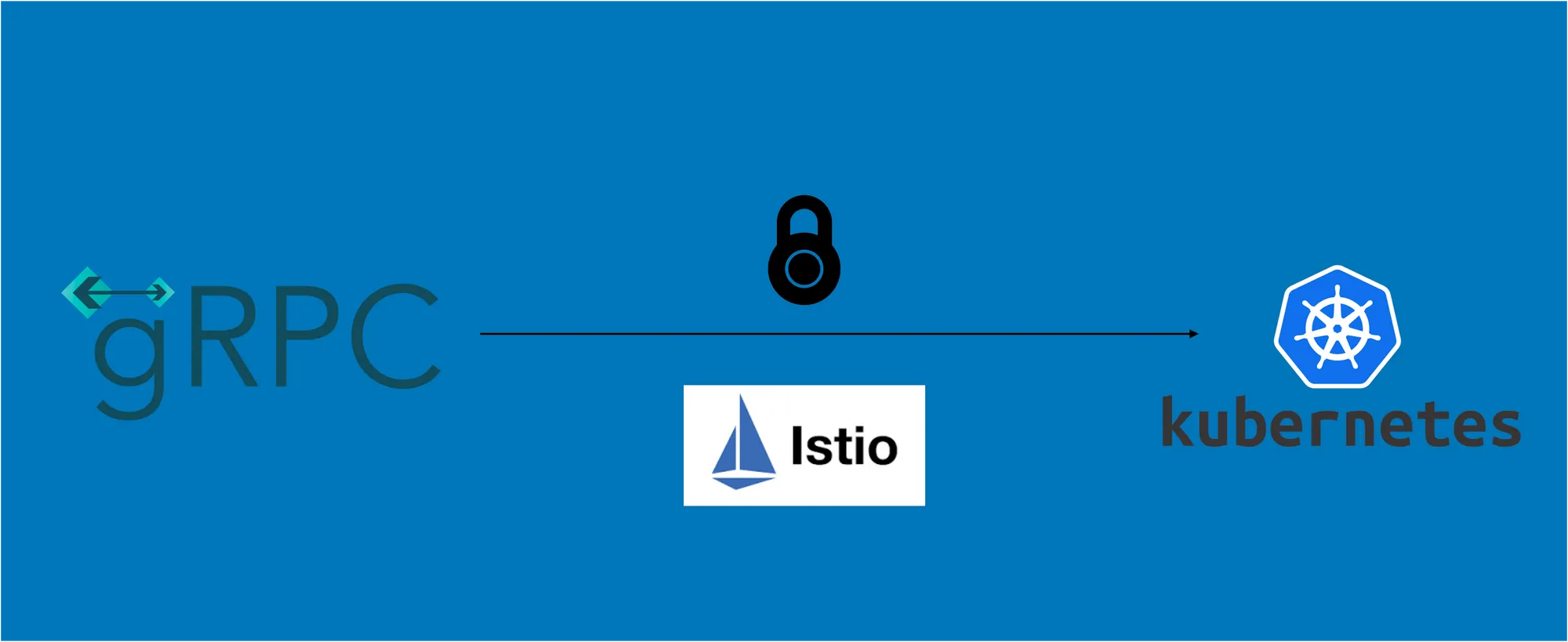
Kubernetesに関するブログシリーズでは、Kubernetes上でのスケーラブルなMLOpsの構築、MLOpsのためのアーキテクチャ、そしてアプリケーション開発の課題解決について説明してきました。このブログでは、AWS EKSクラスター上でのgRPCサービスのホスティングについて解説します。手順は基本的にどのKubernetesクラスターでもほぼ同じですが、正常に動作させるためにAWS Load Balancer上でいくつかの特定の設定を行う必要がありました。
gRPCは、あらゆる環境で実行可能なオープンソースのRPCフレームワークです。データセンター内およびデータセンター間のサービスを効率的に接続でき、ロードバランシング、トレーシング、ヘルスチェック、認証のサポートをプラグインとして組み込む機能を備えています。
私たちのユースケース: 約100MBのペイロードサイズを受け入れるAPIとしてTensorFlowモデルをホスティングすること。gRPCは大きなペイロードに対して非常に優れたパフォーマンスを発揮するため、ポート5000でgRPCポートを公開しました。
以下のDeployment YAMLを使用して、Kubernetes上にサービスをホストしました。
apiVersion: apps/v1
kind: Deployment
metadata:
  name: ml-api
  namespace: ml-services
spec:
  replicas: 1
  selector:
    matchLabels:
      truefoundry.com/component: ml-api
  template:
    metadata:
      labels:
        truefoundry.com/application: ml-api
    spec:
      containers:
        - name: ml-api
          image: >-
            XXXX.dkr.ecr.us-east-1.amazonaws.com/ml-services-ml-api:latest
          ports:
            - name: port-8500
              containerPort: 8500
              protocol: TCP
          resources:
            limits:
              cpu: '4'
              ephemeral-storage: 2G
              memory: 4G
            requests:
              cpu: '1'
              ephemeral-storage: 1G
              memory: 500M
          imagePullPolicy: IfNotPresent
      restartPolicy: Always
      terminationGracePeriodSeconds: 30
      dnsPolicy: ClusterFirst
      securityContext: {}
      imagePullSecrets:
        - name: ml-api-image-pull-secret
      schedulerName: default-scheduler
  strategy:
    type: RollingUpdate
    rollingUpdate:
      maxUnavailable: 25%
      maxSurge: 0
これによりPodが起動します。次に、以下のYAMLを使用してServiceオブジェクトを作成する必要があります。
apiVersion: networking.istio.io/v1alpha3
kind: Gateway
metadata:
  labels:
    argocd.argoproj.io/instance: tfy-istio-ingress
  name: tfy-wildcard
  namespace: istio-system
spec:
  selector:
    istio: tfy-istio-ingress
  servers:
    - hosts:
        - 'ml.example.com'
      port:
        name: http-tfy-wildcard
        number: 80
        protocol: HTTP
      tls:
        httpsRedirect: true
    - hosts:
        - 'ml.example.com'
      port:
        name: https-tfy-wildcard
        number: 443
        protocol: HTTP
KubernetesのIngress層としてIstioを使用しています。Istioは、istio-ingressがインストールされるとLoad Balancerをプロビジョニングします。Load Balancerの設定は、Istio Gatewayのannotationを使用してカスタマイズできます。Istio Gatewayを作成するためのSpecは以下の通りです。
apiVersion: networking.istio.io/v1alpha3
kind: Gateway
metadata:
  labels:
    argocd.argoproj.io/instance: tfy-istio-ingress
  name: tfy-wildcard
  namespace: istio-system
spec:
  selector:
    istio: tfy-istio-ingress
  servers:
    - hosts:
        - 'ml.example.com'
      port:
        name: http-tfy-wildcard
        number: 80
        protocol: HTTP
      tls:
        httpsRedirect: true
    - hosts:
        - 'ml.example.com'
      port:
        name: https-tfy-wildcard
        number: 443
        protocol: HTTP
SSL終端はAWS Load Balancer上で行っています。このため、Load Balancerに証明書をアタッチする必要があります。これは、Istio Gatewayチャート(https://istio-release.storage.googleapis.com/charts)に以下のannotationを追加することで実現できます。
"service.beta.kubernetes.io/aws-load-balancer-type": "nlb"
"service.beta.kubernetes.io/aws-load-balancer-backend-protocol": "tcp"
"service.beta.kubernetes.io/aws-load-balancer-ssl-cert": "<certificate-arn>"
"service.beta.kubernetes.io/aws-load-balancer-ssl-ports": "https"
"service.beta.kubernetes.io/aws-load-balancer-alpn-policy": "HTTP2Preferred"
gRPCトラフィックを許可するには、alpn-policyの指定が重要です。私たちの ml-api サービスは、Kubernetes Serviceを指すVirtualServiceを作成することで公開できます。VirtualServiceのYAMLは以下の通りです。
apiVersion: networking.istio.io/v1alpha3
kind: VirtualService
metadata:
  labels:
    argocd.argoproj.io/instance: ml-services_ml-api
  name: ml-apiport-8500-vs
  namespace: ml-services
spec:
  gateways:
    - istio-system/tfy-wildcard
  hosts:
    - ml.example.com
  http:
    - route:
        - destination:
            host: ml-api
            port:
              number: 8500
VirtualServiceが公開されたら、ml.example.com でサービスへのリクエストを実行できるようになります。次に、誰でもAPIを呼び出せる状態を防ぐため、APIに認証を追加したいと考えました。コード内に認証を追加することもできましたが、すべてのサービスで統一したレイヤーにできるよう、Istioレイヤーで追加することにしました。
istio-ingressレイヤーに認証を追加するため、IstioWasm Pluginを採用することにしました。プラグインのYAMLは以下のようになります。
apiVersion: extensions.istio.io/v1alpha1
kind: WasmPlugin
metadata:
  name: ml-services-ml-api-0
  namespace: istio-system
spec:
  phase: AUTHN
  pluginConfig:
    basic_auth_rules:
      - credentials:
          - username:password
        hosts:
          - ml.example.com
        prefix: /
        request_methods:
          - GET
          - PUT
          - POST
          - PATCH
          - DELETE
  selector:
    matchLabels:
      istio: tfy-istio-ingress
  url: oci://ghcr.io/istio-ecosystem/wasm-extensions/basic_auth:1.12.0
上記のSpecをクラスターに適用すると、ブラウザでアプリケーションを開いた際にユーザー名とパスワードが要求されるようになります。
プロセス全体をより簡単にするため、TrueFoundryプラットフォーム上で非常にシンプルに設定できるようにしました。

TrueFoundry AI Gateway delivers ~3–4 ms latency, handles 350+ RPS on 1 vCPU, scales horizontally with ease, and is production-ready, while LiteLLM suffers from high latency, struggles beyond moderate RPS, lacks built-in scaling, and is best for light or prototype workloads.