


September 22, 2026
|
5 min de lecture


Accédez instantanément à un environnement TrueFoundry en direct. Déployez des modèles, acheminez le trafic LLM et explorez la plateforme complète : votre sandbox est prête en quelques secondes, aucune carte de crédit n'est requise.



Published: June 25, 2026
.webp)
Une méthode incroyablement rapide pour créer, suivre et déployer vos modèles !
Most teams adopt Braintrust with a clear goal. They want to know whether an LLM output is useful, safe, and consistent. They also want to catch regressions before a prompt change reaches production.
That dual focus on evals and observability is where Braintrust performs well. It helps teams score responses, trace requests, compare experiments, and review metrics across model behavior. For individual developers, small teams, and AI-native product teams, that can create real workflow discipline.
Braintrust pricing becomes more complex when usage grows. The headline looks simple: Starter is free, Pro is $249 per month, and Enterprise is custom. The real decision depends on usage limits, overage charges, governance controls, retention needs, and enterprise requirements.
Large organizations should read the tiers carefully. Custom RBAC, SAML SSO, a signed BAA, SOC 2 support, and self-hosting sit at the Enterprise level. That means the real Braintrust cost is often shaped by compliance needs, not only volume.
The sections below explain each plan, the metered charges that apply beyond limits, and the governance gap evaluation tools usually leave open. They also explain where TrueFoundry can complement Braintrust when teams need inference control before the model call runs.
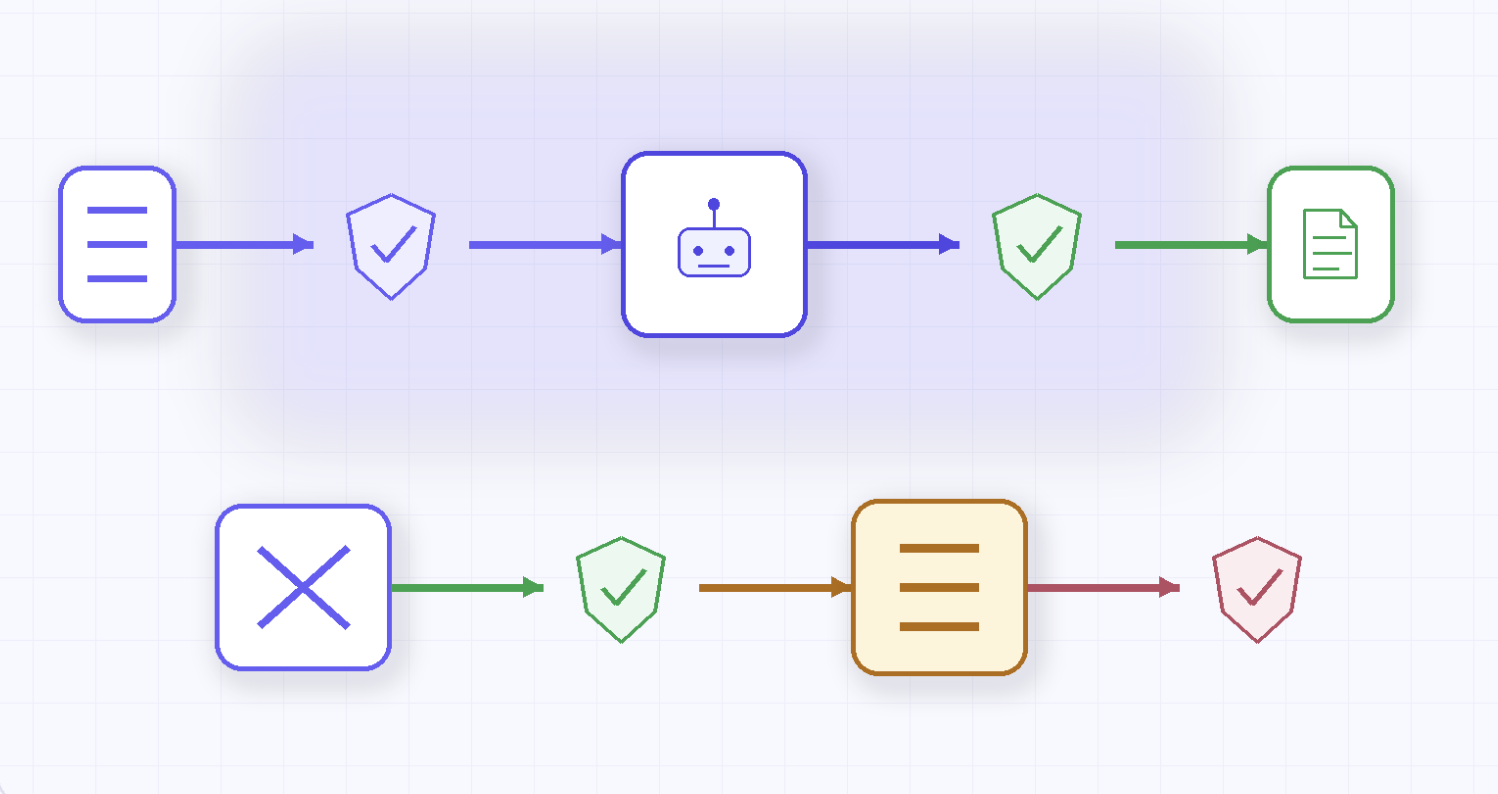
Braintrust restructured its plans in March 2026 into three tiers. The differences between them turn out to be less about raw usage than about which controls you get. Higher tiers raise the included data and score limits, sure. Each step up the ladder also gates a different slice of governance.
Higher tiers raise data and score limits, while also gating stronger controls. This is important because evaluation platforms often become operational systems. Teams rely on them for dashboards, alerts, datasets, playground workflows, and release confidence.
The Starter tier costs nothing and does not require a credit card. It includes 1 GB of processed trace data per month, 10,000 scores, and 14-day log retention. That is useful for one developer testing an evaluation workflow or a smaller project in early experimentation.
The limitation is the permission model. Starter gives teams one Owner role, without deeper separation between editors and read-only users. Manual grading is also capped at one human-review scorer per project, which limits collaboration once review workflows expand.
When teams cross the included limits, metered billing applies. Starter overages cost $4 per GB of processed data and $2.50 per thousand scores. That makes Starter useful for learning the platform, although careful tracking matters once experiments become recurring workflows.
Pro costs $249 per month and is the tier most growing teams evaluate first. It includes 5 GB of processed data, 50,000 scores, and 30-day retention. It also adds three fixed roles: owner, engineer, and viewer.
Google SSO comes with Pro, along with team features such as custom charts, dataset snapshots, environments, annotations, and expanded review workflows. Pro also supports unlimited human-review scorers, which is a meaningful upgrade from Starter’s single-scorer limit.
Overage pricing is lower than Starter. Additional processed data costs $3 per GB, while extra scores cost $1.50 per thousand. Pro works well when teams need evaluation discipline, stronger transparency, and recurring model-quality workflows without Enterprise procurement.
Enterprise is a custom annual contract based on usage and requirements. This is where Braintrust places the controls many security and compliance teams consider mandatory. These include custom RBAC, SAML and OIDC SSO, custom retention, domain mappings, export automations, SLAs, and self-hosting.
Enterprise also supports HIPAA-related BAA requirements and SOC 2 needs. It is the right tier when evaluation data includes sensitive prompts, customer outputs, regulated records, or internal production traces. The drawback is budget uncertainty, as pricing depends on negotiation.
The Enterprise tier is also relevant for teams with strict deployment needs. If evaluation data cannot remain in Braintrust’s shared-hosted environment, self-hosting becomes part of the Enterprise discussion. That shifts pricing from a visible plan to a conversation with the vendor.
.webp)
The sticker prices are only the starting point for the real numbers. Two factors drive actual cost: usage that exceeds included limits and controls that only appear at higher tiers. Together, they make Braintrust pricing a planning exercise, not a simple monthly subscription decision.
Cross the included data or score allotment, and metered billing stacks on top of the base fee. Picture a Pro team logging 10 GB of trace data and running 100,000 scores in a month. The base $249 includes 5 GB and 50,000 scores.
The extra 5 GB costs $15 at $3 per GB. The next 50,000 scores cost $75 at $1.50 per thousand. That brings the estimated monthly cost to $339 before considering any broader Enterprise requirements.
At this volume, the overage is manageable. At ten times the traffic, heavier scoring and longer retention can shift attention away from the base fee. For scale planning, teams should forecast traces, scores, storage behavior, datasets, and review frequency.
Cross the included data or score allotment and metered billing stacks on top of the base fee. Picture a Pro team logging 10 GB of trace data and running 100,000 scores in a month. The base $249 buys 5 GB and 50,000 scores. The extra 5 GB costs $15, and the next 50,000 scores cost $75. Call it $339 for the month.
The exact wording matters because the headline can oversimplify. Pro is not without access control. It includes three fixed roles and Google sign-on, which can be enough for many teams.
What Pro does not offer is custom RBAC or SAML/OIDC SSO. These are the controls that map access to Okta, Azure AD, or other enterprise identity systems. For access reviews, fixed roles and Google sign-on may not satisfy enterprise security teams.
That distinction affects the true Braintrust cost. A team may sit well within Pro usage limits and still need Enterprise because access governance requires SAML or custom roles. In this case, security requirements determine the tier before usage does.
Running Braintrust inside your own cloud is an Enterprise capability. Starter and Pro use Braintrust’s hosted environment, meaning traces and evaluation data are processed outside the customer’s infrastructure boundary.
Braintrust’s self-hosted option separates customer-controlled data infrastructure from platform management. It is designed for teams that need stronger data control without operating the full platform alone. Even then, self-hosting still requires Enterprise procurement.
For regulated teams, this matters more than sticker price. If prompts, outputs, or evaluation traces cannot leave the organization’s boundary, Starter and Pro may be unsuitable. There is no intermediate tier between hosted Pro and negotiated Enterprise for that requirement.
A signed Business Associate Agreement is available only through Enterprise. A BAA is required when a vendor handles protected health information under HIPAA. Without that contract, teams should not evaluate clinical or PHI-related model outputs on Starter or Pro.
SOC 2 and advanced compliance terms follow a similar pattern. The deciding factor becomes contract coverage, not only monthly volume. A healthcare, insurance, or clinical AI team may need Enterprise even when usage remains modest.
Braintrust is strongest when the job is clearly about model-quality evaluation. It gives teams a structured place to run evals, inspect traces, compare experiments, and find regressions. Company size matters less than the type of workflow being managed.
It earns its keep when:
It stops paying off cleanly when:
The practical takeaway is simple. Braintrust works well when teams need evaluation and observability discipline. It becomes less complete when buyers expect it to control what models, agents, or tools are allowed to do before execution.
.webp)
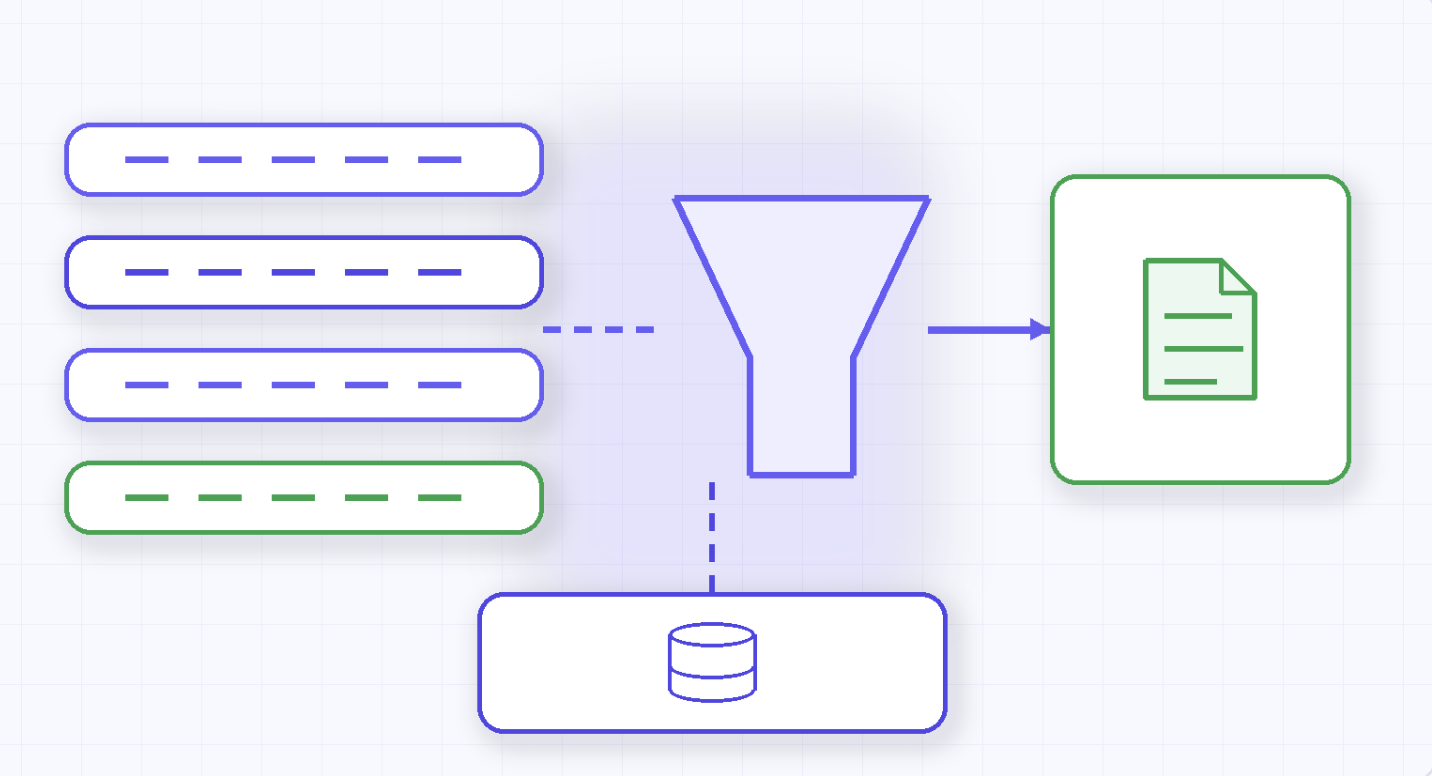
Set the tiers aside for a moment, as some enterprise needs fall outside Braintrust’s core purpose. Braintrust monitors and evaluates what happens after a model responds. It is not designed to govern every request before inference executes.
Four capabilities sit on the other side of that line:
This does not make Braintrust weak. It means Braintrust has a defined role in the AI stack. It helps teams measure quality and catch regressions, while inference governance requires a separate request-path control layer.
The point also matters for Braintrust’s storage architecture. Braintrust promotes itself as a database designed for AI trace data at scale. That supports observability and querying, although request-path enforcement still belongs before model execution.
TrueFoundry and Braintrust occupy different layers of the AI stack. Braintrust sits after inference and helps teams evaluate outputs, compare scores, and catch regressions. TrueFoundry sits before inference and governs whether a request should run, which model it can reach, and how that action is logged.
.webp)
Teams that need both layers can run them together. Braintrust can continue handling evals and observability after the response returns. TrueFoundry can manage the request path through a governed AI gateway, where access policies, budgets, and audit logs apply before inference begins.
This distinction matters when AI workloads move from testing to production. Evaluation helps teams understand output quality, while governance helps teams control exposure, cost, and access before the model call happens.
TrueFoundry is relevant when teams need:
TrueFoundry can also serve as the observability layer for teams that want fewer systems. It records model calls, usage, costs, and agent actions with structured metadata. Those logs can remain inside the customer’s VPC and connect with existing monitoring tools.
The practical choice is straightforward. Braintrust remains useful when the primary need is output evaluation and regression tracking. TrueFoundry becomes the stronger layer when teams need inference governance, hard budgets, private deployment, and compliance-ready audit trails.
If you want to see VPC-native inference governance and per-team cost controls in action on your own workloads, you can book a demo with us.
TrueFoundry AI Gateway offre une latence d'environ 3 à 4 ms, gère plus de 350 RPS sur 1 processeur virtuel, évolue horizontalement facilement et est prête pour la production, tandis que LiteLM souffre d'une latence élevée, peine à dépasser un RPS modéré, ne dispose pas d'une mise à l'échelle intégrée et convient parfaitement aux charges de travail légères ou aux prototypes.





Les dernières nouvelles, articles et ressources envoyés dans votre boîte de réception



.png)
.png)
.png)
.png)
.png)
.png)
.png)
.png)
.png)
.png)


