


October 21, 2026
|
5 min read


Published: October 21, 2026

Blazingly fast way to build, track and deploy your models!
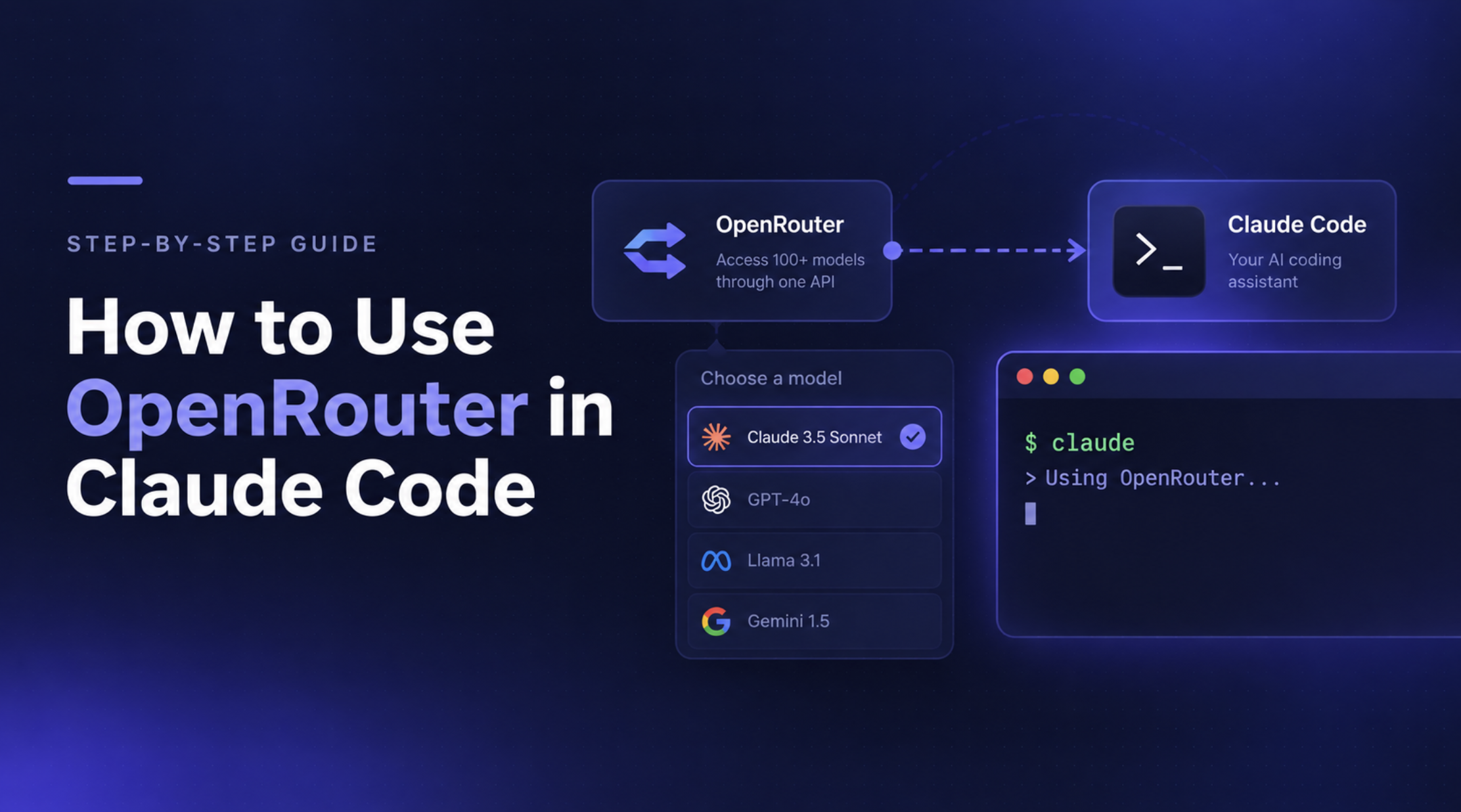
Claude Code lets developers write, debug, and refactor code using AI directly from the terminal. But when you want to monitor usage, switch between model providers, or manage AI traffic through a shared endpoint, connecting Claude Code to an AI gateway can make that workflow easier to manage.
Vercel AI Gateway provides an Anthropic-compatible endpoint that lets you route Claude Code requests through its gateway without changing your usual terminal workflow. Once configured, you can monitor token usage and spending, inspect request traces, and use supported model-routing and provider-fallback capabilities from the Vercel dashboard.
For individual developers, this provides a convenient way to centralize model access and usage visibility. For engineering teams, it also raises a broader question: when do gateway-level monitoring and routing need to extend into organization-wide access controls, governance, and deployment requirements?
This guide walks through connecting Claude Code to Vercel AI Gateway, configuring authentication, verifying requests, troubleshooting common errors, and evaluating when an enterprise AI Gateway such as TrueFoundry may be a better fit.
Vercel AI Gateway is a unified interface for accessing models from different providers through a common API. It provides model routing, usage and spend monitoring, request observability, and supported provider-fallback options.
Claude Code normally connects to Anthropic's API. Vercel AI Gateway allows you to redirect those requests through its Anthropic-compatible endpoint instead, so you can continue using Claude Code from your terminal while Vercel handles the gateway-side routing and monitoring.
The connection uses three environment variables:
ANTHROPIC_BASE_URL specifies the Vercel AI Gateway endpoint.ANTHROPIC_AUTH_TOKEN supplies your Vercel AI Gateway API key.ANTHROPIC_API_KEY is set to an empty string to prevent a non-empty Anthropic API key from taking precedence over the gateway token.Once configured, Claude Code sends supported requests through Vercel AI Gateway rather than directly to Anthropic.
Unified model access: Route supported requests through a common gateway instead of configuring a separate endpoint for every provider.
Usage and spend monitoring: View model usage and spending through Vercel AI Gateway's dashboard, helping you understand how coding-agent sessions consume tokens.
Request observability: Inspect detailed traces and metrics to investigate request behavior and troubleshoot problems.
Provider fallback: Use supported fallback configurations to improve resilience when a provider or model endpoint encounters an error.
A familiar developer workflow: Continue launching Claude Code from the terminal without integrating a separate SDK into your project.
These capabilities make Vercel AI Gateway useful when you want a more centralized view of model traffic without changing how you interact with Claude Code.
However, routing and observability are only part of the picture for organizations deploying coding agents across multiple teams. Requirements such as centralized identity policies, team-level cost attribution, guardrails, and infrastructure control may call for a broader enterprise gateway strategy.
Before connecting Claude Code to Vercel AI Gateway, make sure you have:
Open your terminal and set the gateway endpoint and authentication token. Replace the placeholder with your actual Vercel AI Gateway API key.
export ANTHROPIC_BASE_URL="https://ai-gateway.vercel.sh"
export ANTHROPIC_AUTH_TOKEN="your-vercel-ai-gateway-api-key"
export ANTHROPIC_API_KEY=""
These variables direct Claude Code requests to Vercel AI Gateway and use your gateway key for authentication.
Navigate to your project directory and launch Claude Code:
cd /path/to/your/project
claude
Replace /path/to/your/project with the path to your actual project.
Inside Claude Code, run:
/status
Check that the session reflects your gateway configuration. You can also inspect Vercel AI Gateway's dashboard after sending a test prompt to confirm that requests are appearing.
For persistent configuration, you can add the environment variables to your shell configuration file, such as ~/.zshrc or ~/.bashrc, and reload it with source ~/.zshrc or source ~/.bashrc.
Once Claude Code is routing requests through Vercel AI Gateway, you can use the Vercel dashboard to inspect model usage, track spending, and investigate individual requests.
Open your Vercel dashboard and navigate to AI Gateway. The Overview and Observability sections let you review usage metrics and inspect request traces.
You can use these views to answer questions such as:
For more detailed debugging, use the request traces in Vercel Observability under AI. See the Vercel AI Gateway documentation for current dashboard navigation and available metrics.

vercel.com
+1
Vercel AI Gateway supports access to different models through a common endpoint. With Claude Code configured to use the gateway, you can use the model picker to switch between supported Claude models.
Inside Claude Code, run:
/model
Choose an available model from the picker. Model availability depends on the gateway catalog and your configuration.
If you want to use a different provider's model, check its compatibility with Claude Code before relying on it for tool-heavy coding workflows. A model being available through the gateway doesn't guarantee that every Claude Code feature will work with it.
For a quick test, environment variables in your current terminal are sufficient. For repeated use, store the configuration in your shell profile or use a dedicated key with appropriate spending limits.
Avoid putting API keys in source-controlled project files. If you use Claude Code Max with Vercel AI Gateway, follow Vercel's separate subscription configuration instead of mixing it with the API-key setup above.
vercel.com
+1
Most setup problems are caused by authentication conflicts, environment variables that aren't loaded, or model compatibility issues.
If Claude Code reports an authentication failure, confirm that your gateway key is valid and that the correct environment variables are set.
echo "$ANTHROPIC_BASE_URL"
echo "${ANTHROPIC_AUTH_TOKEN:+Gateway token configured}"
The first command should print the Vercel AI Gateway endpoint. The second confirms that a token is configured without exposing its value.
Also ensure that ANTHROPIC_API_KEY is empty for the API-key configuration described in this guide. Claude Code may prioritize a non-empty value in that variable over ANTHROPIC_AUTH_TOKEN.
vercel.com
If your requests aren't showing up in the AI Gateway dashboard:
ANTHROPIC_BASE_URL points to https://ai-gateway.vercel.sh.If the problem persists, log out of Claude Code, check your authentication configuration, and restart the session.
claude /logout
claude
Only log out when you're prepared to authenticate again if needed. If you're using a Claude subscription through the gateway, follow the dedicated subscription setup instructions.
Check that the model is available through Vercel AI Gateway and supports the features your workflow requires. If a model responds to ordinary prompts but fails on tool calls, try a supported Claude model to establish a baseline.
For provider-specific errors, inspect the request trace and the model's documented capabilities before changing your configuration.
Vercel AI Gateway is useful when you want a unified endpoint for model access, with usage monitoring, request traces, and provider routing. For many individual developers and smaller projects, those capabilities may be sufficient.
At an organizational level, requirements can extend beyond routing and visibility. Platform teams may need to standardize model access across developers and applications, attribute costs to teams, enforce access policies, and deploy AI infrastructure within specific environments.
TrueFoundry AI Gateway is designed to provide that broader enterprise control layer for supported AI workloads, including Claude Code.
For Claude Code specifically, TrueFoundry documents gateway-key authentication and subscription passthrough for eligible Claude plans and supported configurations. The available controls depend on the Claude interface and authentication method. See the TrueFoundry Claude integration documentation.
Requirement
Vercel AI Gateway
TrueFoundry AI Gateway
Connect Claude Code through a gateway
Supported
Supported
Unified model access and routing
Supported
Supported
Usage and spend monitoring
Supported
Supported
Request-level observability
Supported
Supported
Centralized team access policies
Evaluate your required policy depth
Centralized authentication and RBAC
Team and application cost attribution
Available attribution depends on configuration
Metadata-based attribution
Prompt and tool-call guardrails
Evaluate supported controls for your use case
Supported gateway policies and Claude Code integrations
Flexible enterprise deployment
Vercel's service model
VPC, on-premises, hybrid, and air-gapped options
The distinction is not that Vercel lacks observability or routing capabilities. Both gateways provide useful functionality. The decision depends on whether Vercel's service model and controls meet your requirements or whether you need a broader governance layer with deployment flexibility.
If your organization is standardizing AI access across developers and applications, explore TrueFoundry AI Gateway and read Claude Code Governance: How to Govern Agent Rollouts with an AI Gateway.
Set ANTHROPIC_BASE_URL to https://ai-gateway.vercel.sh, configure ANTHROPIC_AUTH_TOKEN with your gateway API key, and set ANTHROPIC_API_KEY to an empty string. Restart Claude Code and verify the configuration.
Yes. Vercel documents a separate configuration for Claude Code Max that allows you to use your existing Claude subscription while routing supported requests through the gateway. Follow the official setup guide rather than mixing subscription authentication with the API-key configuration.
Yes. You can use /model to select an available model. Compatibility and availability depend on the model, provider, and features your Claude Code workflow requires.
Use the AI Gateway Overview to inspect usage and spending, and Vercel Observability under AI to investigate detailed request traces.
Common causes include an invalid gateway key, incorrect environment variables, a saved login conflict, or a non-empty ANTHROPIC_API_KEY taking precedence over the gateway token. Check your configuration and follow Vercel's troubleshooting guidance.
Both support model routing and observability. TrueFoundry is worth evaluating when you also need centralized access policies, metadata-based cost attribution, supported guardrails, and flexible enterprise deployment options across AI workloads.
Vercel AI Gateway provides a straightforward way to route Claude Code requests through a unified gateway while monitoring usage, spending, and request behavior. With the correct endpoint and authentication configuration, you can continue working from your terminal and use the gateway's supported model-routing capabilities.
For individual developers, this may be enough. As adoption grows, however, organizations should also consider how they will manage model access, attribute costs, enforce policies, and operate AI infrastructure across teams.
When those enterprise requirements become central, TrueFoundry AI Gateway offers another option to evaluate for centralized governance, cost controls, observability, and deployment flexibility.
Explore TrueFoundry AI Gateway to learn how it can support Claude Code alongside your organization's other AI applications.
TrueFoundry AI Gateway delivers ~3–4 ms latency, handles 350+ RPS on 1 vCPU, scales horizontally with ease, and is production-ready, while LiteLLM suffers from high latency, struggles beyond moderate RPS, lacks built-in scaling, and is best for light or prototype workloads.





.png)
.png)
.png)
.png)
.png)
.png)
.png)
.png)
.png)
.png)
.png)





