September 18, 2026
|
5 min de lecture


Accédez instantanément à un environnement TrueFoundry en direct. Déployez des modèles, acheminez le trafic LLM et explorez la plateforme complète : votre sandbox est prête en quelques secondes, aucune carte de crédit n'est requise.


Published: June 22, 2026
Une méthode incroyablement rapide pour créer, suivre et déployer vos modèles !
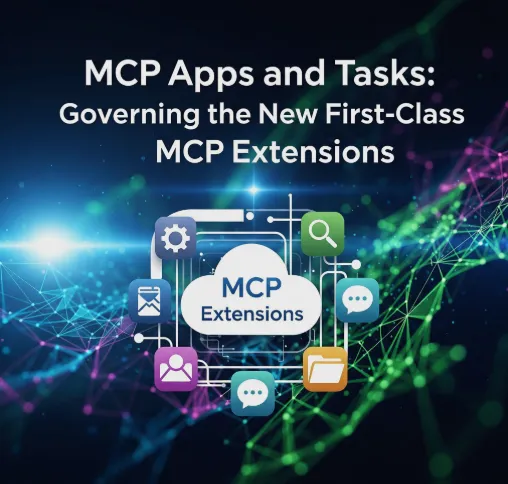
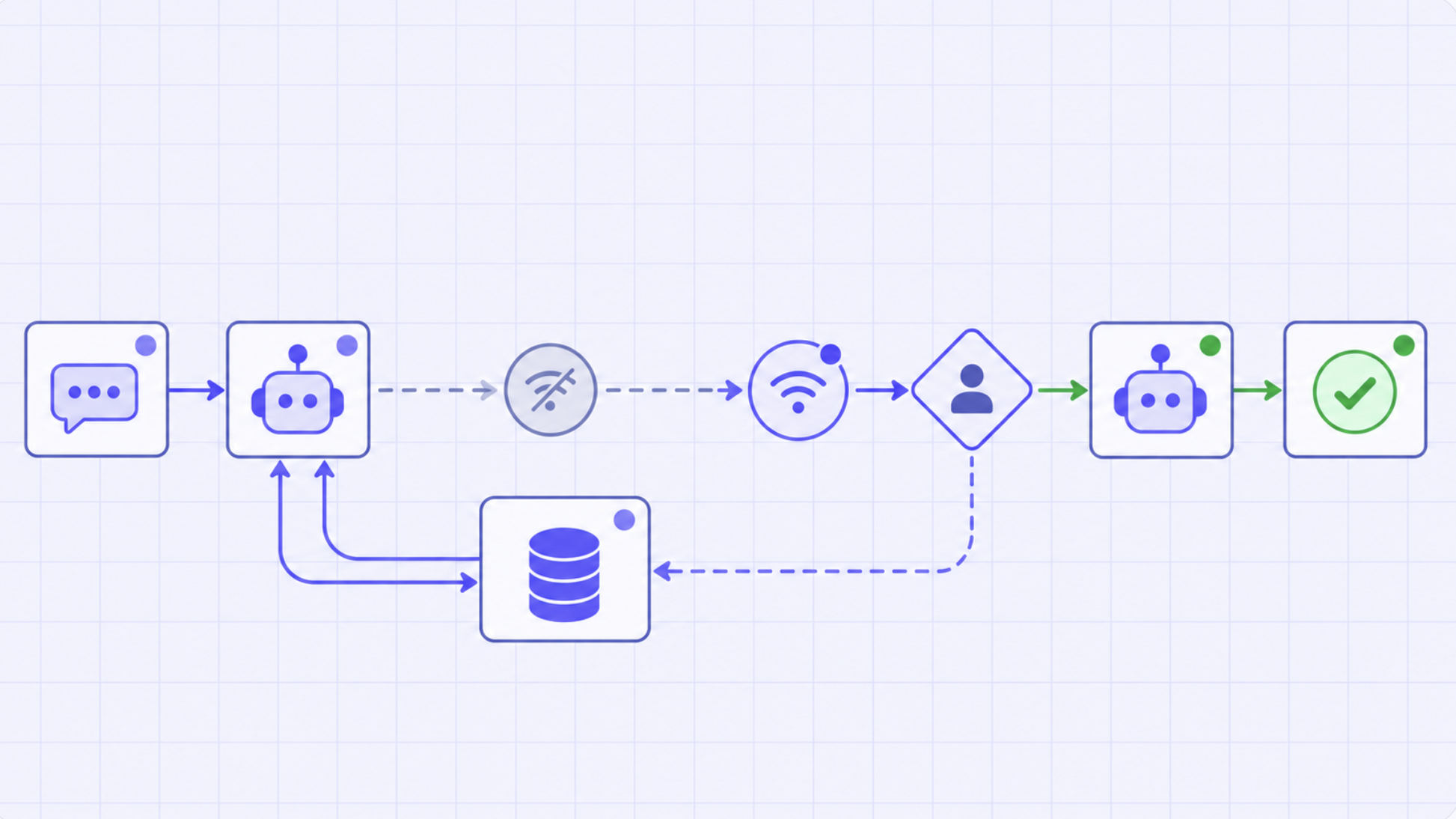
The same MCP 2026-07-28 release that made the protocol stateless also promoted two extensions to first-class: MCP Apps, which let a tool return an interactive UI rendered in a sandboxed iframe, and Tasks, which model long-running work as a durable state machine the client drives with tasks/get, tasks/update, and tasks/cancel. They're genuinely useful — and they're net-new governance and security surfaces. This post is how each works, where the new risk lives, and why the gateway is the place to govern them.
Hana, a product engineer, shipped a "generate quarterly report" MCP tool and used both new extensions to make it nice. She returned an MCP App — an interactive preview the user could tweak in a sandboxed panel — and, because the generation took a couple of minutes, she modeled it as a Task so the call didn't block. The demo was great. The problems showed up the week after. The App's rendered preview included a vendor name pulled straight from an untrusted record, and a teammate pointed out that nothing was screening what got rendered into that surface — the same content the model would read back. And one report Task ran for eighteen minutes, quietly burning tokens, with no progress and no cost visible until it finally returned.
Neither was a bug in Hana's code. They were the new surfaces doing exactly what the spec allows, in a system that had governance for tool calls but not for rendered UIs or long-running tasks. The 2026-07-28 release didn't just simplify the transport; it added two places where value — and risk — now live. This post is how to build on them without inheriting Hana's week.
The release reorganized extensions into a real framework: each extension gets a reverse-DNS identifier, its own repository and maintainers, and a version that moves independently of the core spec. Clients and servers negotiate support through an extensions map in their capabilities — a server advertises that it speaks MCP Apps or a given version of Tasks, the client advertises the same, and if both agree they use it; if not, the connection still works without it. MCP Apps and Tasks are the first two first-class examples.
Crucially, neither replaces the tool primitive. A tool still takes JSON arguments and returns JSON results. An App adds an optional rendered surface on top of a tool; a Task changes how a tool call's result is delivered when the work is long-running. That's why they're best understood as augmentations — and why the governance you already apply to tools needs to extend to cover them rather than being replaced.
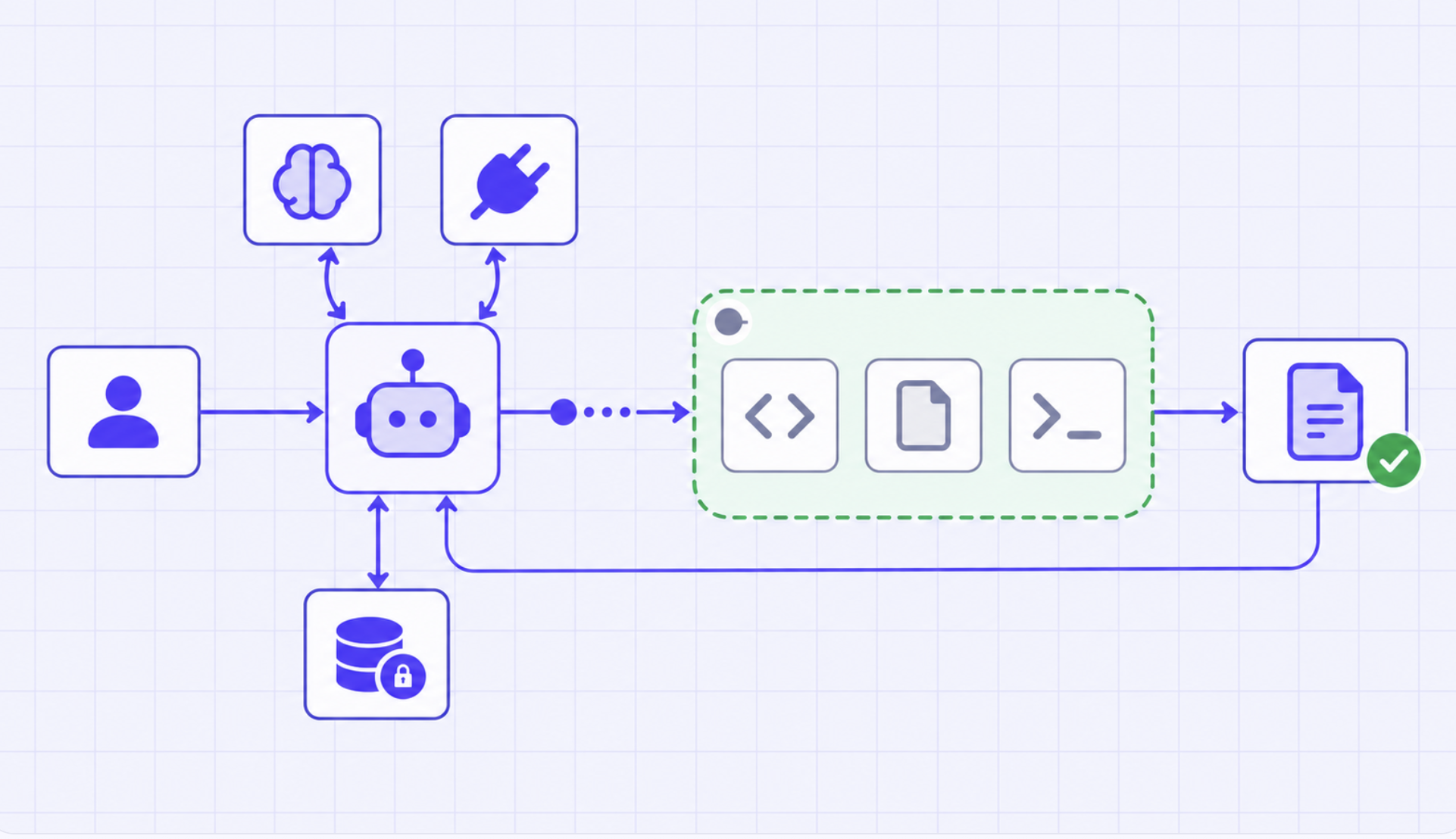
An MCP App lets a tool return an interactive UI resource that the host renders in a sandboxed iframe. The analogy from the spec discussion is apt: it augments a tool the way a hosted dashboard augments an API. The tool's JSON contract is unchanged; the App is the interactive shell a host can show the user. For Hana's report tool, the App is the preview panel.
The capability is negotiated, not assumed. A server declares the App augmentation in its capabilities, and a host that doesn't support Apps simply gets the JSON result and renders nothing extra. That graceful degradation is good design — but it also means the App surface is optional and easy to ship without thinking through what it introduces, which is the subject of the next section.
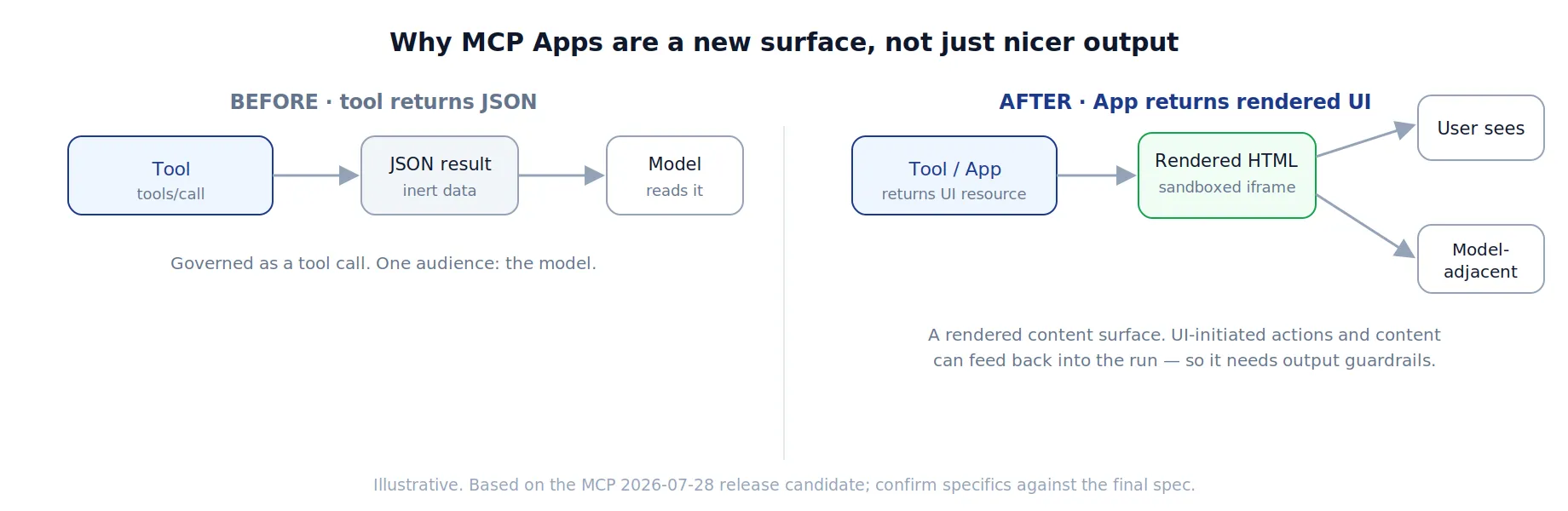
The new risk in an App is that its rendered content has two audiences. The user sees it, so anything untrusted rendered into the panel is a client-side content concern — the sandboxed iframe limits the blast radius, which is exactly why the host renders it sandboxed, but "sandboxed" bounds what the markup can do to the host, not what the content can say. Depending on host behavior, the App’s content, backing data, or UI-initiated actions may feed back into model context, so untrusted text rendered into an App is another path for the indirect prompt injection covered in our prompt-injection post: instructions smuggled into a field that ends up in front of the model.
The practical stance is to treat App content as untrusted output that needs the same screening as any other model-adjacent content: scan and sanitize what gets rendered, never interpolate raw untrusted data into the surface without escaping, and keep the App's sandbox strict. Hana's vendor-name field is the canonical mistake — untrusted data interpolated into a rendered surface that both the user and the model consume, with no guardrail in between.
TrueFoundry AI Gateway offre une latence d'environ 3 à 4 ms, gère plus de 350 RPS sur 1 processeur virtuel, évolue horizontalement facilement et est prête pour la production, tandis que LiteLM souffre d'une latence élevée, peine à dépasser un RPS modéré, ne dispose pas d'une mise à l'échelle intégrée et convient parfaitement aux charges de travail légères ou aux prototypes.





Les dernières nouvelles, articles et ressources envoyés dans votre boîte de réception
.png)
.png)
.png)
.png)
.png)
.png)
.png)
.png)
.png)
.png)
.png)