

Run setup
With Grok Build installed, install the setup tool, then run: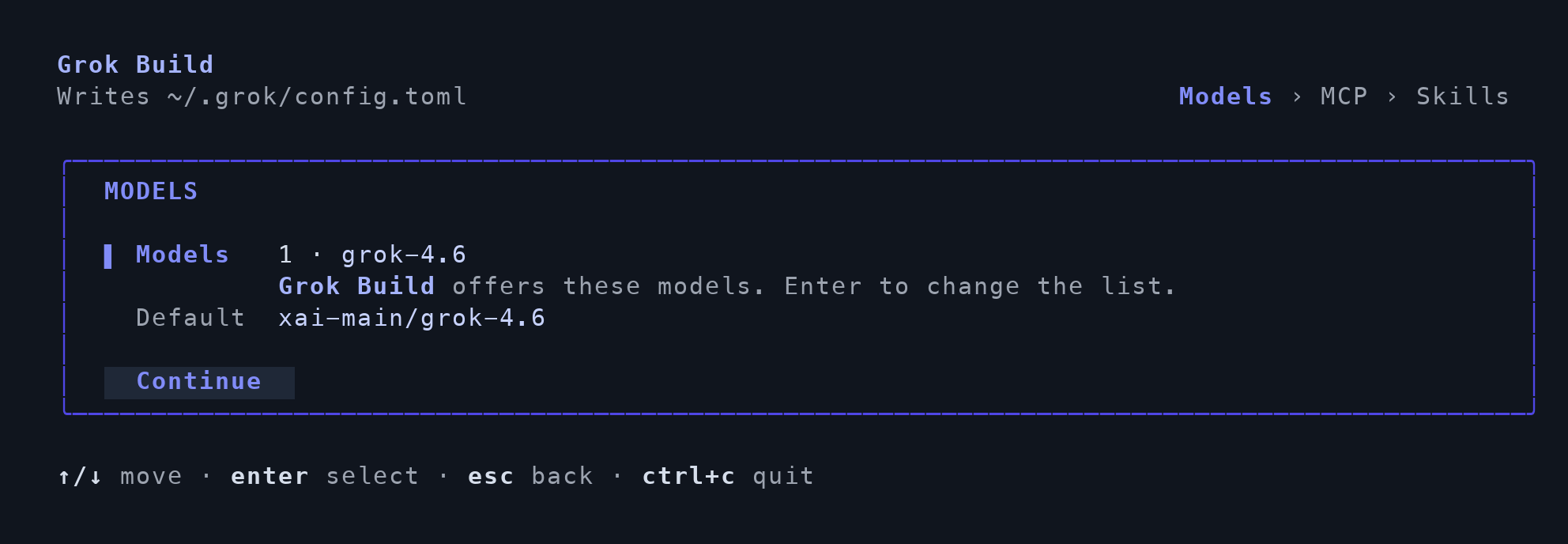
Example Grok model; use your organization's model ID.
Open Grok Build
Open a new terminal and launch Grok Build normally. Follow any remaining actions in the completion summary. If you selected MCP servers, check their connection status inside the agent and complete any sign-in prompts.Verify the connection
Select your configured model in a new conversation and ask:Reply exactly TFY-CHAT-OK. Do not use tools. Confirm that a response arrives without an authentication or model error. Then verify the request in the gateway.
For manual configuration and advanced options, see the Grok Build integration guide.