TrueFoundry AI Gateway allows you to control which requests are logged.

Controlling Request Logging

Using HTTP Headers

Include the X-TFY-LOGGING-CONFIG header on a request with a stringified JSON value. Set enabled to true to log the request or false to skip logging:
Note that the value of X-TFY-LOGGING-CONFIG is a stringified JSON, not a raw JSON object. Most SDKs serialize headers as strings, so wrap the JSON in quotes as shown above.

Using Global Settings

Global logging settings are being deprecated. Use Logging Configuration instead. It lets you control logging per subject, model, or metadata and redact sensitive values. Global settings continue to work during the transition but will be removed after three months. See Migrating to logging configs.
You can also control logging behavior globally using AI Gateway global settings:
In the AI Gateway UI, click Settings in the left sidebar to open global settings.

Migrating to logging configs

Logging Configuration replaces the global logging modes with rule-based control:

Viewing Request Logs

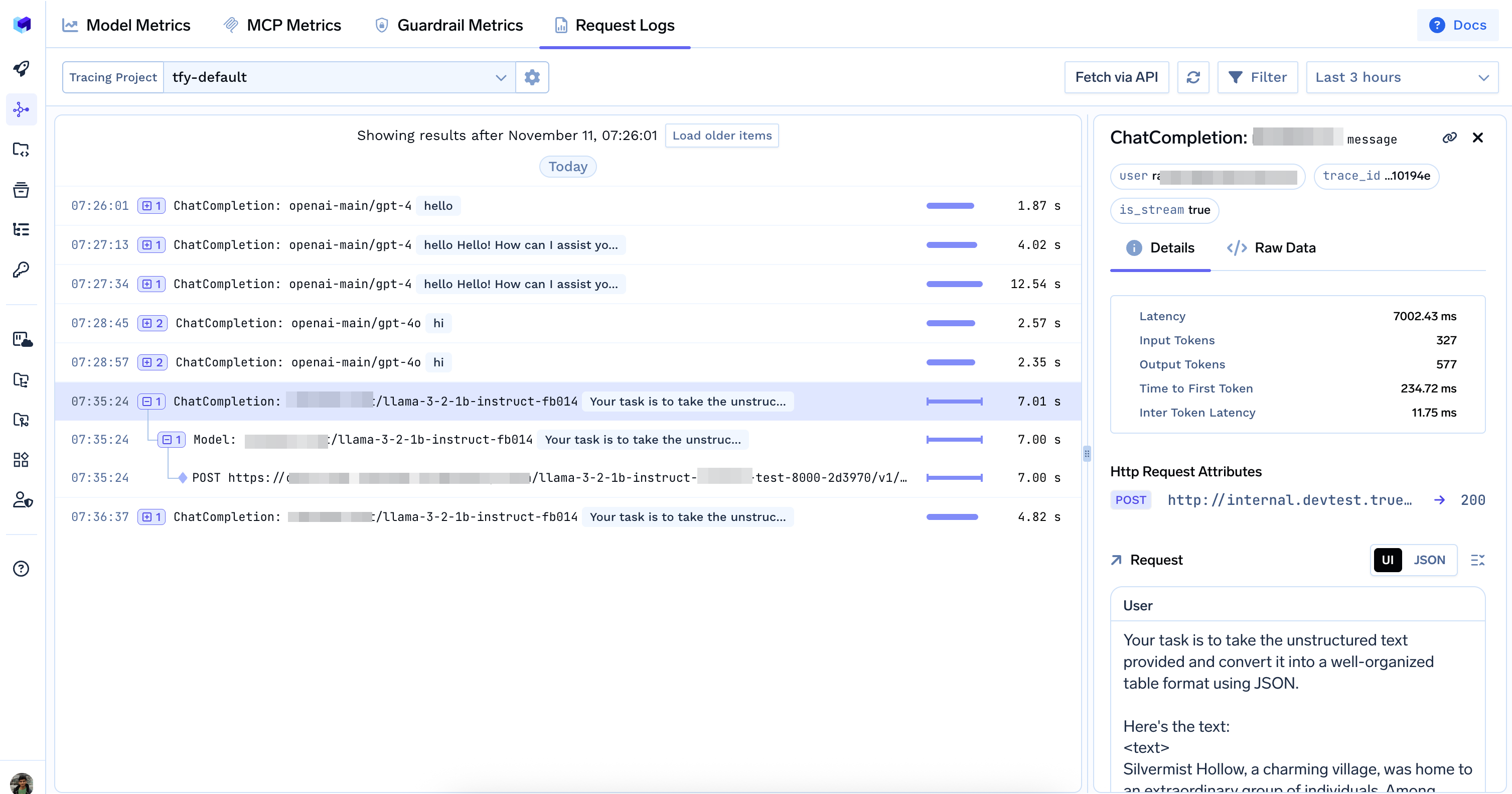
You can view all logged requests in the TrueFoundry UI. Go to AI Gateway > Monitor > Requests

Request logs in the Monitor section

Data Access Rules for Request Logs and Metrics

Please refer to Data Access Rules for Traces and Metrics for more information.