TrueFoundry is recognized in the 2025 Gartner® Market Guide for AI Gateways! Read the full report

No items found.

Best AI Code Security Tools for Enterprise in 2026: Reviewed & Compared

March 27, 2026
|
9:30
min read
SHARE

Here’s a scenario that probably sounds familiar. A developer on your team asks Claude Code to refactor an authentication module. Within minutes, the agent has read the codebase, called an MCP server to check the database schema, run a few shell commands, and opened a pull request. Forty-five minutes of work, done in three.

Sounds great. But nobody reviewed what the agent actually did along the way. Nobody checked what got sent to the LLM provider, which MCP servers it connected to, or whether the generated code introduced a SQL injection that the original version didn’t have.

This isn’t a hypothetical. Veracode’s 2025 GenAI Code Security Report tested more than 100 LLMs across 80 curated coding tasks and found that AI introduced security vulnerabilities in 45% of cases. Aikido Security’s 2026 survey of 450 developers and security leaders paints a similar picture: one in five organizations reported a serious security incident linked to AI-generated code.

Tools are getting better at writing code. They aren’t getting better at writing safe code.

And honestly, the code itself is only half the problem. Claude Code, Cursor, and Copilot run with developer-level privileges now. They execute shell commands, read environment files, and connect to internal APIs through MCP servers that most security teams have never even looked at. One compromised MCP connection and you’ve got credential exfiltration that no static scanner will ever catch, because the vulnerability was never in the code. It was in the workflow.

In 2026, securing AI-assisted development means governing the entire pipeline, not just running a scan after code lands in a pull request.

This guide covers the best AI code security tools that actually help enterprise teams deal with this.

Diagram mapping the AI-assisted development pipeline — from developer to AI IDE to LLM provider to MCP servers to codebase — with security threat labels at each stage

Quick Comparison of Top AI Code Security Tools

Platform Best For G2 Rating Key Features
TrueFoundry Full-Stack AI Governance & Security 4.6/5 AI Gateway, MCP Gateway, VPC Deployment, Audit Logging
Snyk Developer-First Code & Dependency Scanning 4.5/5 DeepCode AI, SCA, Container Security, IaC Scanning
GitHub Copilot + Advanced Security GitHub-Native Security Workflow 4.5/5 CodeQL, Secret Scanning, Copilot Autofix, Push Protection
Cursor Enterprise AI IDE Governance & Sandbox Controls 4.7/5 Sandbox Mode, Privacy Mode, Hooks, SAML SSO
Claude Code Security Deep Vulnerability Discovery N/A AI Code Reasoning, Multi-Stage Verification, Severity-Rated Findings
OpenAI Codex Security Threat-Model-Driven Scanning N/A Automated Threat Models, Context-Ranked Findings, Sandbox Validation
Cycode AI Code Visibility & Supply Chain Security 4.5/5 (Gartner) AI Code Detection, SDLC Visibility, AIBOM, MCP Server Detection
Checkmarx One Enterprise-Scale AppSec Coverage 4.2/5 SAST, SCA, DAST, API Security, Assist AI Agents, Air-Gapped Deployment

1. TrueFoundry: Best Overall AI Code Security Platform

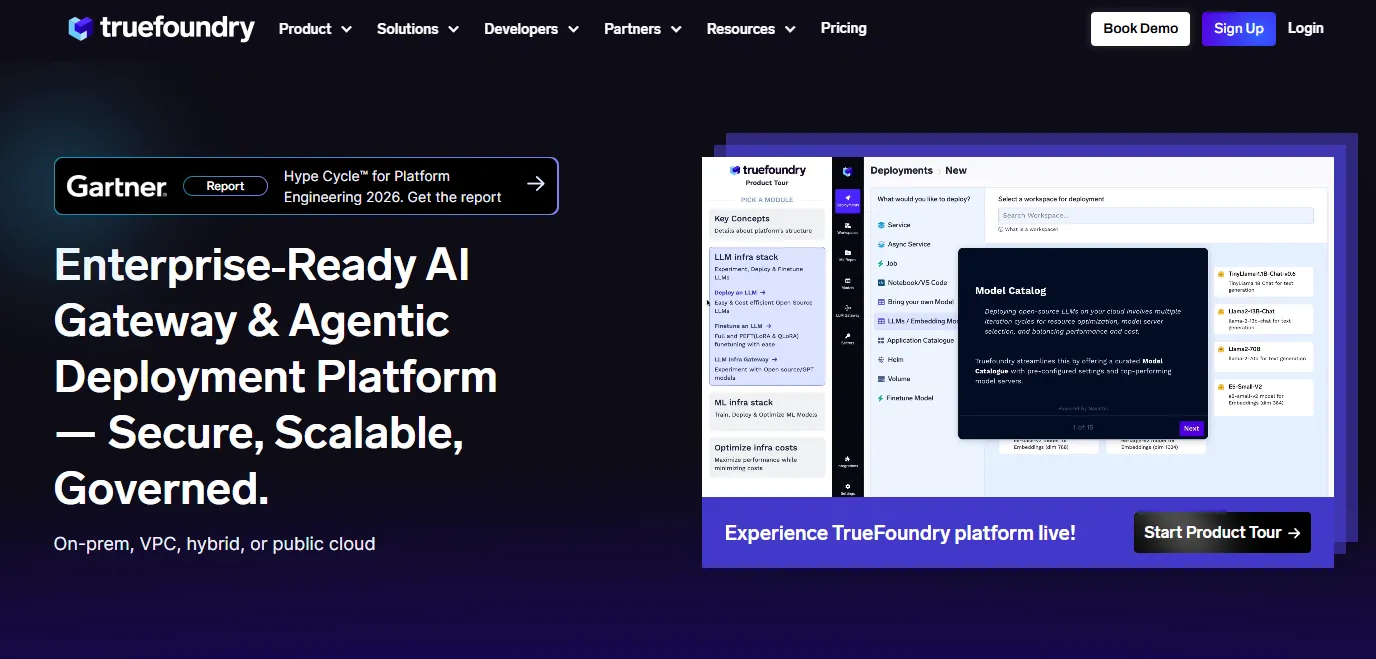
Most security tools in this space are scanners. They look at code after it exists and tell you what went wrong. TrueFoundry does something different. It controls the conditions under which code gets generated in the first place.

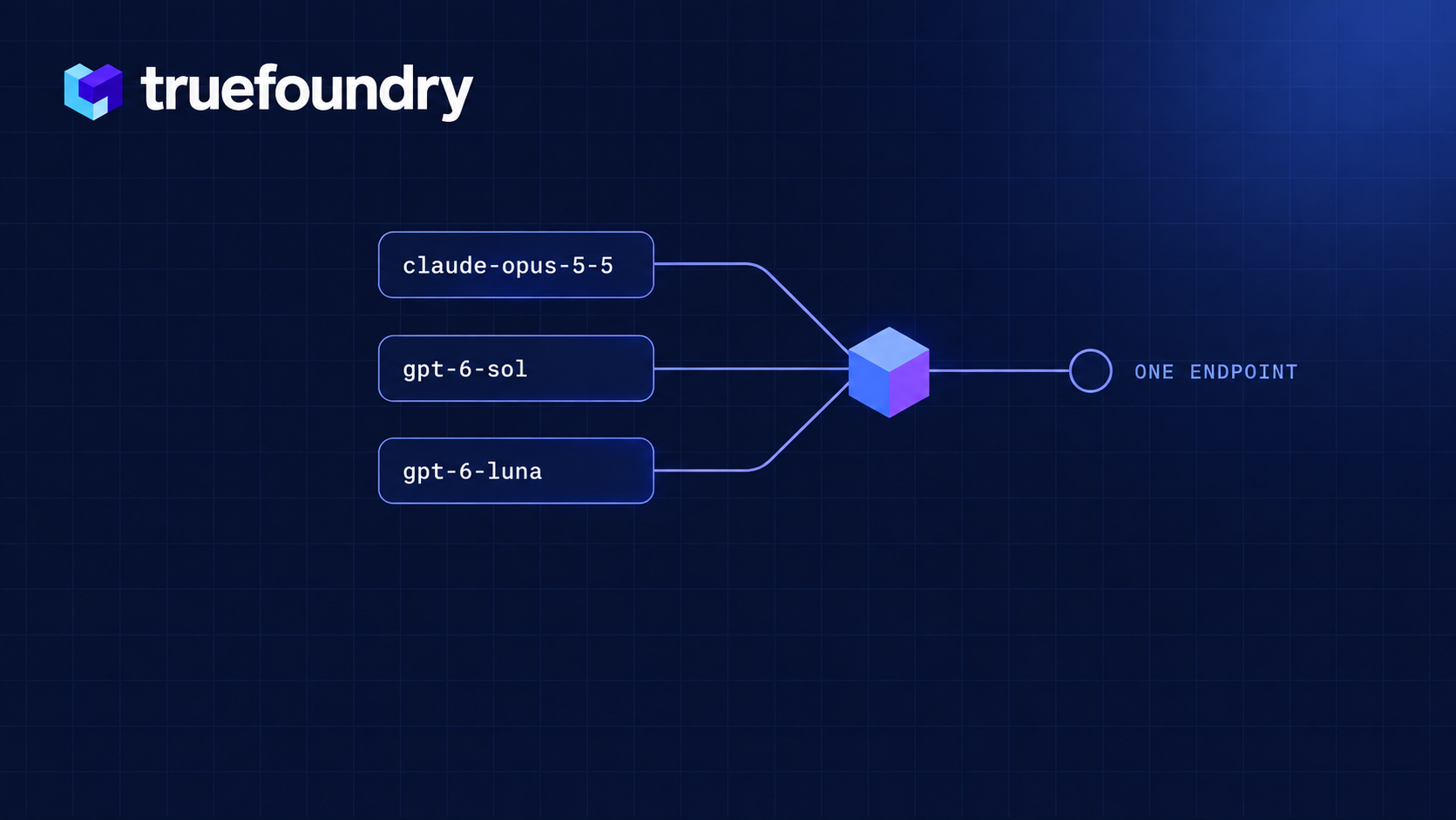
At the center of it is the AI Gateway. Think of it as a reverse proxy sitting between every developer on your team and every LLM provider they touch. Claude Code, Cursor, some random OpenAI-compatible CLI tool an intern installed last week. Everything routes through one layer. From there, you enforce which models are available, set spend caps per team, inspect what goes in and out, and fail over across providers without touching any client config. Setup takes about five minutes: point ANTHROPIC_BASE_URL at your gateway endpoint and you’re done.

Where things get really interesting is the MCP Gateway. AI coding agents now talk to databases, internal APIs, and third-party services through MCP servers. This risk category barely existed eighteen months ago, and most organizations have zero visibility into which servers their agents connect to. TrueFoundry lets you allowlist approved servers, inspect every tool invocation, and kill unauthorized connections before they complete. If you’ve ever had to explain to a CISO why an AI agent was querying a production database at 2 AM, you understand why this matters.

One more thing that tends to seal the deal for enterprise buyers: TrueFoundry deploys inside your own cloud account. AWS, GCP, or Azure. Code, prompts, and logs never leave your VPC. For regulated industries where data residency isn’t negotiable, this is often the only reason they need to hear.

Key Features

  • AI Gateway with model-level governance. Restrict model access per team, enforce rate limits and budget caps, route traffic across providers with automatic failover. One endpoint, full control.
  • MCP Gateway for tool access control. Allowlist vetted MCP servers, inspect tool calls in real time, apply guardrails with pre-execution checks and post-execution validation, block unauthorized data access at the agent layer.
  • Enterprise SSO and identity controls. SAML 2.0 and OIDC with Okta, Azure AD (Entra ID), Auth0, Google Workspace. Domain capture routes corporate emails to your workspace automatically. IdP group-to-role mapping handles automatic role assignment.
  • Managed settings via MDM. Push locked configurations through Jamf, Kandji, Mosyle, or Intune to enforce base URLs, model restrictions, and permission policies on every developer machine (yes, including the remote ones). System-level file locking prevents user modification without root.
  • Audit logging with OpenTelemetry export. Every LLM request, tool invocation, and agent action gets captured with full user attribution. Pipe it into Splunk, Datadog, Grafana, or whatever your SOC already runs. 90+ day retention for SOC 2 compliance.
  • On-prem and hybrid deployment. Full platform in your VPC with support for AWS Bedrock and Google Vertex AI routing. Makes SOC 2, HIPAA, and EU AI Act conversations a lot shorter.

Pricing

Usage-based. Scales with request volume and the governance features you enable. Since everything runs in your cloud, infrastructure costs stay transparent. No upfront commitment. Start with one team and expand from there. Pricing details are available on request.

Best For

  • Enterprises juggling Claude Code, Cursor, and Copilot at the same time and needing one place to govern all of them
  • Security and platform teams that own AI access control, cost governance, and compliance
  • Organizations in financial services, healthcare, or government where on-prem deployment isn’t optional
  • Teams tired of playing catch-up with scanners who want to prevent incidents rather than just detect them

Customer Reviews

TrueFoundry is rated 4.6/5 on G2 (as of early 2026). Reviewers consistently call out the platform’s ability to simplify AI governance without slowing teams down. Common themes include clear visibility into LLM costs and usage across teams, fast deployment (several reviewers mention going live within a week), and responsive support that digs into technical issues quickly. Platform and ML engineering teams make up the bulk of reviewers, and the feedback skews heavily positive on ease of use and infrastructure control.
2. Snyk

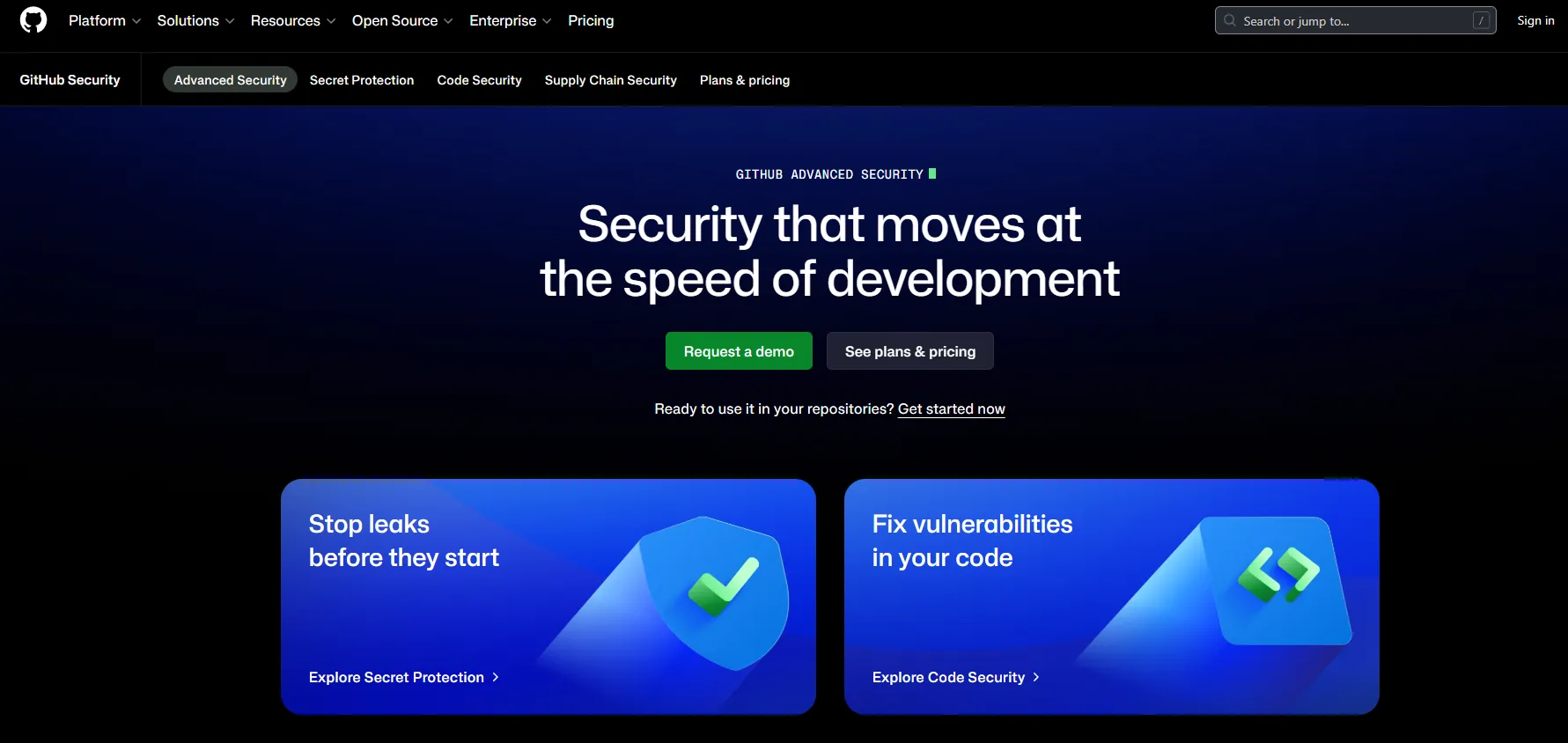
Snyk was a developer-security favorite long before AI code generation was a thing, and they’ve adapted well. Their DeepCode AI engine combines symbolic AI with generative AI and data-flow analysis across more than 25 million data flow cases to find and fix vulnerabilities with high accuracy.

The AI story is getting stronger here.

In May 2025, Snyk launched its AI Trust Platform, which specifically addresses AI-generated code security, agentic workflow security, and AI supply chain protection. That’s a meaningful evolution from their traditional scanning roots.
Key Features

  • DeepCode AI for context-aware static analysis with auto-fix suggestions trained on millions of real-world fixes
  • SCA covering open-source dependency vulnerabilities across 15M+ packages with 24,000+ new vulnerabilities cataloged in 2024 alone
  • Container scanning for Docker/OCI images and infrastructure-as-code security for Terraform, CloudFormation, and Kubernetes manifests
  • Real-time security feedback inside IDEs and pull requests, plus Snyk Agent Fix for autonomous remediation

Pros

  • Developer experience is genuinely good. Security shows up where engineers already work, not in some separate dashboard they’ll never open
  • Covers code, dependencies, containers, and IaC in one platform
  • Vulnerability database updates fast, which matters when new CVEs drop weekly
  • Public repository scanning is free across all plans, making it easy to evaluate before committing budget

Cons

  • Scans code that already exists. Can’t govern what models produced it or what data got sent to the LLM during generation
  • No visibility into MCP server connections or agent behavior
  • If a developer switches from Copilot to Claude Code mid-sprint, Snyk doesn’t know and doesn’t care

3. GitHub Copilot + Advanced Security

If your entire development workflow lives in GitHub, this combination is worth evaluating. The catch: you need to understand what you’re actually buying, because these are separate products with separate price tags.

GitHub Copilot handles AI-assisted coding. The coding agent does run internal CodeQL checks, secret scanning, and dependency reviews on its own generated code before opening a pull request. That validation happens automatically and doesn’t require an Advanced Security license. The limitation: it only covers code the agent writes. Everything your human developers commit? That’s on you.

GitHub Advanced Security (GHAS) is where the full scanning coverage lives. As of April 2025, GitHub unbundled GHAS into two standalone products: Code Security at $30 per active committer per month (CodeQL scanning, Copilot Autofix for all alerts, security campaigns) and Secret Protection at $19 per active committer per month (secret scanning on private repos, push protection, AI-powered credential detection). Both are available for GitHub Team and Enterprise Cloud accounts.

Key Features

  • CodeQL static analysis with Copilot Autofix generating targeted patches (requires Code Security license)
  • Secret scanning with push protection that blocks credentials before they hit the repo (requires Secret Protection license)
  • Copilot coding agent’s built-in security self-validation (included with Copilot, no GHAS license needed)
  • Dependency review against the GitHub Advisory Database
  • Enterprise controls for model access, data retention, and org-level policies

Pros

  • Tightest integration between AI coding and security scanning available today
  • Autofix doesn’t just flag problems. It generates fixes that often work on the first try
  • The coding agent’s self-validation catches issues in agent-generated code at no extra cost
  • Mature enterprise controls: SSO, audit logs, IP indemnity, content exclusions

Cons

  • Full security scanning requires separate GHAS purchases ($30 + $19 per committer per month adds up fast at scale)
  • Everything stops at the GitHub boundary. Developers using Cursor or Claude Code? Completely ungoverned
  • No MCP gateway, no cross-tool model routing, no budget enforcement outside GitHub
  • For organizations with a multi-tool strategy (most of them by now), you still need something else

4. Cursor Enterprise

Cursor’s growth has been hard to ignore. Developers at more than half the Fortune 500 now use it, a milestone reached roughly two years after launch. According to Cursor’s published case study, Stripe rolled out Cursor to its 3,000+ engineers, with over 70% actively using it. The Enterprise plan adds what security teams actually need: enforced privacy controls, sandboxed agent execution, and the Hooks system that lets you inject custom governance logic directly into the agent loop.
Key Features

  • Privacy Mode, enforced by default on Business and Enterprise plans, with zero data retention agreements across major model providers including OpenAI, Anthropic, Google Cloud Vertex, and xAI
  • Sandbox Mode that restricts agent terminal access (network blocked by default, file access scoped to workspace and /tmp/)
  • SSO via SAML 2.0 and OIDC with SCIM 2.0 provisioning on Enterprise plans
  • Hooks for custom pre-execution security checks: beforeShellExecution, beforeMCPExecution, and beforeReadFile hooks can allow, warn, or deny actions. Partners include Snyk, 1Password, Endor Labs, and Semgrep
  • Audit logs tracking 20+ event types covering access, asset edits, and configuration updates

Pros

  • Probably the most mature AI IDE on the market, with deep multi-model support and serious enterprise adoption
  • Sandbox Mode actually works. Agents can’t hit the network or escape the workspace by default, and admins can enforce network allowlists from the dashboard
  • Hooks are powerful if your team has the bandwidth to build and maintain them
  • SOC 2 Type II certified (report available at trust.cursor.com)

Cons

  • All of this governance applies to Cursor only. Open Claude Code in a terminal and none of it follows
  • Hooks require per-team scripting. There’s no centralized policy engine pushing rules across the org
  • No built-in vulnerability scanning, so you’ll still need Snyk or CodeQL running separately
  • Prompt injection and MCP poisoning remain documented attack vectors

5. Claude Code Security

Anthropic announced Claude Code Security on February 20, 2026, claiming it had found vulnerabilities that survived decades of expert review in major open-source projects. There’s real substance behind the claim. Using Claude Opus 4.6, Anthropic’s team found over 500 vulnerabilities in production open-source codebases. Responsible disclosure is underway, and patches have already landed: 22 Firefox vulnerabilities (14 high severity) were fixed in Firefox 148, with additional findings in Ghostscript, OpenSC, and CGIF.

What makes it different from traditional SAST? Instead of matching patterns against a rule database, it reads the codebase holistically. It traces data flows across components, figures out how authentication layers interact with business logic, and flags context-dependent issues that a human security researcher would catch on a deep audit but an automated scanner would walk right past.

Key Features

  • Code reasoning that goes beyond pattern matching to understand architectural context
  • Multi-stage verification process that filters false positives before reporting
  • Severity-rated results with targeted patch suggestions
  • Human-in-the-loop model where every patch requires explicit developer approval
  • Available to Enterprise and Team customers in limited research preview, with free expedited access for open-source maintainers

Pros

  • Catches vulnerability classes that static analysis tools miss consistently: broken access control, logic flaws, subtle auth bypasses
  • False positive filtering is aggressive enough to be useful, so you don’t drown in noise
  • Patch suggestions save hours of remediation time per finding
  • Free access for open-source maintainers is a meaningful contribution to the ecosystem

Cons

  • Still in limited research preview. You can’t just sign up and start using it today
  • Cloud-only. Your code goes to Anthropic’s infrastructure for analysis, which is a non-starter for some enterprises
  • Purely a vulnerability finder. No model governance, no MCP control, no budget enforcement
  • Doesn’t address the upstream question of how AI tools access your codebase in the first place

6. OpenAI Codex Security

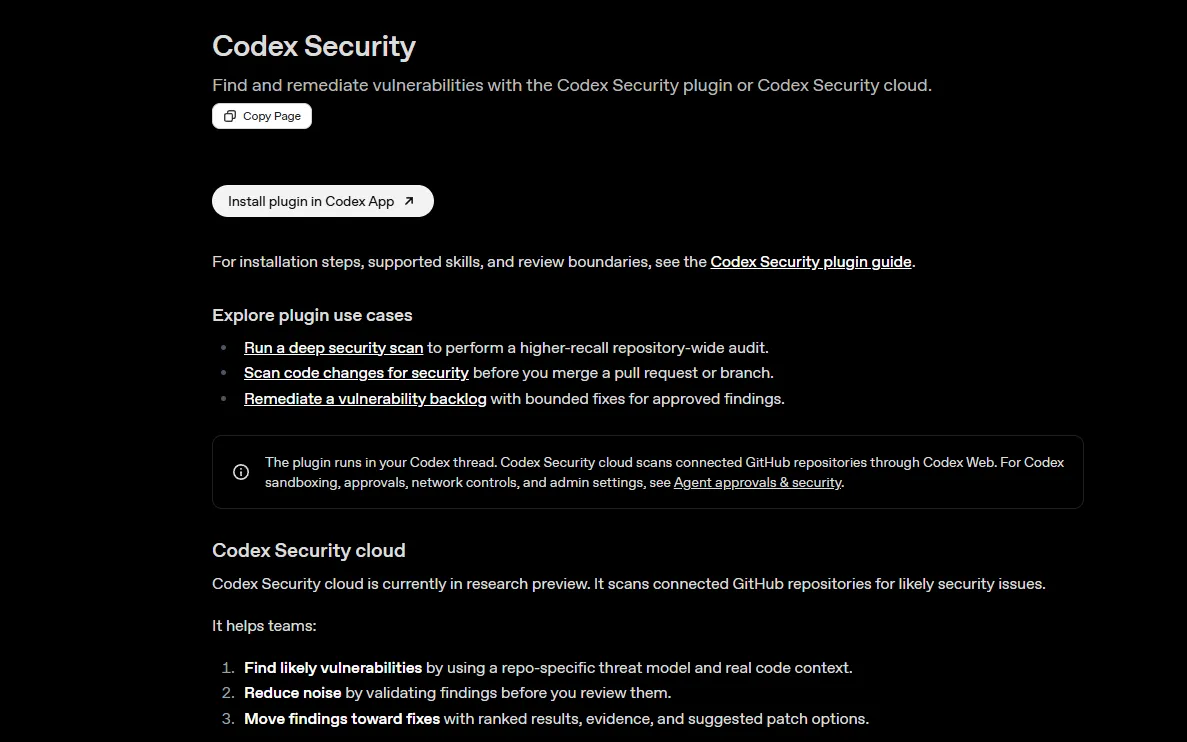
OpenAI’s entry into code security takes the most interesting approach of any scanner on this list. Before running a single check, Codex Security builds a threat model of your repository, mapping system architecture, trust boundaries, exposure points, authentication assumptions, and sensitive data paths. Findings then get ranked against this model, so you see what actually matters in your system’s context instead of getting a generic severity score.

Launched on March 6, 2026 (originally codenamed Aardvark), early results are strong. Fourteen CVEs have been assigned through responsible disclosure, including memory safety bugs in GnuTLS, including a double-free, a heap buffer overread, and a heap buffer overflow (CVE-2025-32988, CVE-2025-32989, CVE-2025-32990), a 2FA bypass in GOGS (CVE-2025-64175), and findings in OpenSSH, libssh, PHP, and Chromium.

Key Features

  • Automated, editable threat models generated per repository covering entry points, trust boundaries, and priority review areas
  • Vulnerability discovery grounded in project-specific system context
  • Findings ranked by real-world impact, not generic severity scores
  • Three-stage process (identification, validation, remediation) with sandbox-based evidence gathering
  • Available in research preview for ChatGPT Pro, Enterprise, Business, and Edu customers

Pros

  • Threat model approach cuts the false positive problem that plagues every other scanner
  • Already producing real disclosed CVEs in production software, not just benchmark numbers
  • Free during research preview
  • Fits naturally into existing ChatGPT Enterprise workflows

Cons

  • Research preview with restricted access. Not available outside the OpenAI ecosystem
  • Zero governance capabilities. Can’t control model routing, MCP access, or developer tool policies
  • Locked to OpenAI’s platform. If your team uses Claude Code or Cursor, this tool won’t help them

7. Cycode

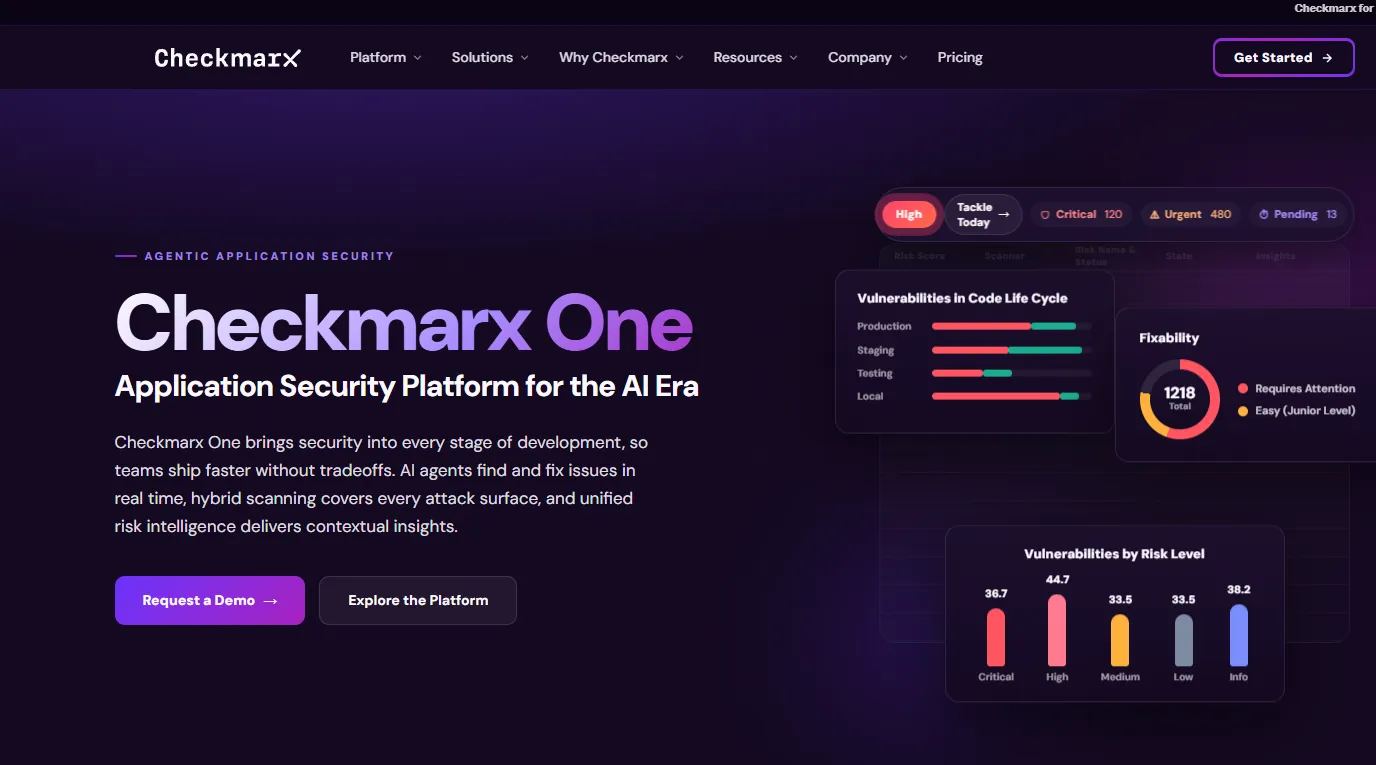
Cycode zeroes in on the question that keeps CISOs up at night: where exactly is AI-generated code in our codebase, and did anyone actually review it before it shipped? Their 2026 State of Product Security report surveyed 400 CISOs and AppSec leaders and found that 100% of organizations had AI-generated code in production. Only 19% had complete visibility into where and how AI was being used, leaving 81% without full oversight.
Key Features

  • SDLC-wide visibility from code commit to cloud deployment, including AI inventory management across coding assistants, models, and MCP servers
  • Detection and tracking of AI-generated code across the codebase with AI Bill of Materials (AIBOM)
  • Software supply chain security with pipeline integrity checks and MCP server configuration detection
  • Centralized secret detection and remediation workflows
  • Risk-based alert prioritization

Pros

  • Directly answers the audit question: “Show me where AI wrote code and whether anyone reviewed it”
  • Recognized in Gartner’s 2025 Magic Quadrant for Application Security Testing, and ranked #1 in Software Supply Chain Security in the 2025 Critical Capabilities report
  • Supply chain focus matters a lot when AI tools pull in dependencies nobody vetted
  • Consolidates fragmented AST tooling into one ASPM view

Cons

  • Detection happens after the fact. Doesn’t prevent insecure AI code from being generated in the first place
  • No AI tool governance, model routing controls, or MCP visibility at the generation layer
  • Integration across the full SDLC takes real engineering effort

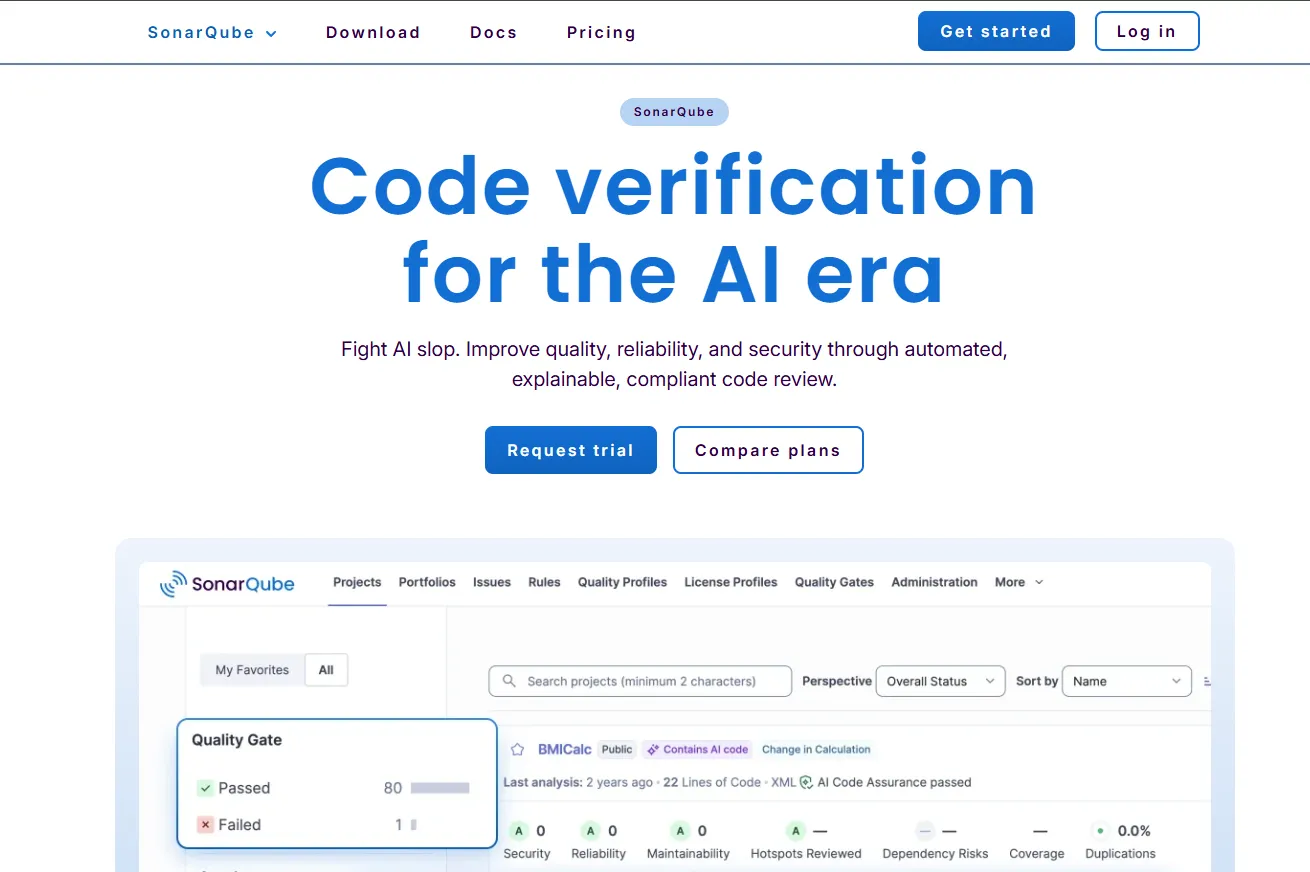
8. Checkmarx One

Checkmarx has been in enterprise AppSec longer than most tools on this list have existed. They’re the incumbent for a reason.

In March 2026, they launched the Assist family of agentic AI agents, including Developer Assist, Triage Assist, and Remediation Assist, which autonomously prevent and remediate security vulnerabilities across the development lifecycle. That sits on top of their already broad scanning coverage.
Key Features

  • Scanning across SAST, SCA, DAST, API security, IaC, and container security in one platform, plus malicious package protection and secrets detection
  • Agentic AI threat detection (Assist family) with Developer Assist, Triage Assist, and Remediation Assist operating autonomously across the SDLC
  • Enterprise ASPM with risk-based vulnerability prioritization that aggregates and correlates signals from all testing tools
  • Air-gapped and on-premises deployment for regulated industries with full infrastructure control
  • Deep CI/CD integration with most major pipeline tools

Pros

  • Widest scanning coverage of any platform here. If you need one tool to cover code, APIs, containers, and infrastructure, this is it
  • Proven at enterprise scale with complex, multi-language application portfolios
  • Air-gapped deployment option is a big deal for defense, finance, and healthcare
  • The new Assist agents bring autonomous remediation to a platform that was already comprehensive

Cons

  • Getting Checkmarx tuned properly across a large org takes dedicated effort. Configuration complexity is real
  • It’s a scanning platform at heart. No AI tool governance, no model routing, no MCP controls
  • Pricing is quote-based and, from what I’ve seen in industry conversations, reflects how much it covers. This isn’t a tool you evaluate over a weekend

How to Choose the Right AI Code Security Tool

Not every tool on this list solves the same problem, and picking the wrong one means you’re either scanning code that shouldn’t have been generated that way in the first place, or governing tool access while vulnerabilities slip through undetected. Your team probably deals with some combination of both. Here’s a quick checklist:

  • Does it govern AI tool access, or just scan the output? If your engineers use Claude Code, Cursor, and Copilot interchangeably, you need governance at the tool layer, not just scanning at the PR layer.
  • Can it control MCP server connections? AI agents now talk to databases and internal APIs through MCP. If your security tool doesn’t even know MCP exists, it’s missing a growing attack surface.
  • Does it work across your full toolchain? A solution that only covers one IDE or one code host leaves gaps wherever developers switch tools.
  • Can it enforce budgets and rate limits? Runaway AI spending is a security problem too. Cost governance and access governance often belong in the same platform.
  • Does it support on-prem or VPC deployment? For regulated industries, SaaS-only tools are often a non-starter. Your code and prompts shouldn’t leave your infrastructure.
  • Does it provide audit trails? SOC 2, HIPAA, and the EU AI Act all require demonstrable governance over AI systems. If you can’t show who used which model and what data was sent, you have a compliance gap.
  • Can it detect vulnerabilities in AI-generated code specifically? Traditional SAST tools weren’t designed for AI-generated patterns. Tools that understand AI coding behavior catch more.
  • Is it built for where the industry is headed? AI coding agents are getting more autonomous every quarter. Your security tooling needs to keep pace with agents that execute shell commands, call tools, and open PRs without human review.

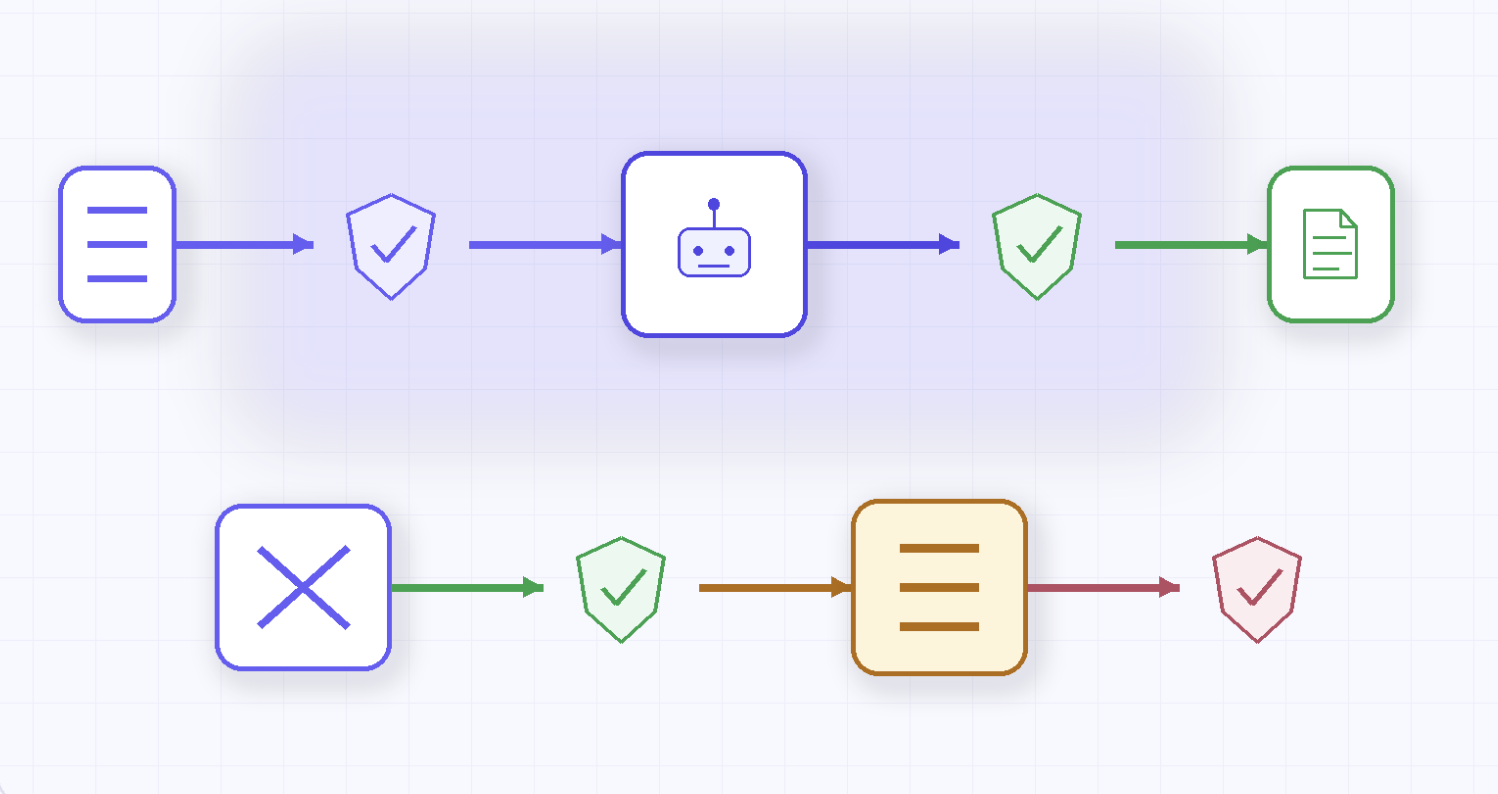
Teams operating at scale typically need both: a governance layer like TrueFoundry to control how AI tools interact with your infrastructure, and scanning tools like Snyk, Claude Code Security, or Checkmarx to catch what slips through.

Side-by-side diagram showing the governance layer (TrueFoundry, Cursor Enterprise) and scanning layer (Snyk, Checkmarx, GitHub GHAS, Claude Code Security) with a callout explaining why both are required for complete enterprise coverage

AI Code Security Is No Longer Optional

Here’s the reality of 2026: AI isn’t assisting development anymore. It’s driving it. Engineers at the world’s largest companies have handed significant chunks of their workflow to AI agents that read codebases, run commands, and push code autonomously. That’s not slowing down.

The security tooling hasn’t kept pace. Most organizations are still trying to secure AI-generated code with the same static analysis tools they’ve used for a decade. Those tools were never designed for a world where an AI agent connects to an unvetted MCP server, pulls in an unreviewed dependency, and commits code that looks correct but isn’t safe.

The organizations that get ahead of this will be the ones that combine governance and detection: controlling how AI tools access models, infrastructure, and data at the source, while also scanning outputs for the vulnerabilities that inevitably slip through.

Frequently Asked Questions

What are AI code security tools?

AI code security tools help organizations detect and prevent security vulnerabilities introduced by AI-assisted development. This includes scanning AI-generated code for flaws, governing which AI models and tools developers can access, controlling how AI agents interact with infrastructure through MCP servers, and maintaining audit trails for compliance. Some tools focus on scanning (Snyk, Checkmarx), others on governance (TrueFoundry), and some on deep vulnerability discovery (Claude Code Security, Codex Security).

What is the best AI code security tool for enterprises?

It depends on your biggest risk. For organizations running multiple AI coding tools and needing centralized governance, TrueFoundry provides the broadest control through its AI Gateway and MCP Gateway. Snyk and Checkmarx offer strong coverage if scanning AI-generated code is your primary concern. On the vulnerability discovery side, Claude Code Security and OpenAI Codex Security use AI reasoning to find issues that traditional scanners miss. Most enterprises need a combination of governance and scanning tools.

How do AI coding tools introduce security risks?

AI coding tools like Claude Code, Cursor, and GitHub Copilot operate with developer-level privileges. They can read files, execute shell commands, connect to databases and APIs through MCP servers, and commit code to repositories. Security risks arise when these tools connect to unvetted MCP servers, generate code with vulnerabilities, pull in unreviewed dependencies, or send sensitive data to third-party LLM providers. According to Veracode’s 2025 research, AI introduced vulnerabilities in 45% of coding tasks tested. Traditional static analysis doesn’t catch most of these risks because the threat is in the workflow, not just the code.

How does TrueFoundry secure AI-assisted development?

TrueFoundry deploys an AI Gateway and MCP Gateway inside your own cloud account (AWS, GCP, or Azure) to intercept and govern all AI coding traffic. It controls which models developers can access, enforces budget and rate limits per team, allowlists approved MCP servers, applies guardrails with pre-execution checks and post-execution validation, and captures full audit logs exportable via OpenTelemetry. Because everything runs in your VPC, code and prompts never leave your infrastructure, making it suitable for organizations with strict data residency and compliance requirements under SOC 2, HIPAA, and the EU AI Act.

The fastest way to build, govern and scale your AI

Sign Up

Discover More

No items found.
multi agent architecture for enterprise AI
March 27, 2026
|
5 min read

The Complete Guide to multi agent architecture for Production AI Teams

No items found.
TrueFoundry platform controlling shadow AI risk across enterprise teams
March 27, 2026
|
5 min read

Shadow AI Is Becoming an Enterprise Risk: What Leaders Must Do Now

No items found.
March 27, 2026
|
5 min read

Best AI Code Security Tools for Enterprise in 2026: Reviewed & Compared

No items found.
best mlop tools
March 27, 2026
|
5 min read

25 Best MLOps Tools of 2026

Engineering and Product
No items found.
Take a quick product tour
Start Product Tour
Product Tour

Related Blogs