


Obtenga acceso instantáneo a un entorno TrueFoundry en vivo. Implemente modelos, dirija el tráfico de LLM y explore la plataforma completa: su sandbox estará listo en segundos, sin necesidad de tarjeta de crédito.


What is an SQL database and why is it important?

.webp)
If you have ever used an app, signed up on a website, or searched for something online, you have already interacted with a database, even if you didn’t notice it. Behind the scenes, databases quietly store, organize, and retrieve the information that makes digital systems work smoothly.
One of the most widely used types of database is the SQL database. In this guide, you’ll understand what it is, how it works, and why it plays such a big role in almost every modern application you use today.
H2: What is an SQL database?
Note for the brand: Recreate the image
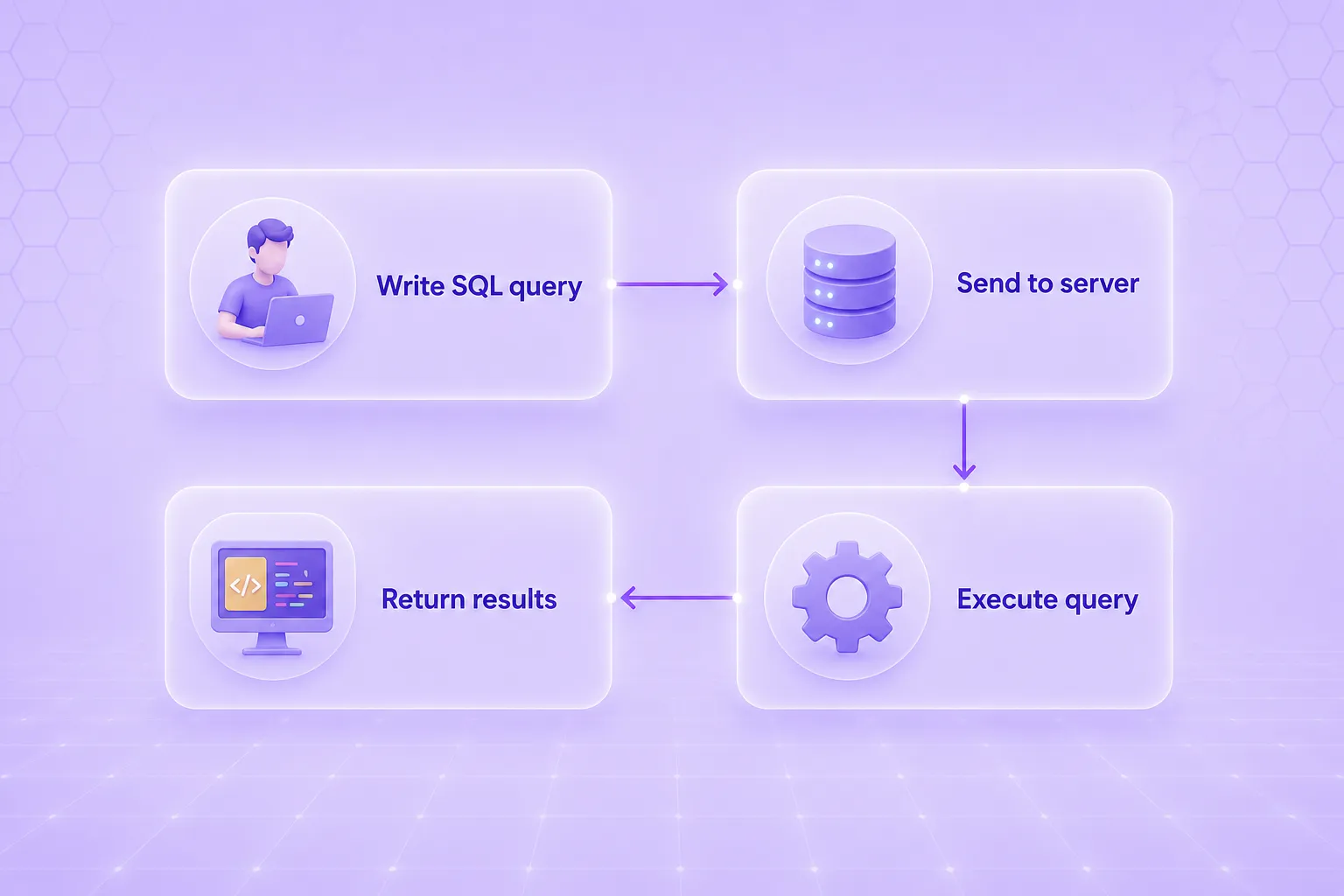
Alt text: What is an SQL database
An SQL database is a type of database that stores and manages data in a structured format using tables, which are made up of rows (records) and columns (fields). It uses SQL (Structured Query Language) to interact with the data.
In simple terms, it is a system where information is neatly organized, and you can easily access or modify it using commands.
For example, instead of manually searching through data, you can write an SQL query to instantly find what you need, such as a customer record, product detail, or user information.
SQL databases are widely used because they keep data organized, reduce errors, and make it easy to handle large amounts of information efficiently.
H2: What are the components of an SQL database?
To understand how an SQL database works, you need to know its main building blocks. These components work together to store, organize, and manage data in a structured way.
- Tables are the main structure used to store data in an SQL database. They are organized into rows and columns to represent real-world entities like customers, orders, or products.
- Each table has a primary key that uniquely identifies every record. It also uses constraints like NOT NULL, UNIQUE, PRIMARY KEY, and FOREIGN KEY to maintain data accuracy and relationships.
- Rows and columns define how data is structured in a table. A column represents a single attribute, such as name or price, and a row represents a complete record containing values for all columns.
- Each column is assigned a specific data type (like text, number, or date), ensuring that only valid, predictable data is stored in that field.
- A schema is the blueprint of an SQL database that defines tables, columns, data types, relationships, and rules for managing data. It ensures data consistency and reliability by enforcing a fixed structure, and changes to the schema are made carefully to avoid disrupting existing data.
Relationships connect different tables in an SQL database, which is why it is called a relational database. These relationships include one-to-one, one-to-many, and many-to-many, and they are created using primary keys and foreign keys to link related data across tables. Relationships help maintain data accuracy and allow information from multiple tables to be combined easily using queries.
Also read: Query Structured and Unstructured Data Seamlessly with MCP Tools
H2: What are the types of SQL databases?
Headline: Types of SQL databases
<icon> Open-source SQL databases
<icon> Proprietary SQL databases.
<icon> On-premises SQL databases
<icon> Transactional SQL databases.
<icon> Analytical SQL databases
<icon> Cloud SQL databases
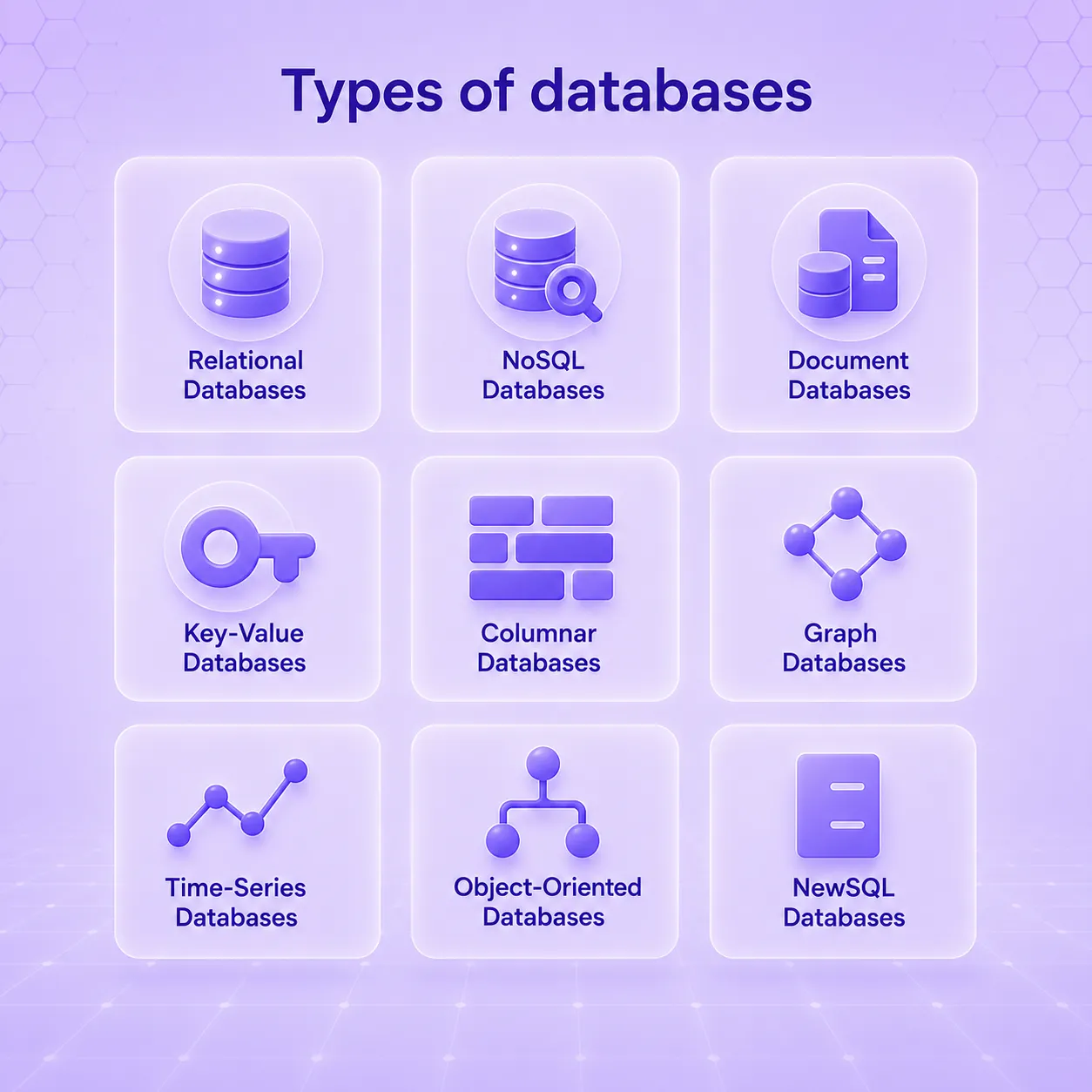
Alt text: SQL database types
SQL databases can be divided into different types based on how they are used, who manages them, and where they are hosted.
Open-source SQL databases
These are free-to-use databases where the source code is publicly available. They are commonly used in web development, startups, and small to medium applications because they are cost-effective and flexible. Examples include MySQL, PostgreSQL, and MariaDB.
Proprietary SQL databases
These are commercial databases developed by companies and require licensing. They are mainly used in large enterprises because they offer advanced features, strong security, and official vendor support. Examples include Oracle Database, Microsoft SQL Server, and IBM Db2.
On-premises SQL databases
These databases are installed and run on an organization’s own servers instead of the cloud. They provide full control over data and infrastructure but require the organization to handle maintenance, security, backups, and updates.
Transactional SQL databases
These are designed for real-time operations like inserting orders, processing payments, or updating records. They focus on speed, accuracy, and handling many users at once, making them ideal for banking, e-commerce, and booking systems.
Analytical SQL databases
These are used for data analysis, reporting, and business intelligence. They handle large datasets and complex queries such as trends, summaries, and performance insights. They are optimized for reading and analyzing data rather than frequent updates.
Cloud SQL databases
These databases are hosted on cloud platforms like AWS, Azure, or Google Cloud. They are easy to scale, require less manual maintenance, and include features like automated backups, high availability, and built-in security.
H2: How are SQL databases used?
SQL databases are used in many real-world systems where data needs to be stored, managed, and accessed in a structured and reliable way. They help organizations handle large amounts of information efficiently and securely.
In financial applications, SQL databases are used in banking and finance systems to store sensitive data such as customer accounts, transactions, loan details, and payment history, while ensuring high accuracy and consistency in every operation.
In healthcare data analysis, SQL databases store patient records, medical history, test results, and treatment information, allowing doctors and healthcare staff to quickly access data and make better decisions.
For customer transactions, e-commerce and retail platforms use SQL databases to manage orders, payments, shopping carts, and inventory, ensuring that every transaction is updated in real time.
In data analytics, SQL databases are used to process large datasets and generate insights, helping businesses analyze trends, understand customer behavior, and make data-driven decisions using efficient SQL queries.
H2: What are some examples of SQL database technology?
There are several well-known SQL database technologies used to store and manage data in different types of applications, from small websites to large enterprise systems.
- MySQL is one of the most popular open-source SQL databases and is widely used in web development. It is known for being fast, reliable, and easy to use for building websites and applications.
- PostgreSQL is an advanced open-source SQL database that is known for its strong performance and high reliability. It supports complex queries and large datasets, making it suitable for data-intensive applications.
- MariaDB is a community-developed version of MySQL that remains highly compatible with it. It offers improved performance and additional features while maintaining ease of use.
- Microsoft SQL Server is a commercial database system that is widely used in enterprise environments. It integrates well with Microsoft products and provides strong security, analytics, and business intelligence capabilities.
- Oracle Database is a powerful enterprise-grade SQL database used by large organizations.
- It is highly scalable and reliable, making it ideal for industries such as banking, finance, and telecommunications.
- IBM Db2 is an enterprise database system designed for handling large-scale and mission-critical workloads. It is known for its stability, security, and high performance in complex environments.
Also read: Building RAG using TrueFoundry and MongoDB Atlas
H2: What are the popular SQL commands?
SQL commands are instructions used to interact with a database. They help you create, manage, and retrieve data, and are commonly used in almost every application.
SQL Command
Purpose
Description
SELECT
Retrieve data
The SELECT command is used to fetch data from one or more tables in a database. It allows you to view specific columns or complete records.
INSERT
Add data
The INSERT command is used to add new records into a table, such as creating a new customer, order, or product entry.
UPDATE
Modify data
The UPDATE command is used to change existing records in a table, such as updating a name, email, or price.
DELETE
Remove data
The DELETE command is used to remove one or more records from a table when they are no longer needed.
CREATE
Create structure
The CREATE command is used to create new database objects like tables, databases, or indexes.
ALTER
Change structure
The ALTER command is used to modify an existing table structure, such as adding or removing columns.
DROP
Delete structure
The DROP command is used to permanently remove a table or database along with all its data.
H2: SQL vs. NoSQL databases
SQL and NoSQL databases are both used to store and manage data, but they work in different ways. SQL databases store data in structured tables made of rows and columns, and they follow a fixed schema. This makes them very organized, consistent, and reliable, especially for applications where data accuracy is important.
NoSQL databases, on the other hand, do not use a fixed table structure. They can store data in flexible formats like documents, key-value pairs, or graphs. This makes them easier to scale and better suited for handling large amounts of fast-changing or unstructured data.
In simple terms, SQL databases are best for structured and reliable data, while NoSQL databases are best for flexible and large-scale data needs.
H2: What are the benefits of SQL databases?
SQL databases remain dominant because they deliver a powerful mix of reliability, expressiveness, and standardization. Key benefits include:
Strong data integrity: SQL databases use ACID transactions to ensure that data changes are safe, complete, and consistent. They also use constraints like primary keys, foreign keys, and unique rules to prevent invalid data.
Standard and widely used language: SQL is a standard language that is easy to learn and widely supported. Skills in SQL can be used across many database systems like MySQL, PostgreSQL, Oracle, and SQL Server.
Powerful querying ability: SQL allows you to perform complex operations such as joining multiple tables, filtering data, grouping results, and running advanced analytical queries.
Mature ecosystem and tools: SQL databases have strong support from many tools, frameworks, and platforms. This includes reporting tools, monitoring systems, ORMs, and database management utilities.
Good performance and optimization: SQL databases use indexes, query optimizers, and caching techniques to handle large datasets efficiently and keep queries fast.
Strong security and control: They provide detailed access control, encryption, and auditing features. This makes them suitable for sensitive data in industries like finance and healthcare.
Cloud scalability and reliability: Modern SQL databases in the cloud offer automatic backups, high availability, disaster recovery, and easy scaling when data grows.
H2: What are the limitations of SQL databases?
While SQL databases are powerful, they aren’t perfect for every situation. Knowing their limitations helps you design better systems.
Rigid schema requirements: SQL databases require a fixed structure (schema) before data is stored. This means you must define tables, columns, and data types in advance. Making changes later, such as adding new fields or modifying structure, can be complex and may affect existing data and applications.
Vertical scaling challenges: SQL databases usually scale by upgrading a single server (adding more CPU, RAM, or storage). This is called vertical scaling. This approach faces hard hardware ceilings and can become more expensive compared to distributed systems.
Handling unstructured data: SQL databases are designed for structured data in tables. They are not well-suited for unstructured or semi-structured data like images, videos, logs, or flexible JSON documents, which can be handled more easily by NoSQL systems.
H2: Conclusion
An SQL database is not just a technical tool; it is the backbone of modern digital systems. It stores, organizes, and manages the data that powers everything from social media apps to banking systems.
When you understand SQL databases, you begin to see how technology really works behind the scenes. You realize that every click, every login, and every transaction depends on well-structured data management.
So the next time you open an app or website, remember, there’s a good chance an SQL database is working silently in the background, making everything possible.
H2: FAQs
What is an SQL database in simple words?
An SQL database is a system that stores data in tables made of rows and columns. It uses SQL (Structured Query Language) to add, read, update, and delete data, making it easy to organize and manage information efficiently.
What is an SQL database for?
An SQL database is used to store, manage, and retrieve structured data. It powers applications like banking systems, e-commerce websites, and healthcare records, where accurate, organized, and reliable data storage and quick access are very important for daily operations.
What are the popular SQL database engines?
Popular SQL database engines include MySQL, PostgreSQL, MariaDB, Microsoft SQL Server, Oracle Database, and IBM Db2. These engines are widely used for handling structured data in web applications, enterprise systems, analytics platforms, and large-scale business solutions across industries.
Controle, implemente y rastree la IA en su propia infraestructura

GenAI infra: simple, más rápido y más barato
Los mejores equipos confían en nosotros para escalar GenAI

- © 2022 ENSEMBLE Technologies



Suscríbase a nuestro boletín
Las últimas noticias, artículos y recursos enviados a tu bandeja de entrada


