August 26, 2026
|
5 min read


احصل على وصول فوري إلى بيئة TrueFoundry مباشرة. انشر النماذج، ووجّه حركة مرور LLM، واستكشف المنصة بالكامل — بيئة الاختبار الخاصة بك جاهزة في ثوانٍ، ولا يلزم وجود بطاقة ائتمان.



Published: September 23, 2026
Blazingly fast way to build, track and deploy your models!
Claude Opus 5.5, GPT-6 Sol and GPT-6 Luna Are Now Live on TrueFoundry AI Gateway
Tuesday was a busy day for anyone who runs LLM traffic for a living. Anthropic released Claude Opus 5.5, and minutes later OpenAI put out GPT-6 Sol and GPT-6 Luna, two lower-cost siblings to GPT-6 Astra.
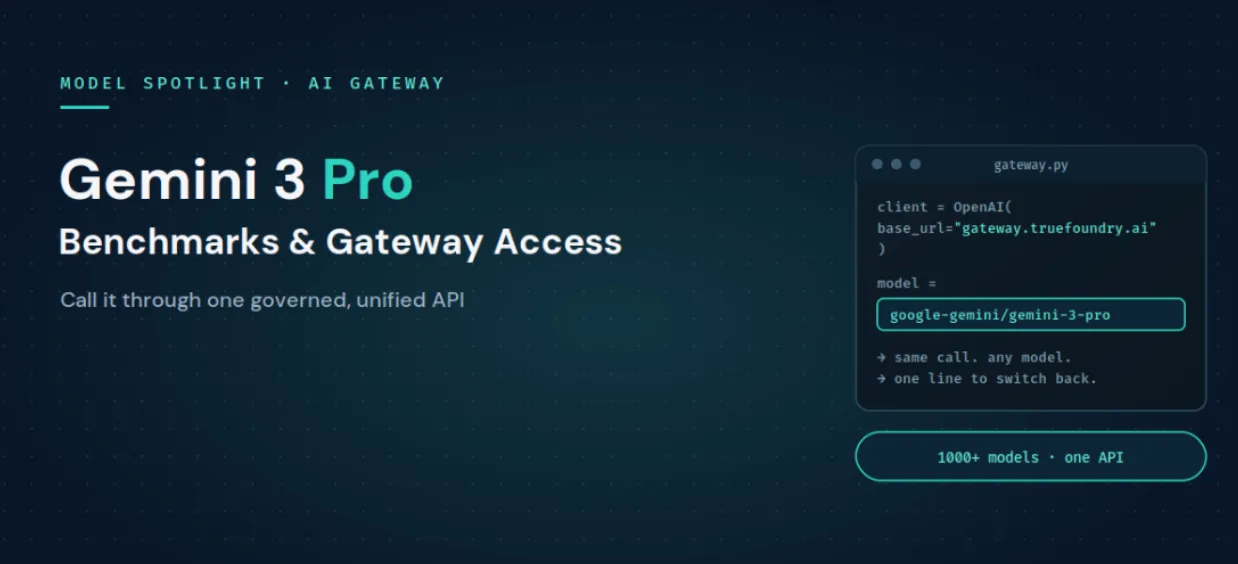
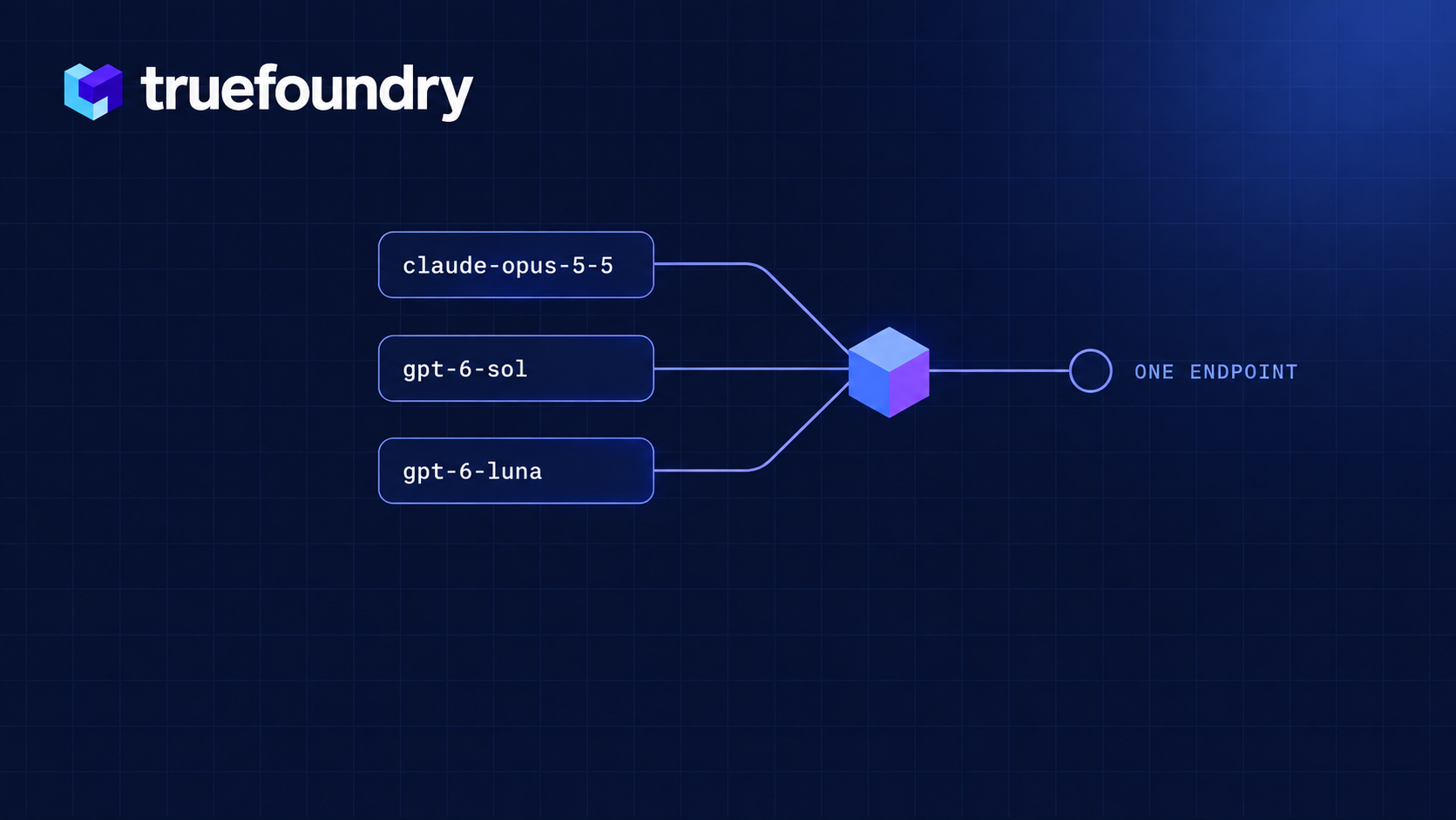
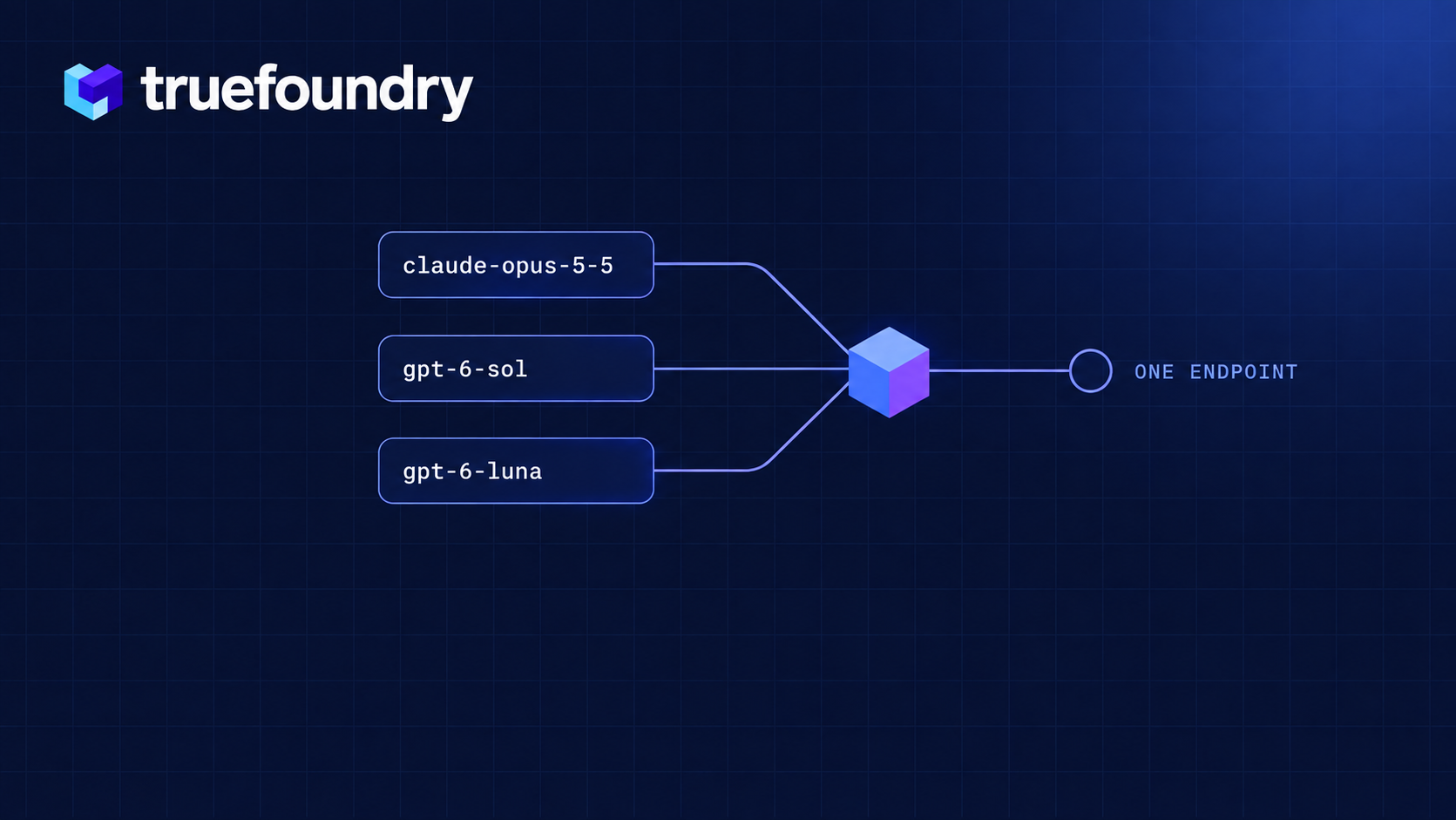
All three are now in the TrueFoundry AI Gateway model catalog, with pricing, context limits and capabilities already filled in. You call them from the same OpenAI-compatible endpoint you use for everything else. No new SDK, no separate integration, no waiting on a gateway release. Change the model string and you're on the new model.
Try them on the TrueFoundry AI Gateway →
Anthropic's line is that Opus 5.5 performs at the level of Claude Fable 5.1 on most work, at Opus pricing. The parts that matter for a production budget:
Sol and Luna were trained with the same methods as GPT-6 Astra (which landed on September 3 at $10 / $50) and then tuned for cost. OpenAI pitches Sol at recurring coding and agent work, and Luna at high-volume routine jobs like extraction and summarisation.
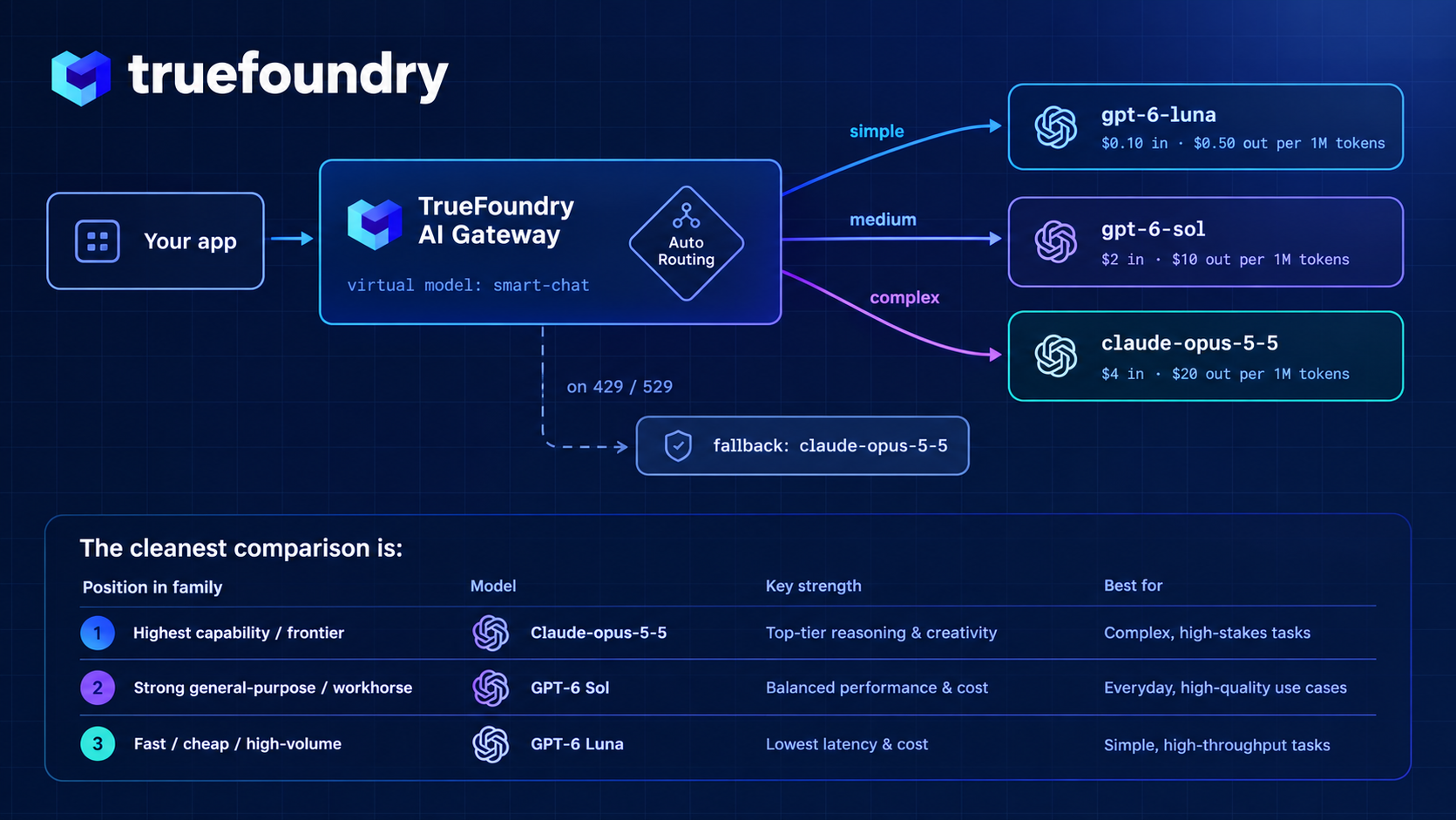
Put September's models side by side and the spread is hard to ignore: Luna at $0.10 per million input tokens, Sol at $2, Opus 5.5 at $4, Astra at $10. A hundred-fold gap between the cheapest and the most expensive option, from two vendors, on two different native APIs.
That gap is the whole argument against picking one default model and sending everything to it. Most production traffic is many easy requests and a few hard ones. Send the easy majority to Luna and the hard tail to Opus 5.5 and the blended bill looks nothing like an all-Opus bill. That only works if switching models is a config change rather than a code change, which is the job the AI Gateway exists to do.
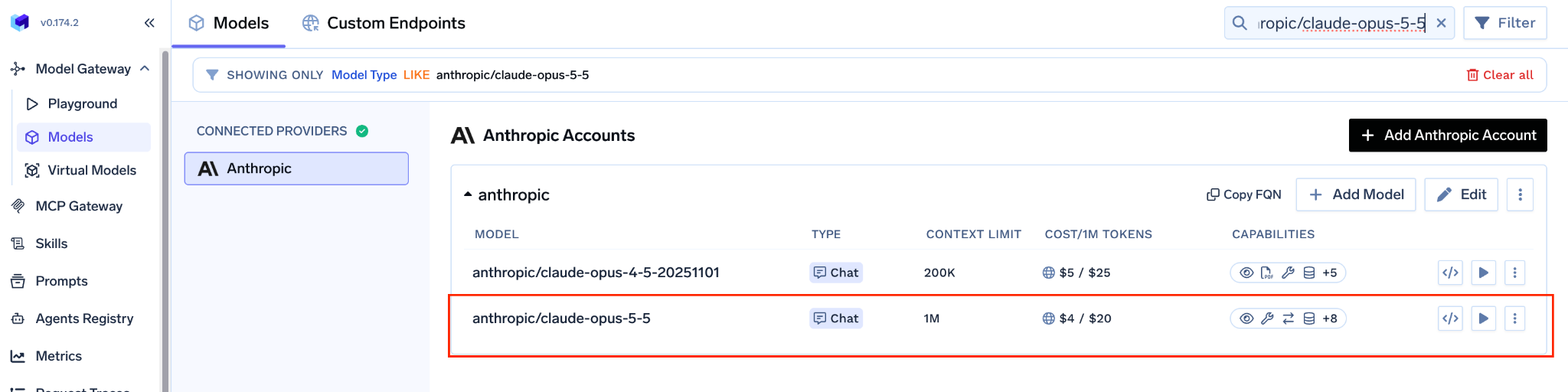
In the gateway, open Models → your Anthropic account → Models Selection, search for claude-opus-5-5 and tick it. Pricing shows inline ($4 input / $20 output per 1M tokens) because it comes straight from the catalog. Then set Access Control so a frontier-priced model is scoped to the right teams and virtual keys from day one.
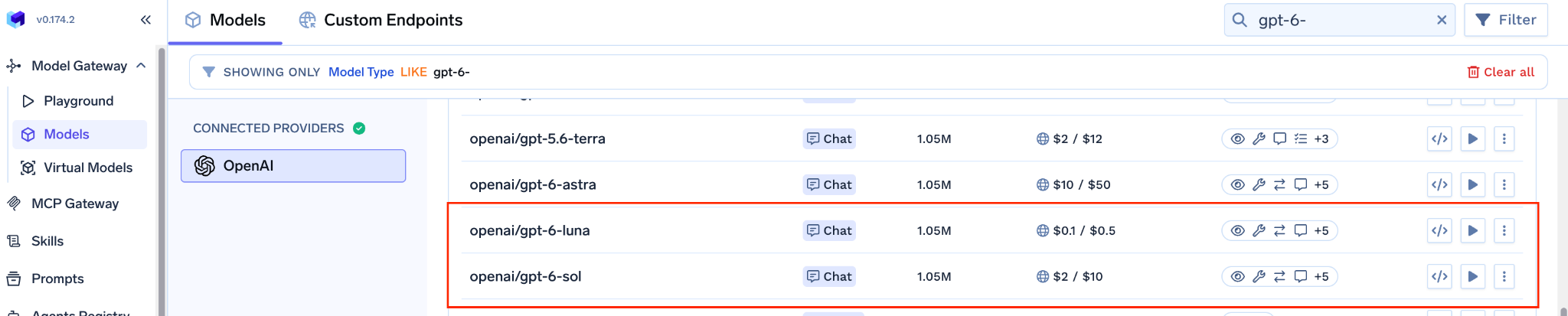
Repeat in your OpenAI account for gpt-6-sol and gpt-6-luna.
If you run these models through a cloud instead, the catalog covers those paths too:
Don't see a model in your list yet? + Add Model at the bottom of the list adds it by hand. The gateway supports every text model Anthropic and OpenAI publish.
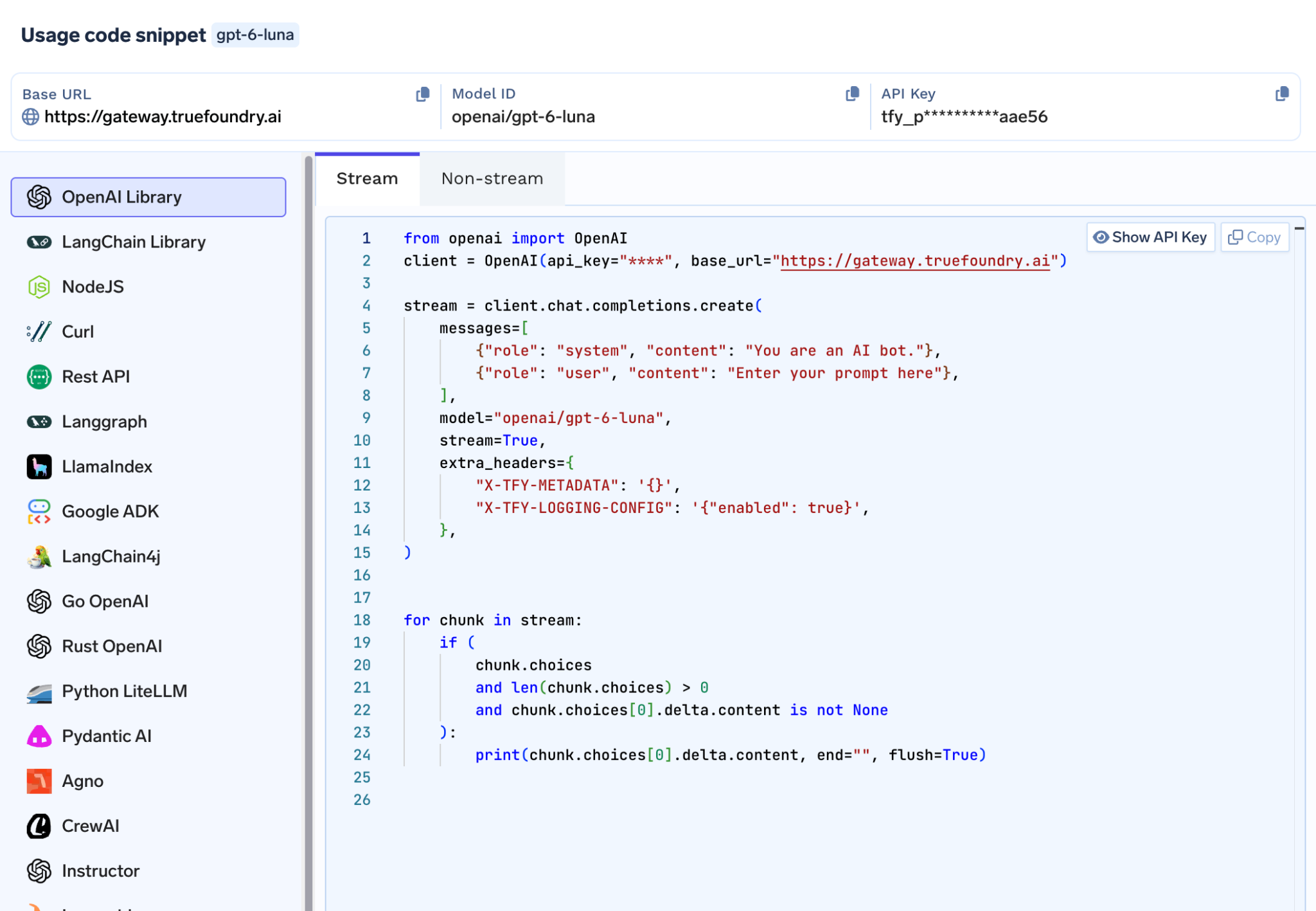
Open the Playground, pick a model, and copy the generated snippet in whichever SDK you use (OpenAI SDK, LangChain, Node.js, cURL and others). The OpenAI Python version:
from openai import OpenAI
client = OpenAI(
api_key="<your-truefoundry-api-key>",
base_url="https://gateway.truefoundry.ai", # or your self-hosted gateway URL
)
# Model IDs are <provider-account>/<model>. Swap the string, keep everything else.
for model in ["anthropic-prod/claude-opus-5-5", "openai-prod/gpt-6-sol", "openai-prod/gpt-6-luna"]:
r = client.chat.completions.create(
model=model,
messages=[{"role": "user", "content": "Summarise this incident in three bullets: ..."}],
extra_headers={"X-TFY-METADATA": '{"team": "platform", "feature": "incident-summary"}'},
)
print(model, "->", r.choices[0].message.content)
Model IDs are namespaced as <your-provider-account>/<model>, so anthropic-prod/claude-opus-5-5 and openai-prod/gpt-6-luna are a one-line swap from each other. The X-TFY-METADATA header tags each call so spend shows up per team or per feature in the metrics view.
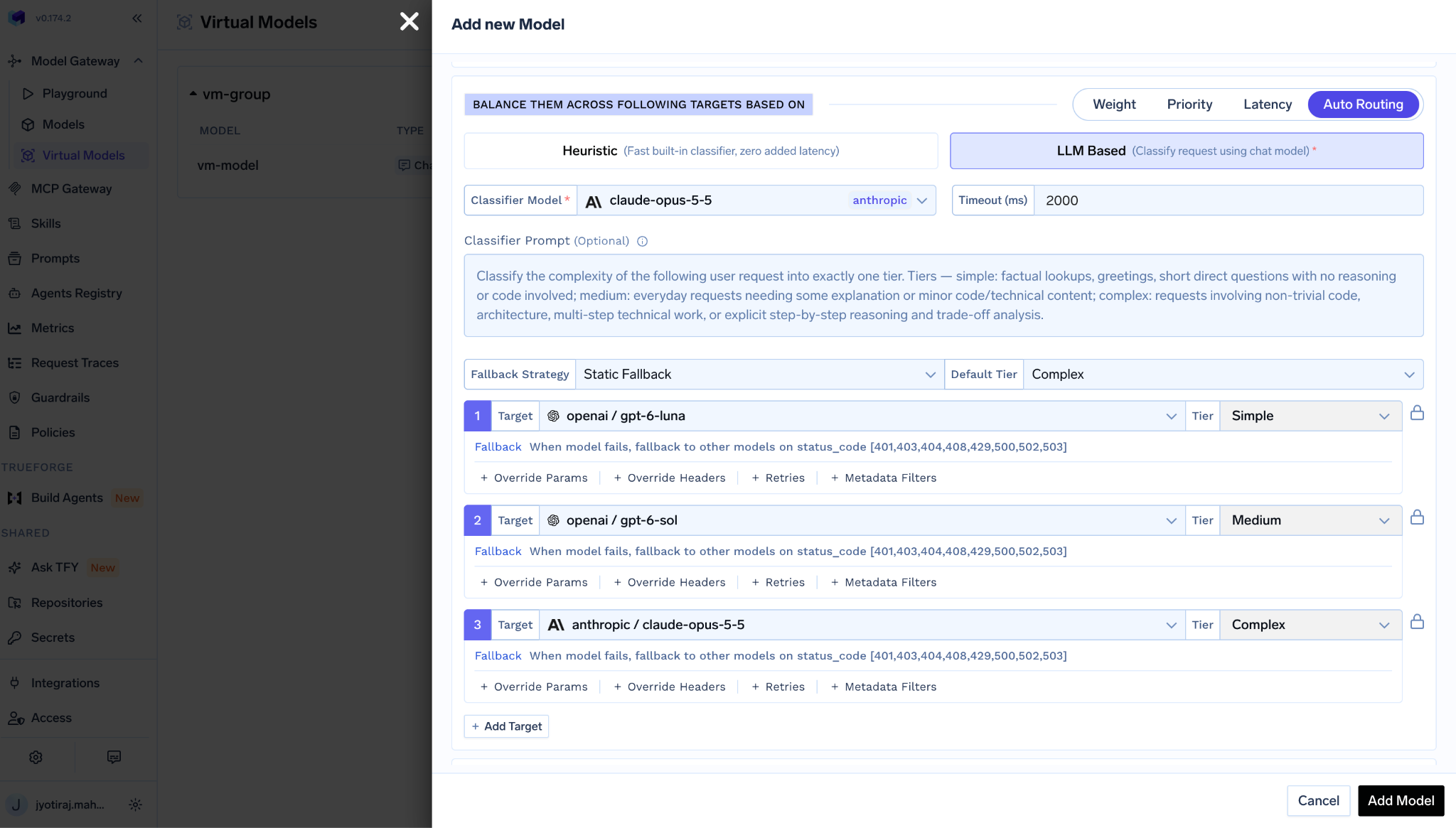
Create a virtual model and pick Auto Routing. The gateway classifies each request as simple, medium or complex and sends it to the target you assign to that tier. Luna for simple, Sol for medium, Opus 5.5 for complex is a sensible starting map. In our benchmarks this kind of routing cut cost 50-70% at about 98% of quality. Add Opus 5 or Astra as a fallback target. Your application calls one model name throughout.
Opus 5.5 is the model you reach for when the task is hard and Fable pricing wasn't justified. Sol and Luna are the ones you reach for when it isn't hard at all. Running all of them through TrueFoundry means the decision about which is which lives in gateway config, where you can change it on a Tuesday afternoon without a deploy.
Try Claude Opus 5.5, GPT-6 Sol and GPT-6 Luna on the TrueFoundry AI Gateway →
TrueFoundry AI Gateway delivers ~3–4 ms latency, handles 350+ RPS on 1 vCPU, scales horizontally with ease, and is production-ready, while LiteLLM suffers from high latency, struggles beyond moderate RPS, lacks built-in scaling, and is best for light or prototype workloads.





أحدث الأخبار والمقالات والموارد تصلك مباشرة إلى بريدك الوارد




.png)

.png)
.png)
.png)
.png)
.png)
.png)
.png)
.png)
.png)