


September 15, 2026
|
5 min read


Published: April 22, 2026

Blazingly fast way to build, track and deploy your models!
Cursor AI code editor is powerful out of the box, it can understand your codebase, generate code, and help you iterate quickly. But on its own, Cursor is still limited to working within your local development environment.
Modern development workflows don’t stop at writing code. They involve:
This is where MCP (Model Context Protocol) servers come in. By connecting Cursor to external tools and systems, MCP servers allow you to move from: AI-assisted coding to AI-driven development workflows. In this guide, we’ll cover the best MCP servers for Cursor AI, along with when and why you should use them.
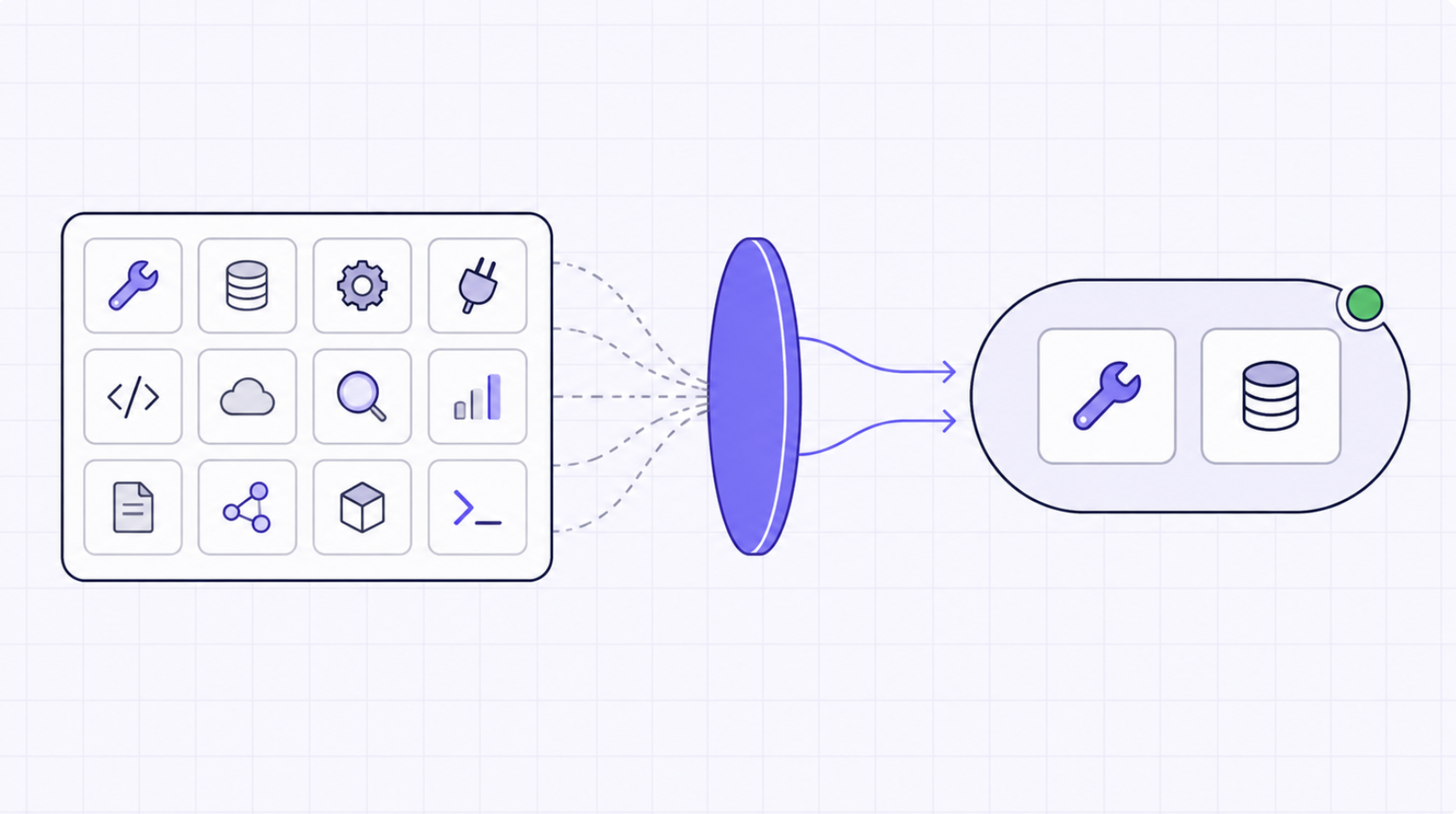
MCP (Model Context Protocol) is an emerging standard that allows AI tools like Cursor to interact with external systems in a structured and secure way. An MCP server acts as a bridge between the AI and a specific tool or service.
For example, an MCP server can enable Cursor to:
Instead of the AI working in isolation, MCP servers give it access to real-world context and actions.
Think of it like this:
Cursor AI code editor is powerful when it comes to understanding and editing code. But modern development doesn’t happen in isolation. Real workflows involve constantly moving between systems - querying databases, calling APIs, pushing code, and coordinating across tools. This is where MCP (Model Context Protocol) servers become essential. They extend Cursor beyond the editor, enabling it to interact with the broader development ecosystem.
MCP servers allow Cursor to connect directly with the tools developers rely on every day, such as version control systems, databases, internal APIs, and collaboration platforms.
Instead of switching between tools, you can:
all through simple prompts inside Cursor.
Without MCP, Cursor helps you write and refine code.
With MCP, it can execute complete workflows.
For example, a single prompt can trigger a sequence like:
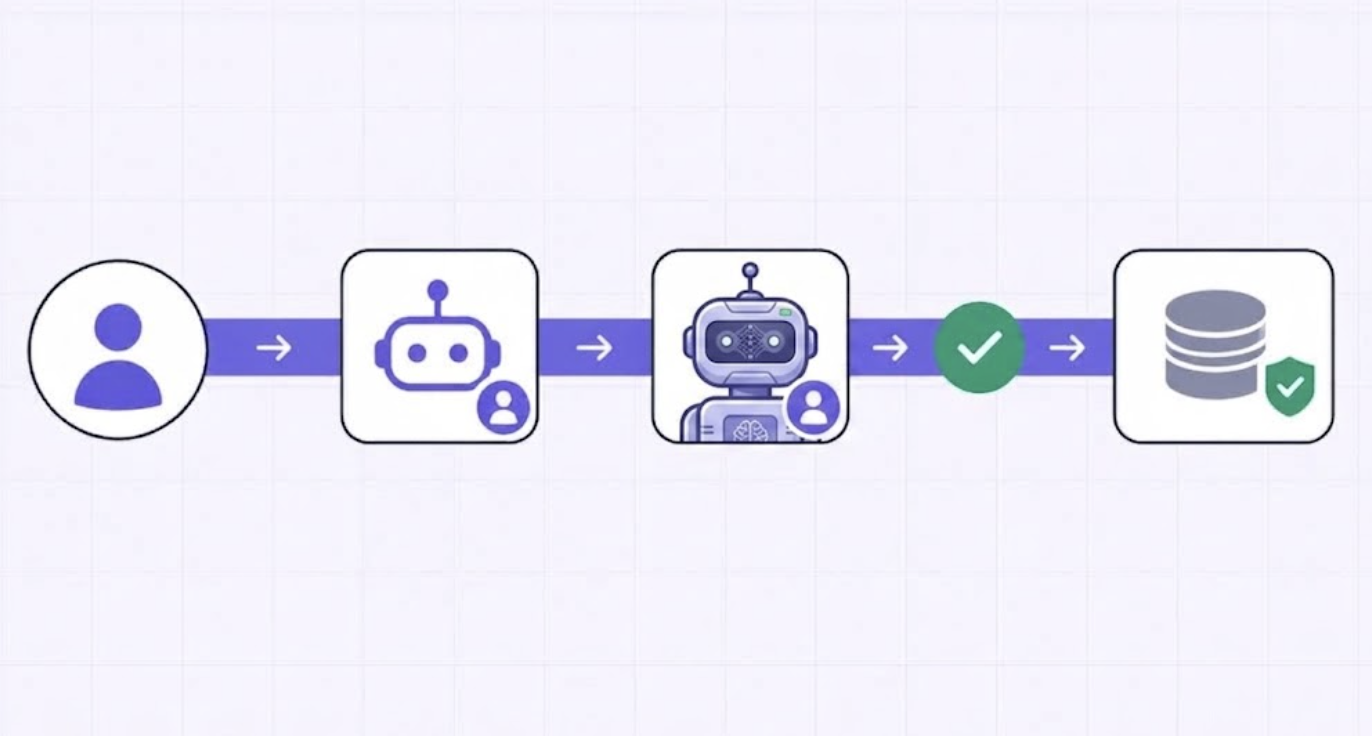
Query a database → update backend logic → push changes → notify the team
This shifts Cursor from being just a coding assistant to a workflow orchestrator that can operate across systems.
MCP servers are what unlock Cursor’s ability to behave like an agent.
Instead of asking:
“How do I implement this?”
You can ask:
“Implement this.”
And Cursor, through MCP integrations, can take action coordinating across tools and executing tasks end-to-end.
Another key advantage of MCP is flexibility.
You’re not limited to pre-built integrations, you can:
This makes MCP especially valuable for teams building custom workflows, internal platforms, or AI-driven developer tooling.
MCP fundamentally changes what Cursor can do.
Without MCP, it operates at the level of code.
With MCP, it operates at the level of systems.
To get the most out of Cursor AI code editor, you need MCP servers that extend it beyond code editing into real development workflows. Below are some of the most useful MCP servers for Cursor AI, along with when and why you should use them.
What it does:
Enables Cursor to interact directly with GitHub repositories.
Key capabilities:
Why it’s useful with Cursor:
Cursor can already modify code but with GitHub integration, it can:
Use case:
“Refactor this module and create a PR with the changes.”
What it does:
Provides structured access to the local file system.
Key capabilities:
Why it’s useful with Cursor:
This is foundational. It allows Cursor to:
Use case:
“Update all config files across services to use the new environment variable.”
What it does:
Connects Cursor to PostgreSQL databases.
Key capabilities:
Why it’s useful with Cursor:
Enables workflows that combine code + data:
Use case:
“Find slow queries and optimize them in the backend code.”
What it does:
Allows Cursor to interact with external APIs.
Key capabilities:
Why it’s useful with Cursor:
Lets Cursor integrate with:
Use case:
“Fetch user data from the API and update the validation logic accordingly.”
What it does:
Gives Cursor the ability to execute shell commands.
Key capabilities:
Why it’s useful with Cursor:
This turns Cursor into a true execution agent:
Use case:
“Update dependencies and run tests to verify everything works.”
What it does:
Enables interaction with Slack workspaces.
Key capabilities:
Why it’s useful with Cursor:
Brings collaboration into the loop:
Use case:
“Deploy the fix and notify the backend team in Slack.”
What it does:
Connects Cursor with Notion workspaces.
Key capabilities:
Why it’s useful with Cursor:
Helps keep documentation in sync with code:
Use case:
“Update API documentation after modifying endpoints.”
What it does:
Allows Cursor to access and interact with web content.
Key capabilities:
Why it’s useful with Cursor:
Useful for:
Use case:
“Check API docs online and update integration code accordingly.”
Not all MCP servers are equally useful.
When choosing MCP servers for Cursor, look for:
The best MCP setups are not about adding more servers, they’re about adding the right ones for your workflow.
Not every team needs every MCP server. The right setup depends on your workflow, stack, and level of automation. Here’s a simple way to think about it:
Choose MCP servers based on what you actually do day-to-day.
Start small. Add servers only when they unlock real value.
Focus on MCP servers that:
For example:
As soon as MCP servers interact with real systems, permissions matter.
Ask:
Avoid giving broad access unless necessary, especially for:
The real power of MCP comes from combining servers.
For example:
The goal is to enable end-to-end execution, not isolated actions.
Setting up MCP servers in Cursor AI code editor typically involves:
Once connected, you can invoke MCP capabilities directly through natural language.
For a detailed step-by-step guide, refer to:
MCP servers unlock powerful workflows but they also introduce new risks when used in production environments.
MCP servers often interact with:
Without proper controls, this can lead to:
Best practice:
When AI agents start executing tasks across systems, visibility becomes critical.
You need to know:
This is especially important for:
MCP workflows often involve multiple steps:
Failures can happen at any stage.
You need:
As usage grows:
This introduces challenges like:
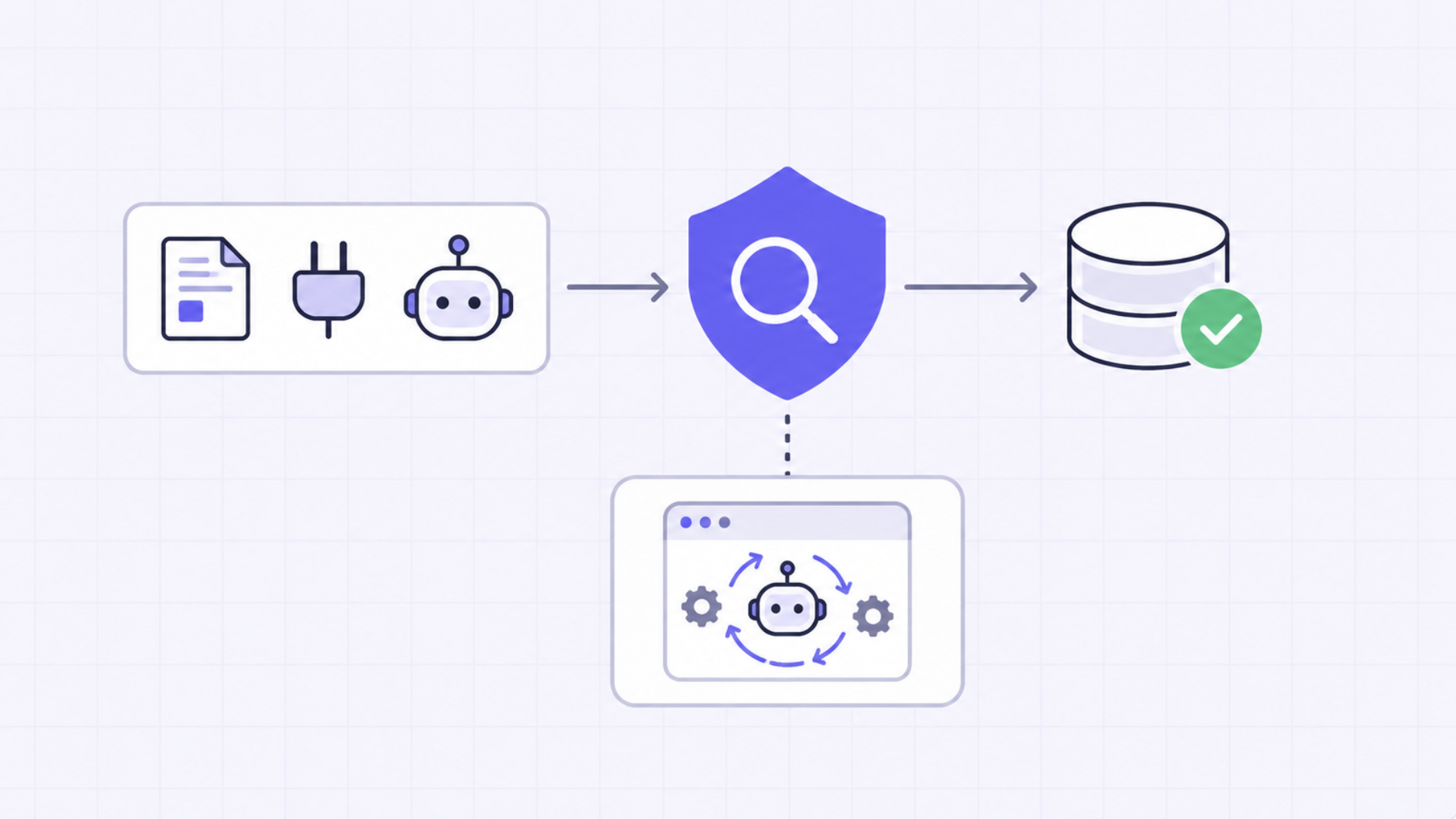
As MCP adoption grows, teams need infrastructure that can:
MCP servers enable Cursor to interact with systems.
Infrastructure ensures those interactions are safe, observable, and scalable.
MCP servers are what transform Cursor AI code editor from a powerful code editor into a true AI development platform. By connecting Cursor to:
you enable workflows that go far beyond writing code.
The key is not to use every MCP server available, but to:
As AI coding tools evolve, the future of development will be defined not just by how we write code but by how effectively we connect and orchestrate systems through AI.
TrueFoundry AI Gateway delivers ~3–4 ms latency, handles 350+ RPS on 1 vCPU, scales horizontally with ease, and is production-ready, while LiteLLM suffers from high latency, struggles beyond moderate RPS, lacks built-in scaling, and is best for light or prototype workloads.




The most useful MCP servers for Cursor include the Filesystem MCP (for reading and writing local project files), GitHub MCP (for managing pull requests and issues), PostgreSQL MCP (for database queries within development workflows), Puppeteer MCP (for browser automation and testing), and Slack MCP (for surfacing team context). These servers extend Cursor's native AI capabilities into real external systems.
Cursor is not built on MCP, but it has added native MCP support, allowing developers to connect MCP-compatible servers to the Cursor IDE. This means Cursor can use the same growing ecosystem of MCP tools that Claude Code and other MCP-compatible agents support.
Yes, Cursor supports MCP natively. Developers can configure MCP servers in Cursor's settings file, and Cursor's AI will then be able to invoke those tools when answering questions or completing tasks within the editor.
In Cursor, MCP (Model Context Protocol) is the integration layer that allows the AI to connect with external tools and data sources. When an MCP server is configured in Cursor, the AI can query databases, browse files, call APIs, or perform other actions through that server extending its capabilities well beyond code completion.
MCP enables Cursor's AI to access real-world context and take actions beyond the editor. With MCP servers connected, Cursor can query live databases, read from the filesystem, fetch GitHub issues, search the web, and interact with external APIs turning the IDE into a capable agentic development environment.
Building an MCP server for Cursor involves implementing the MCP specification defining the available tools, their input/output schemas, and the server transport mechanism (typically stdio or HTTP SSE). Anthropic's official MCP SDK (available in Python and TypeScript) provides the scaffolding needed to build a compliant MCP server that Cursor and other MCP-compatible clients can connect to.



The latest news, articles, and resources sent to your inbox
.webp)
.webp)
.webp)
.webp)


