


What Is RBAC and Why Does It Matter?

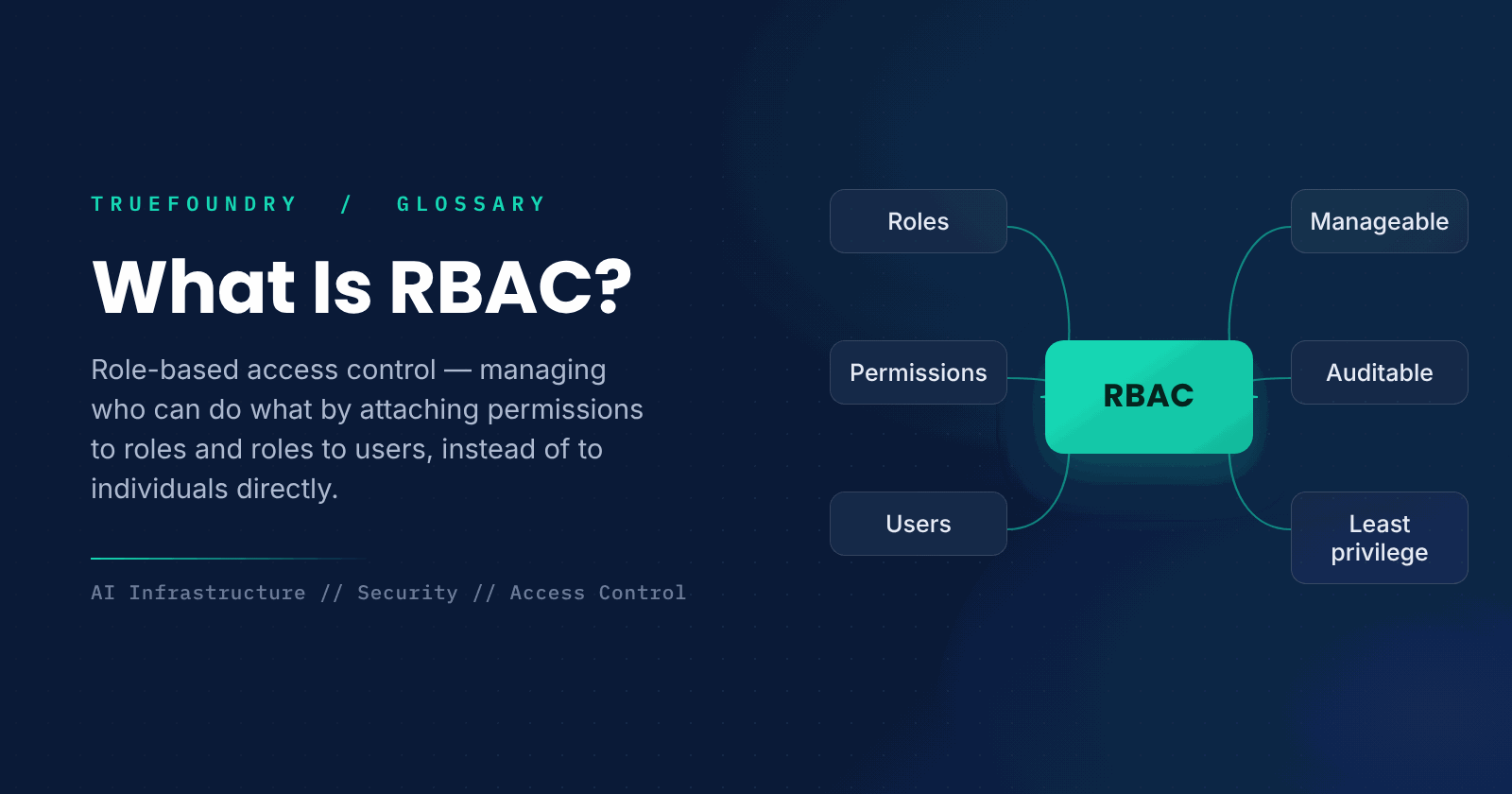
Every system with more than one user has to decide who is allowed to do what. Granting permissions to each person individually quickly becomes unmanageable: as people join, change jobs, or leave, keeping everyone's access correct is error-prone and hard to audit. RBAC solves this by organizing access around roles instead of individuals.
With role-based access control, permissions are attached to roles, such as administrator or viewer, and users are assigned roles. A person's access comes from the role they hold, so managing access becomes a matter of managing roles. This makes permissions far easier to control, audit, and secure. This guide explains what RBAC is, how it works, and why it matters.
We will cover the definition, how it works, how it compares to other models, and when to use it.
What is RBAC?
RBAC, short for role-based access control, is a method of regulating access to a system based on the roles of individual users. Instead of assigning permissions directly to each person, permissions are grouped into roles, and each user is given one or more roles. Users can then do only what their roles permit, so access is determined by role rather than by individual identity.
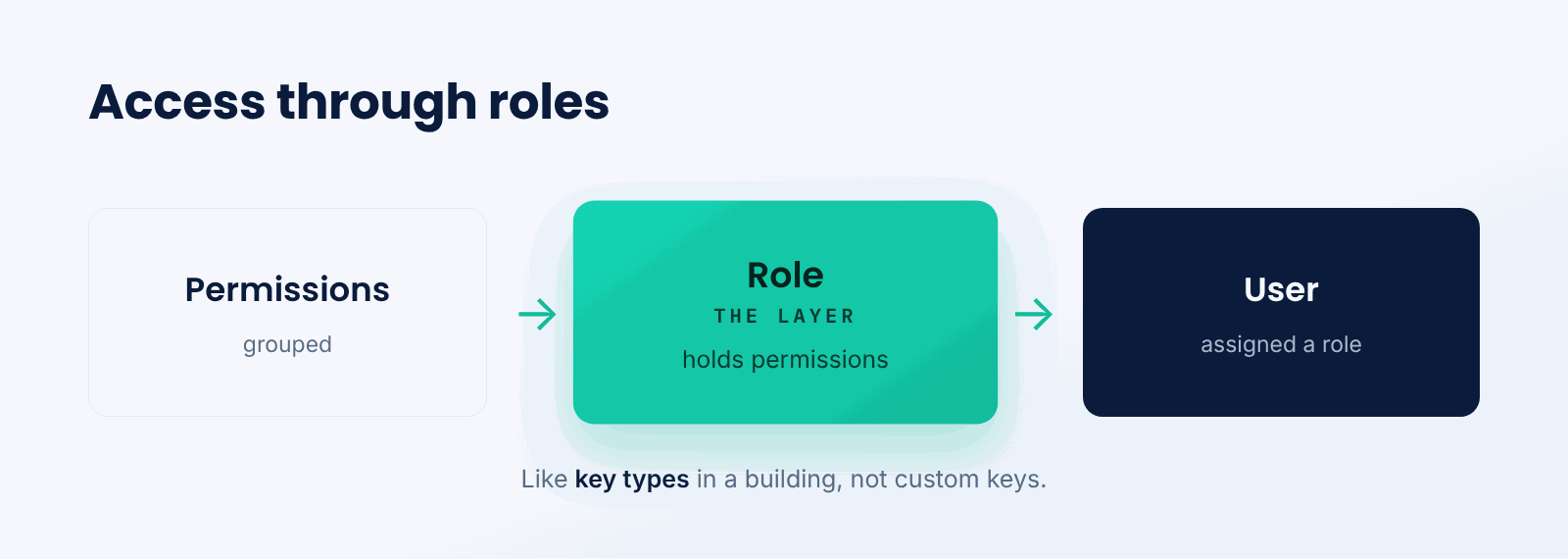
Think of it like keys in an office building. Rather than cutting a custom set of keys for each employee, you create a few key types, one for the server room, one for the offices, and give each person the keys their job requires. When someone changes jobs, you change their keys, not the locks. RBAC manages digital access the same way.
The key idea is access through roles. By inserting roles between users and permissions, RBAC turns managing many individual grants into managing a few well-defined roles.
How does RBAC work?
Permissions are assigned to roles, and roles are assigned to users.
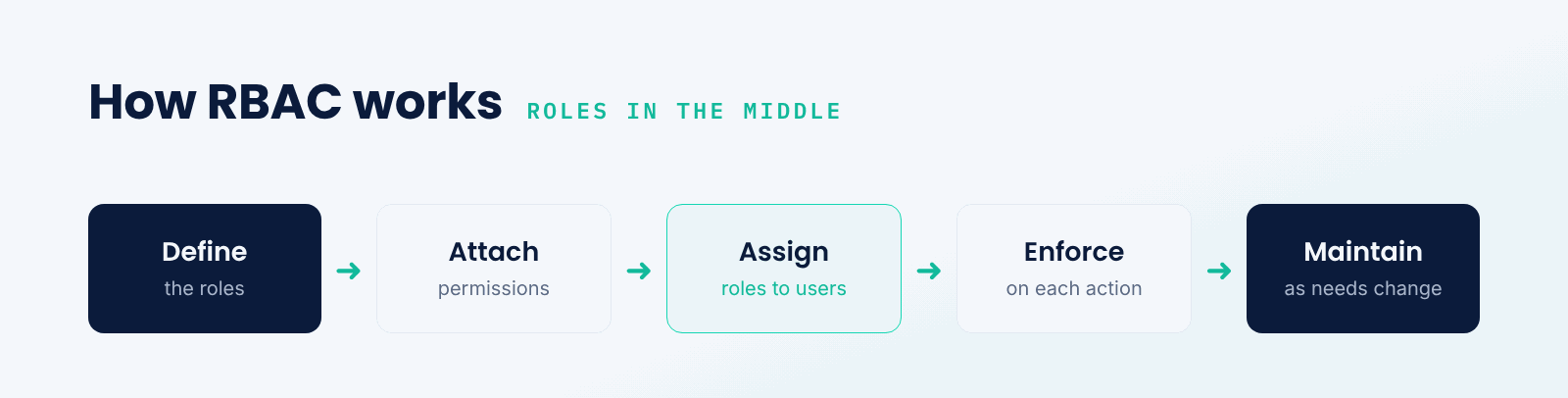
- Define roles. Create roles that reflect job functions.
- Attach permissions. Give each role the permissions it needs.
- Assign roles. Give users the roles appropriate to them.
- Enforce. The system allows actions only if a role permits them.
- Maintain. Adjust roles and assignments as needs change.
When a user tries to do something, the system checks whether any of their roles grant the needed permission. To change what someone can do, you change their role assignment; to change what a whole group can do, you change the role. This indirection is what makes RBAC scalable and easy to reason about.
RBAC vs. direct permissions vs. ABAC
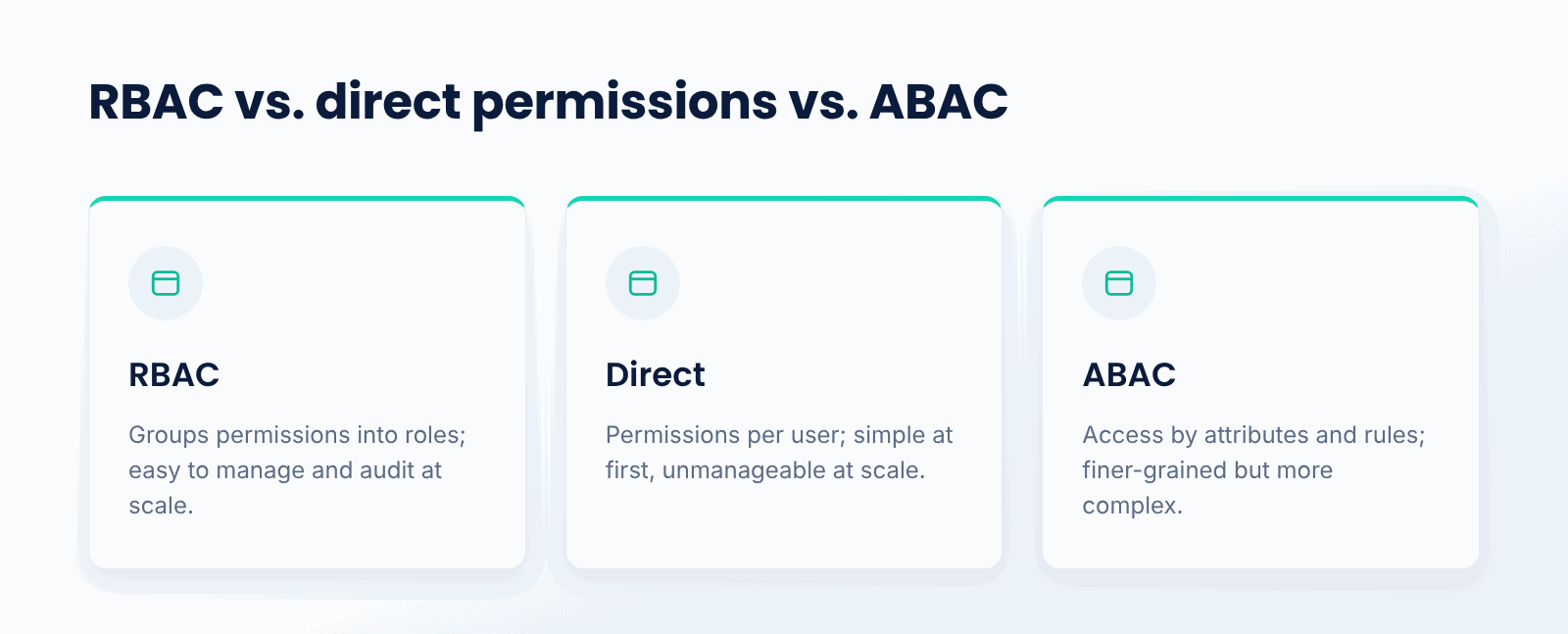
Assigning permissions directly to each user is simple at first but becomes unmanageable at scale, with no clear structure and difficult audits. RBAC groups permissions into roles, which is far easier to manage and review, and is the most widely used access-control model for that reason.
Attribute-based access control, or ABAC, goes further by granting access based on attributes and rules, such as department, location, or time, allowing very fine-grained policies. It is more flexible than RBAC but also more complex. Many systems use RBAC as the backbone and add attribute-based rules where finer control is needed.
Why does RBAC matter?
- Manageability. It scales access control as organizations grow.
- Least privilege. Roles can grant only what each job needs.
- Auditing. Access by role is easy to review and explain.
- Consistency. Everyone in a role gets the same access.
- Security. It reduces mistakes that lead to over-permission.
What are the challenges?
- Role design. Defining the right roles takes thought.
- Role explosion. Too many narrow roles become hard to manage.
- Granularity. Roles alone may be too coarse for some needs.
- Maintenance. Roles must evolve as the organization does.
When should you use RBAC?
Use RBAC whenever a system has multiple users with different levels of access, which is almost every real system. It is the default choice for managing permissions in applications, platforms, and organizations, because it scales well and makes access easy to understand and audit.
If you need very fine-grained, context-dependent access, you may add attribute-based rules on top of RBAC. But as a foundation for controlling who can do what, role-based access control is the standard, and for most systems it is exactly what is needed.
Key points about RBAC
- RBAC grants access based on roles, not individual identity.
- Permissions attach to roles; roles attach to users.
- It makes access easy to manage, audit, and secure.
- It supports least privilege and consistency.
- It can be combined with attribute-based rules.
- It is the standard model for access control.
Conclusion
RBAC manages access by attaching permissions to roles and roles to users, so people get access through the roles they hold rather than individual grants. This makes permissions far easier to manage, audit, and secure as an organization grows, and supports least privilege. As the standard pattern for access control, often combined with attribute-based rules for finer needs, RBAC is foundational to keeping systems secure.
TrueFoundry helps teams run AI and infrastructure on their own platform with access controls like RBAC built in, so the right people have the right access. When managing who can do what at scale matters, role-based access control is the backbone.

Govern, Deploy and Trace AI in Your Own Infrastructure
Frequently Asked Questions
What is RBAC in simple terms?
It is a way to control what users are allowed to do by granting permissions to roles, which in turn are assigned to people. Instead of assigning permissions to each user directly, you give them a role such as admin or viewer, and they can do whatever that role allows, which makes access much easier to manage.
How does RBAC work?
You set up roles that mirror job responsibilities, attach the right permissions to each role, and then assign roles to users. When a user tries to do something, the system checks whether their roles allow it. To change someone's access, you change their role, not many individual grants.
What is the difference between RBAC and ABAC?
RBAC grants access based on the roles a user holds. ABAC, attribute-based access control, grants access based on attributes and rules such as department, location, or time, allowing finer-grained policies. ABAC is more flexible but more complex; many systems use RBAC as the backbone and add attribute rules where needed.
How does RBAC support least privilege?
By letting you give each role only the permissions its job actually requires, and assigning each person only the roles they need. Because access comes through roles, it is easier to ensure no one has more permission than necessary, and to review and tighten access over time.
When should I use RBAC?
Whenever a system has multiple users with different levels of access, which is almost every real system. It is the default way to manage permissions because it scales well and makes access easy to audit. For very fine-grained control, you can add attribute-based rules on top.


- © 2022 ENSEMBLE Technologies



Subscribe to our newsletter
The latest news, articles, and resources sent to your inbox


