


What Is GPU Utilization and How Do You Improve It?

.png)
GPUs are among the most expensive resources in AI infrastructure, so whether they are busy or idle has a direct effect on cost. GPU utilization is the measure of how much of a GPU's capacity is actually being used. High utilization means you are getting value from the hardware; low utilization means you are paying for power that is going to waste.
The catch is that utilization is easy to misread. A GPU can look busy by one metric while most of its capacity sits unused by another. Understanding what utilization really means, and what drives it, is key to running AI efficiently rather than just assuming expensive GPUs are earning their keep.
This guide explains what GPU utilization is, how it is measured, what hurts it, and how to improve it.
What is GPU utilization?
GPU utilization is the degree to which a GPU's computational capacity is being used over time. At its simplest it is the percentage of time the GPU is doing work rather than sitting idle, but a fuller picture includes how much of its compute cores and memory are engaged, not just whether it is active at all.
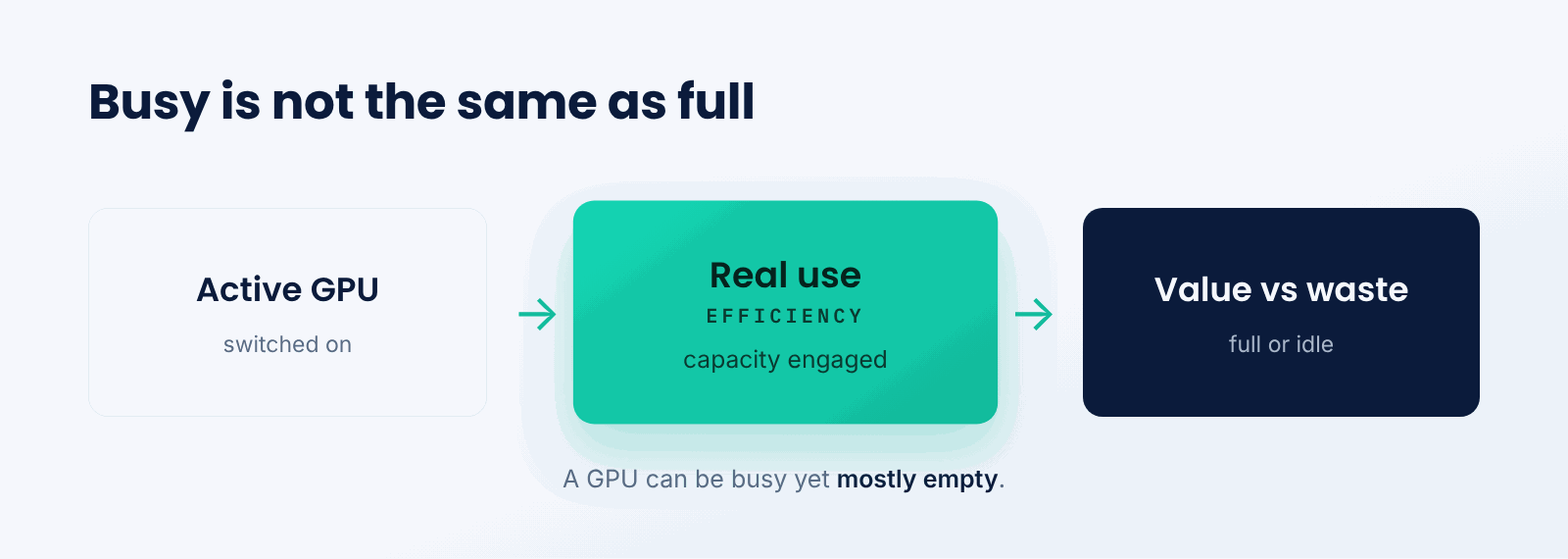
Think of it like a delivery truck. Whether the truck is on the road matters, but so does how full it is. A truck driving around nearly empty is busy but wasteful. A GPU can be the same: technically active, but with most of its capacity unused, which is low real utilization despite looking occupied.
The key idea is that utilization is about effective use of capacity, not just activity. A GPU earning its cost is one whose compute and memory are genuinely engaged, not merely switched on.
How is GPU utilization measured?
Utilization is read from several signals that together show how fully a GPU is used.
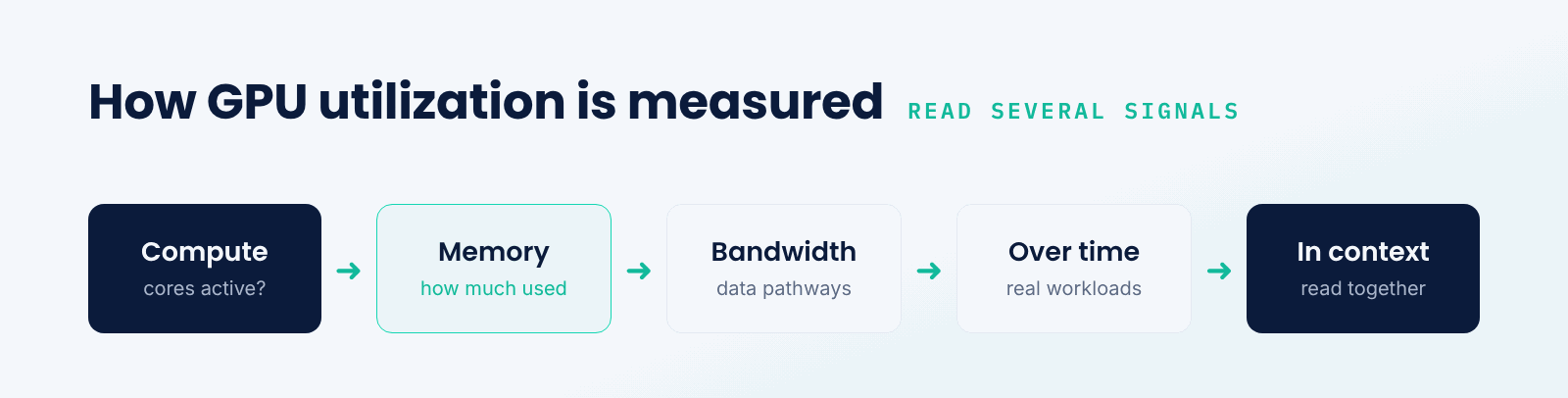
- Compute utilization. The percentage of time the GPU's cores are actively computing.
- Memory usage. How much of the GPU's memory is occupied by the workload.
- Memory bandwidth. How fully the data pathways to and from memory are used.
- Over time. Utilization averaged across real workloads, not a single instant.
- In context. Readings interpreted together, since one metric alone can mislead.
The common mistake is trusting a single number. A GPU reporting high compute use may still be underused if its memory or bandwidth is the real bottleneck, so efficient operation means watching several signals together.
What causes low GPU utilization?
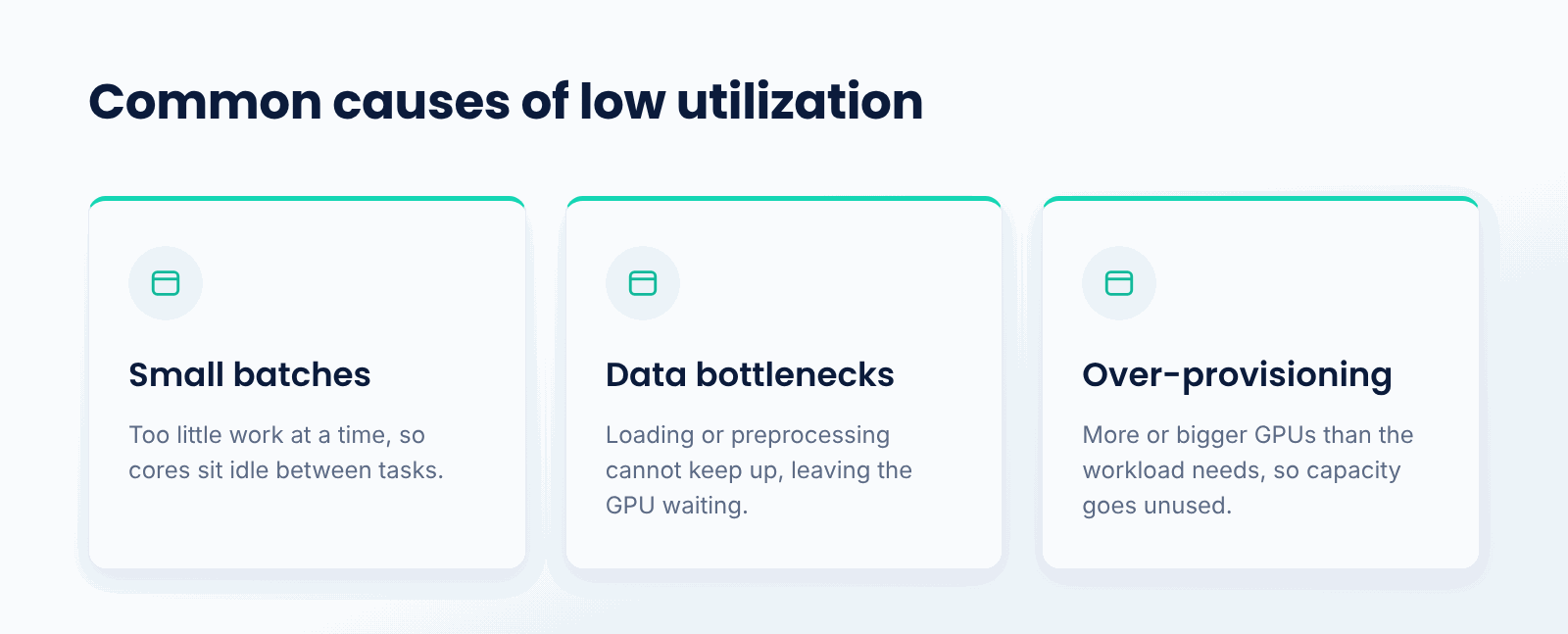
A few common issues leave GPUs underused. Small batch sizes feed the GPU too little work at a time, so cores sit idle between tasks. Data bottlenecks starve the GPU when data loading or preprocessing cannot keep up, leaving it waiting. Over-provisioning assigns more or bigger GPUs than a workload needs, so capacity goes unused. Idle time between jobs, where reserved GPUs do nothing, wastes capacity outright.
What these share is a gap between capacity and work. The GPU can do more than it is being given, whether because the workload is too small, the data is too slow, or the allocation is too large. Closing that gap is what raising utilization means.
How do you improve GPU utilization?
- Batch work. Larger or batched requests give the GPU more to do at once.
- Fix data pipelines. Ensure data loading keeps up so the GPU is not starved.
- Right-size GPUs. Match GPU type and count to what the workload actually needs.
- Share GPUs. Let multiple smaller jobs share a GPU rather than reserving one each.
- Scale with demand. Add and remove GPUs so you are not paying for idle ones.
When should you care about GPU utilization?
You should care whenever GPUs are a meaningful part of your cost, which is true for most teams training or serving models. The more you spend on GPUs, the more every point of utilization is worth, and the more low utilization quietly costs you.
A single GPU used occasionally may not be worth optimizing. But any team running GPUs at scale, in a cluster or in the cloud, stands to save substantially by raising how fully those GPUs are used.
Best practices for GPU utilization
- Measure compute, memory, and bandwidth together, not a single percentage.
- Batch requests and work to keep GPUs fed.
- Remove data pipeline bottlenecks that leave GPUs waiting.
- Right-size and share GPUs instead of over-provisioning.
- Use autoscaling and scale-to-zero to avoid paying for idle GPUs.
- Monitor utilization continuously so waste is visible and actionable.
Conclusion
GPU utilization is how fully a GPU's capacity is actually used, and because GPUs are costly, it is central to running AI efficiently. A single percentage can mislead, so real utilization means watching compute, memory, and bandwidth together, and the gains come from batching work, fixing data bottlenecks, right-sizing, and scaling with demand. High utilization is what turns expensive GPUs into value rather than waste.
TrueFoundry helps teams monitor and improve GPU utilization on their own infrastructure, with scheduling, sharing, and autoscaling that keep GPUs busy. As GPU spend grows, raising utilization is one of the most direct ways to lower the cost of AI.

Govern, Deploy and Trace AI in Your Own Infrastructure
Frequently Asked Questions
What is GPU utilization in simple terms?
It is the degree to which a GPU's capacity is actually being used to do useful work rather than sitting idle. High utilization means the expensive resource is being put to good use; low utilization means the paid-for resource is going to waste.
Why can a single utilization number be misleading?
Because a GPU can appear busy by one measure while most of its capacity is unused by another. High compute use with low memory use, or vice versa, can both mean waste, so you need to read several signals together.
What causes low GPU utilization?
Small batch sizes that underfeed the GPU, data pipelines too slow to keep it fed, over-provisioning more GPU than a job needs, and idle time between jobs where reserved GPUs do nothing. All leave capacity unused.
How do you improve GPU utilization?
Batch work so the GPU has more to do at once, fix data bottlenecks, right-size GPUs to the workload, share GPUs across smaller jobs, and scale capacity with demand so you are not paying for idle hardware.
Why does GPU utilization matter for cost?
Because GPUs are expensive and often scarce, so an idle or underused GPU is wasted money. Raising utilization means more work from the same hardware, which directly lowers the cost of training and serving models.


- © 2022 ENSEMBLE Technologies



Subscribe to our newsletter
The latest news, articles, and resources sent to your inbox


