

This is a TrueFoundry High-tier Enterprise plan feature.
Prerequisites
Before deploying the control plane with external OAuth/SAML:- Ensure you have an OIDC or SAML-compliant identity provider configured
- Obtain the necessary credentials (Client ID, Client Secret, Issuer URL, etc.)
- Contact TrueFoundry team to obtain the
INTERNAL_JWT_JWKSvalue required for secure token signing - Verify network connectivity between your identity provider, user browsers, control plane, and AI Gateway servers
- OIDC
- SAML
You need to add your OIDC application details under Example: If your Okta setup returns user ID in a field called
servicefoundryServer.env in the values.yaml file of truefoundry helm installation.Optional Configuration Fields
Use these fields only if your identity provider returns user information with non-standard claim names:userId instead of sub, set:Here we are assuming the identity provider is OIDC compliant and satisfies the following:
- OpenID configuration is available at
<ISSUER_URL>/.well-known/openid-configuration. - Scopes configured should include
openid,email,profileandoffline_access. - Allowed Redirect URI should be set to
<CONTROL_PLANE_URL>/auth/callback. - OIDC issuer servers must be accessible (network connectivity with no firewall blocks) from user’s browser, TrueFoundry control plane servers, and all multi-zone AI Gateway servers.
Logout
By default, logging out of TrueFoundry only clears the local TrueFoundry session — the user stays signed in at your identity provider, so clicking Login again signs them straight back in without a prompt. To also end the session at your IdP (so the next login asks for credentials), configure Single Logout as shown below.- OIDC
- SAML
With OIDC, TrueFoundry uses RP-Initiated Logout: on logout it clears the local session and redirects the user’s browser to your IdP’s logout endpoint (This lets TrueFoundry send the ID token to your IdP as
end_session_endpoint) to end the IdP session too.Step 1 — (Recommended) enable ID-token-based logoutid_token_hint, which is the most reliable way to identify and end the exact session. If it is not set, TrueFoundry falls back to sending client_id (still works, but less precise).Step 2 — Register the post-logout redirect URI in your IdPIn your IdP application settings, add <CONTROL_PLANE_URL> as an allowed Sign-out redirect URI (also called post-logout redirect URI).TrueFoundry automatically discovers the logout endpoint from your IdP’s
<ISSUER_URL>/.well-known/openid-configuration (the end_session_endpoint field) — no extra environment variable is needed. If your IdP does not expose an end_session_endpoint, logout will clear only the local TrueFoundry session.SCIM Provisioning
You can now enable SCIM provisioning by adding following env:Once SCIM is enabled, you can find the SCIM endpoint and bearer token in the TrueFoundry UI under 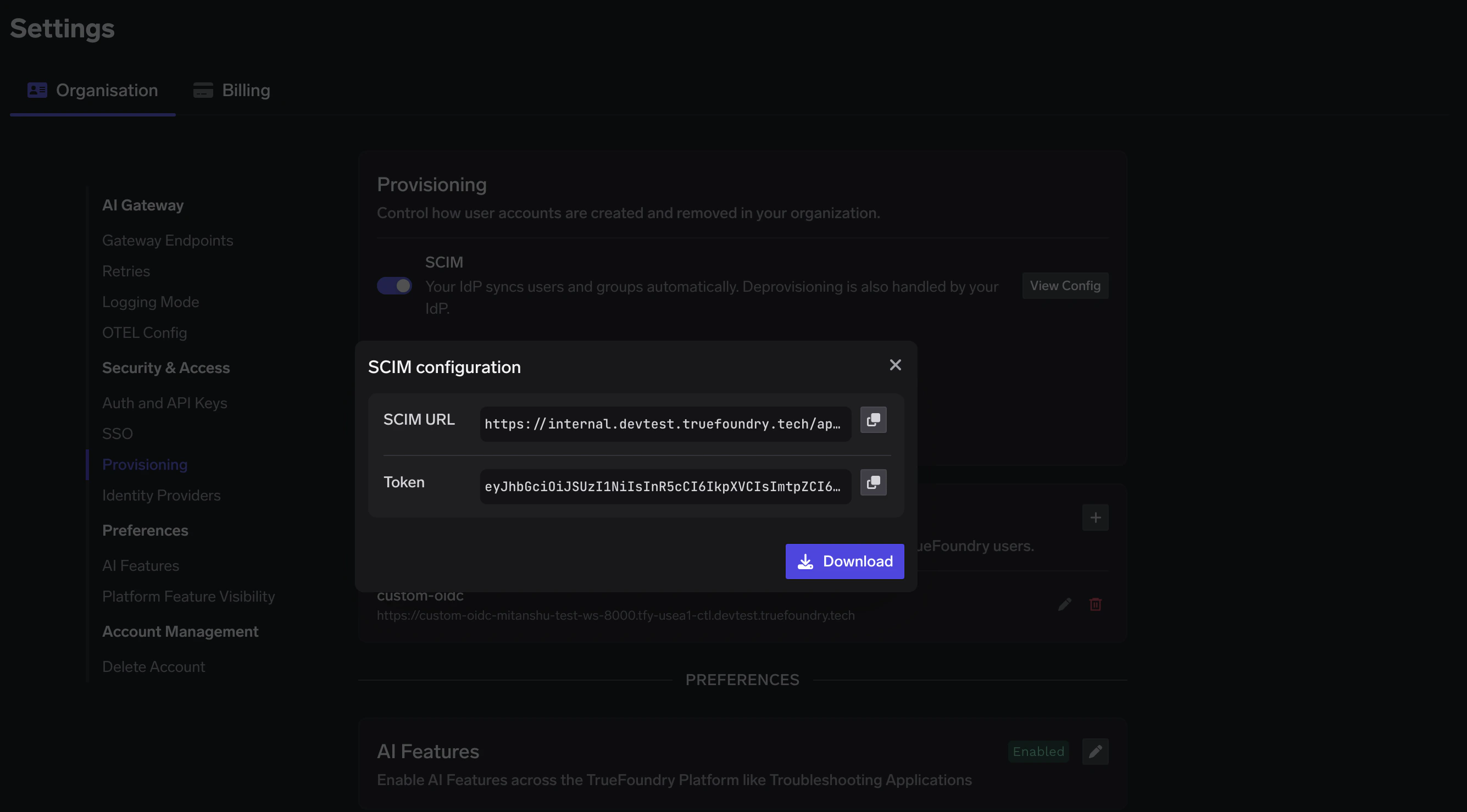
Settings > Provisioning after the initial deployment completes.