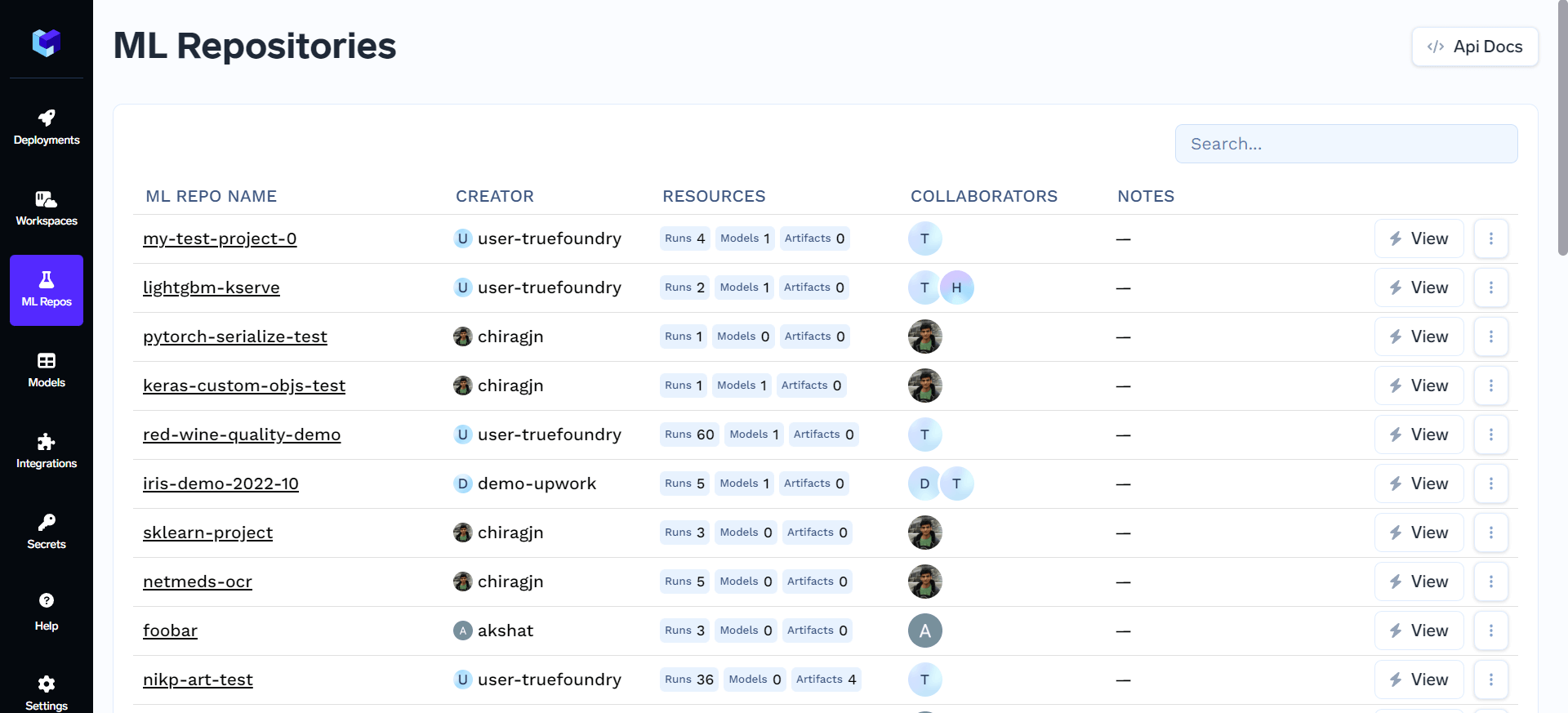
Before you begin, you need a repository to log experiments into. See Create a repository if you haven’t set one up yet.
Runs and experiment metadata
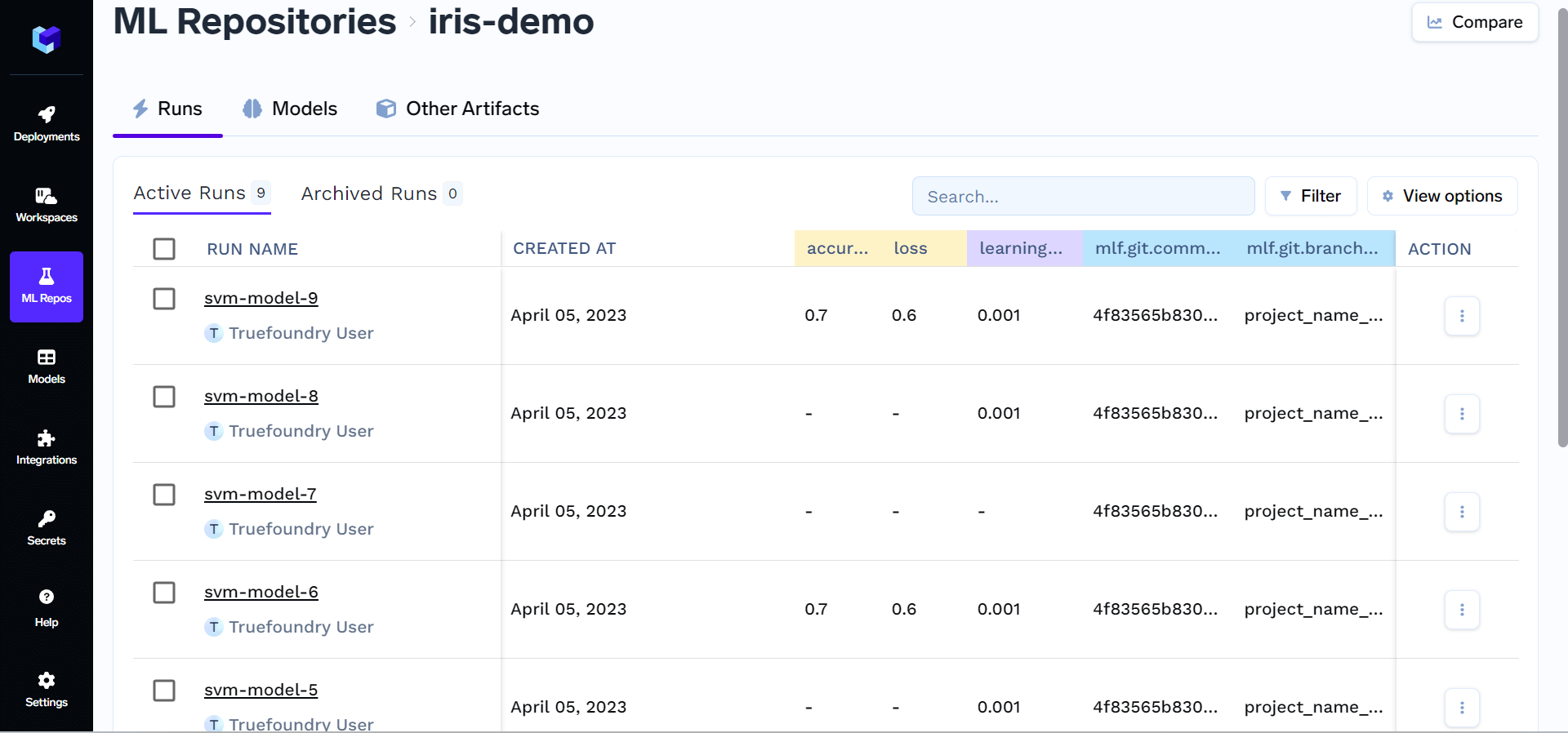
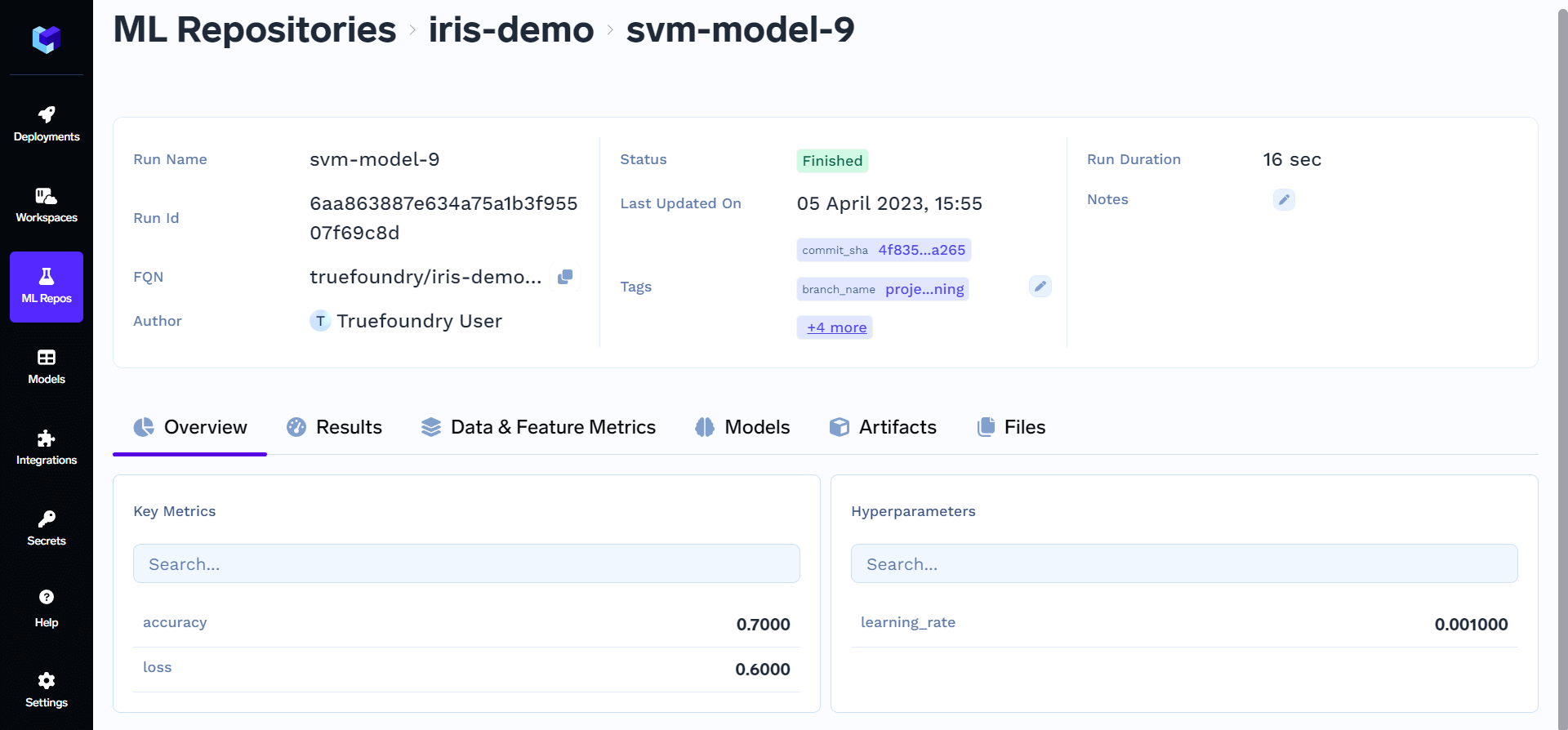
In AI Engineering workflows, a run represents one experiment — for example, training a specific model with a fixed set of hyperparameters. Runs can log:- Parameters — hyperparameters or configuration values, such as
learning_rateorcache_size. - Metrics — evaluation values, such as
accuracy,f1_score, orloss. - Tags — labels for filtering and grouping, such as
env: development.
Setup the TrueFoundry CLI
To get started, we need to have the truefoundry library installed. You can install it following the instructions in the CLI Setup docs.Add Log Lines to your code
You can use the code below to create a run, log metrics and parameters and then finally end the run.Python
Create and end a run
Create and end a run
Python
Log parameters
Log parameters
Log metrics
Log metrics
Log Artifacts
Log Artifacts
Log Models
Log Models