Step-by-step guide for create run, explaining configuration, best practices, and real-world usage on TrueFoundry.
A run is used to represent a single invocation of a job, a script or a ML experiment. You can create a run at the beginning of your script or notebook, log parameters, metrics, artifacts, models, tags and finally end the run. This provides an easy to keep track of all data related to job runs or ML experiments.A quick code snippet to create a run and end it:
from truefoundry.ml import get_clientclient = get_client()run = client.create_run(ml_repo="iris-demo", run_name="svm-model")# Your code here.run.end()
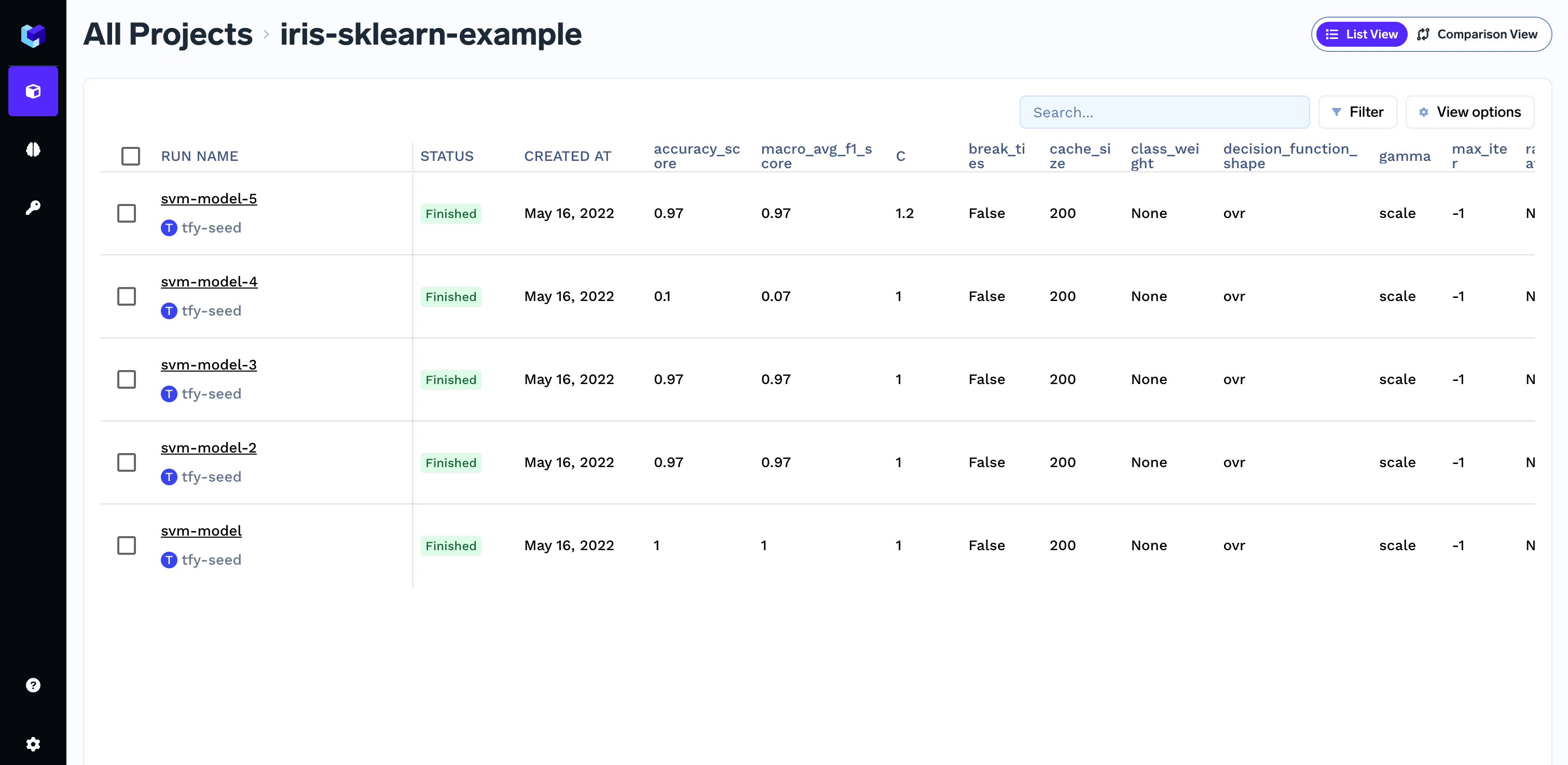
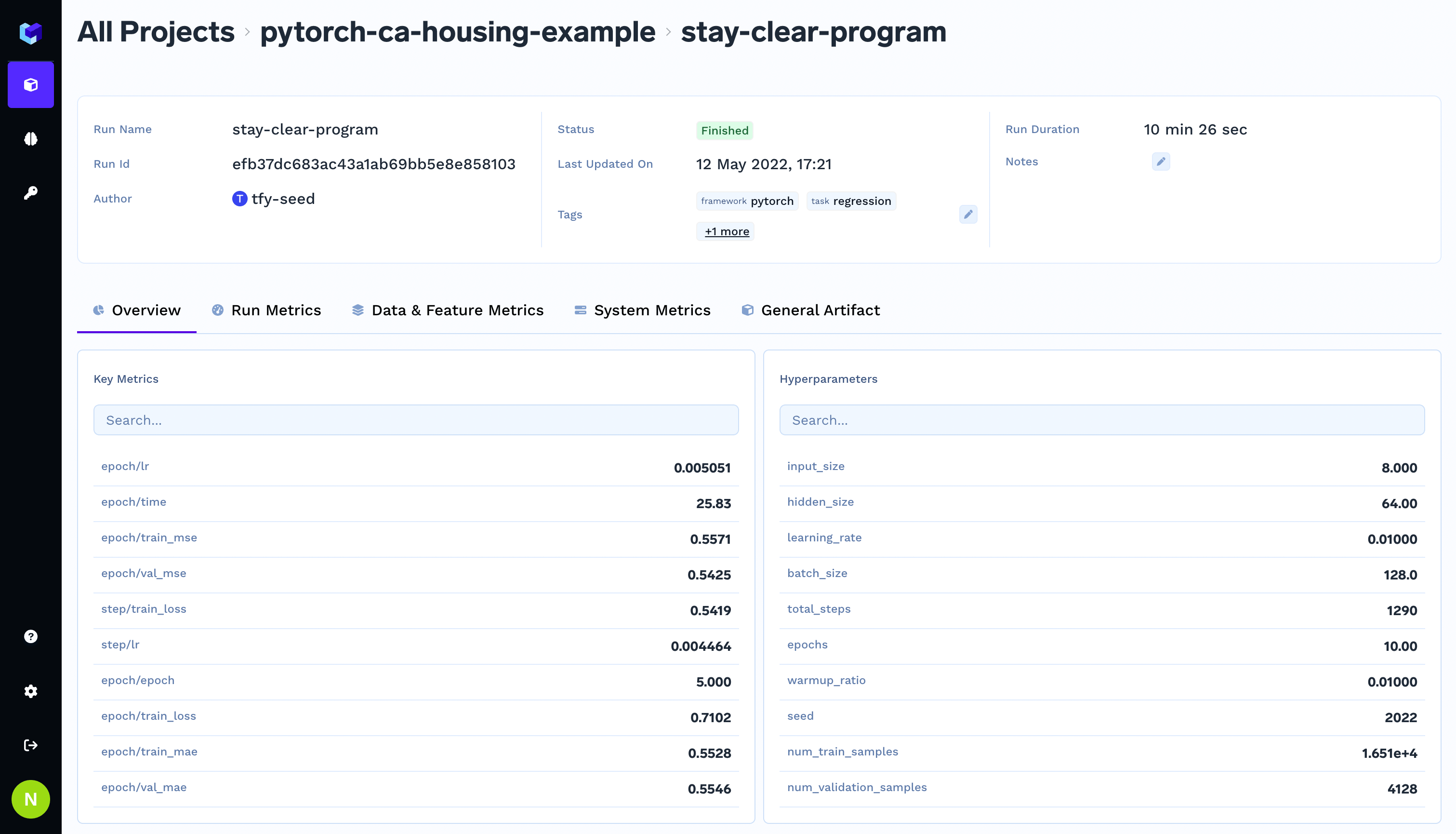
You can organize multiple runs under a single ml_repo. For example, the run svm-model will be created under the ml_repo iris-demo.You can view these runs in the TrueFoundry dashboard.
TrueFoundry Dashboard
Create and end a run
Python
from truefoundry.ml import get_clientclient = get_client()run = client.create_run(ml_repo="iris-demo", run_name="svm-model")# Your code here.run.end()
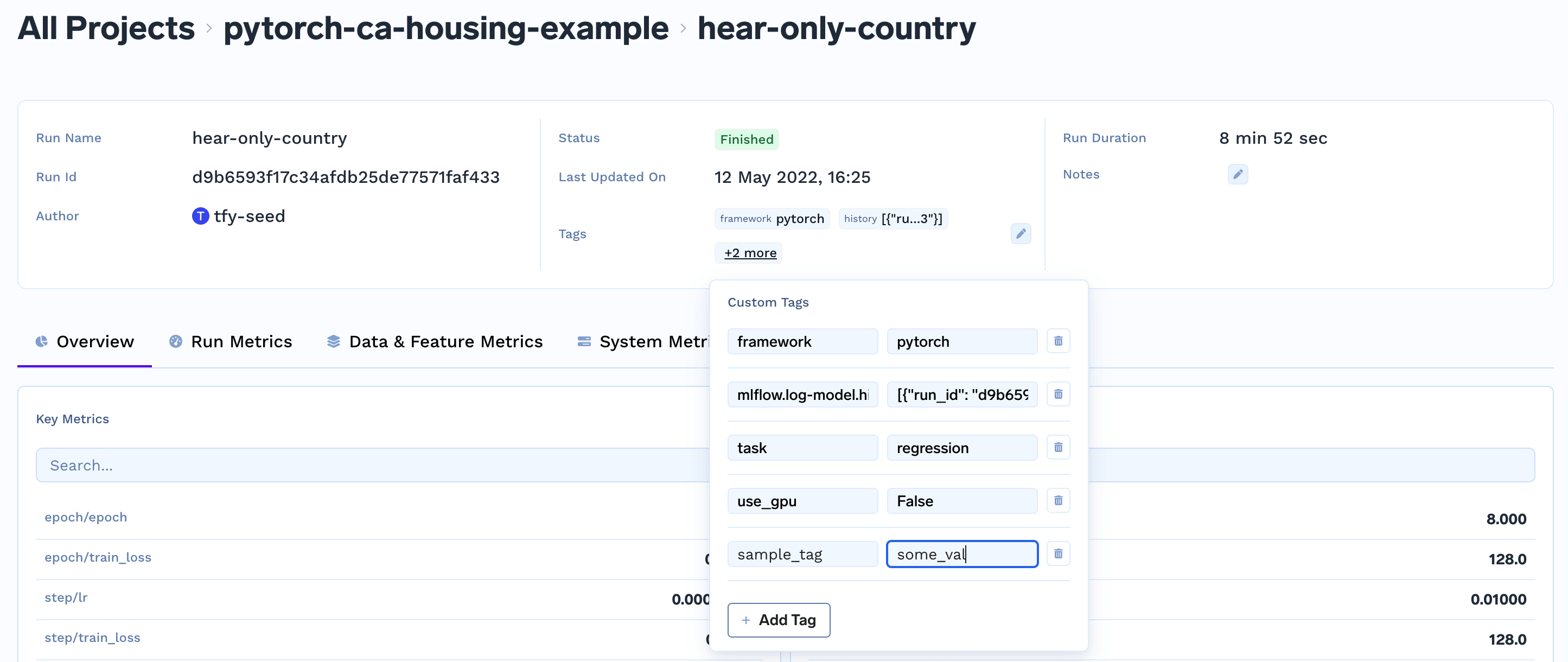
Add tags to a run
from truefoundry.ml import get_clientclient = get_client()run = client.create_run(ml_repo="iris-demo", run_name="svm-model")run.set_tags({"env": "development", "task": "classification"})# Your code here.run.end()
You can view the tags from the dashboard and also create new tags.
Log parameters
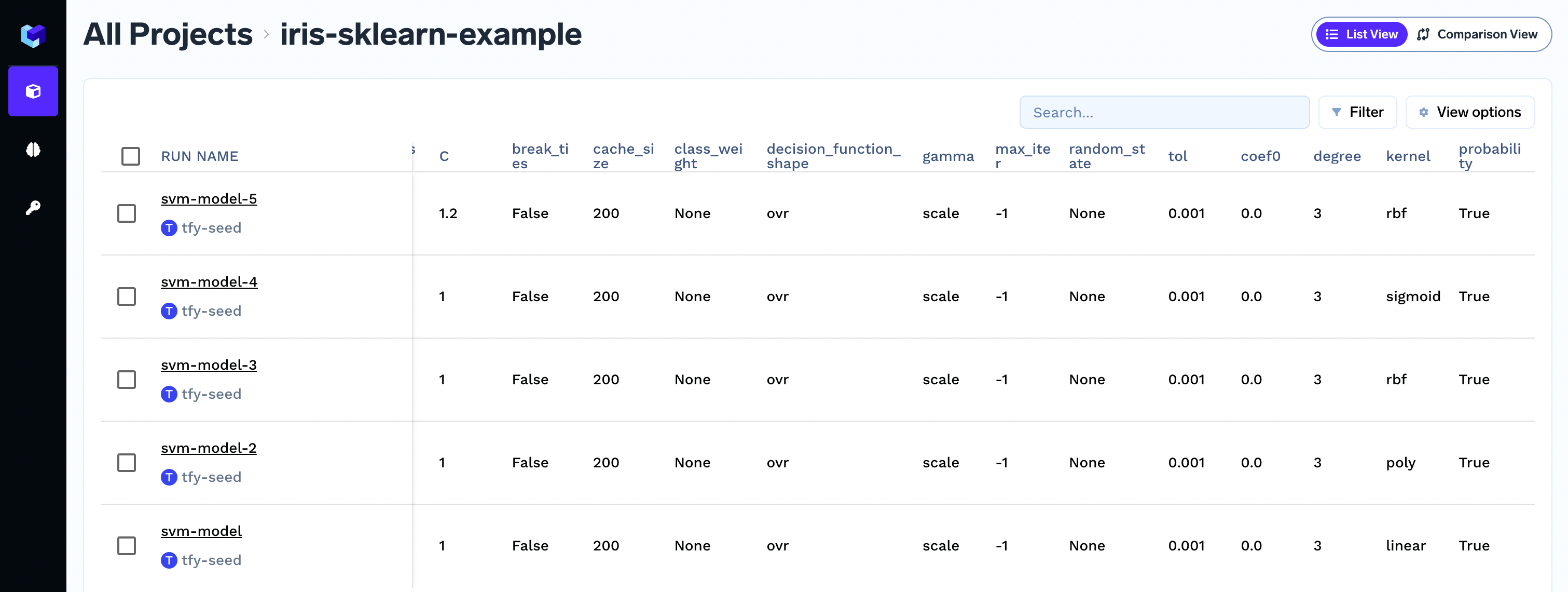
Parameters are used to store the configuration of a run. This can be either the inputs to your script or the hyperparameters of your model during training like learning_rate, cache_size.
The parameter values are stringified before storing.You can log parameters using the log_params as shown below:
Parameters are immutable and you cannot change the value of param once logged. If you need to change the value of param, it basically means that you are changing your input configuration and it’s best to create a new run for that.
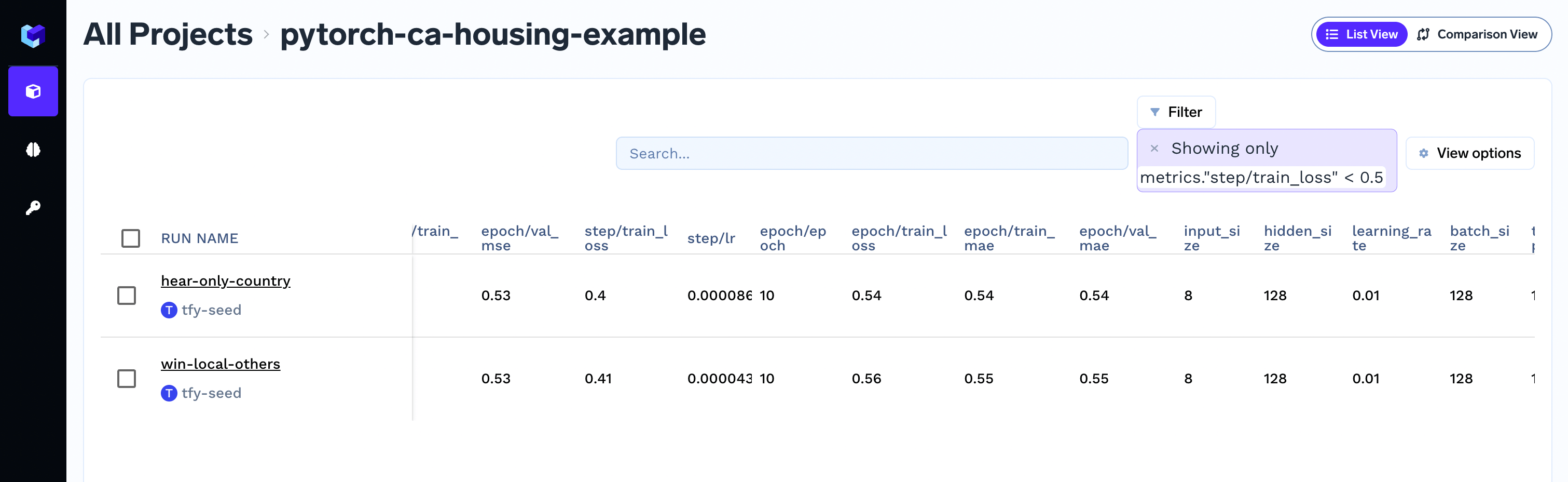
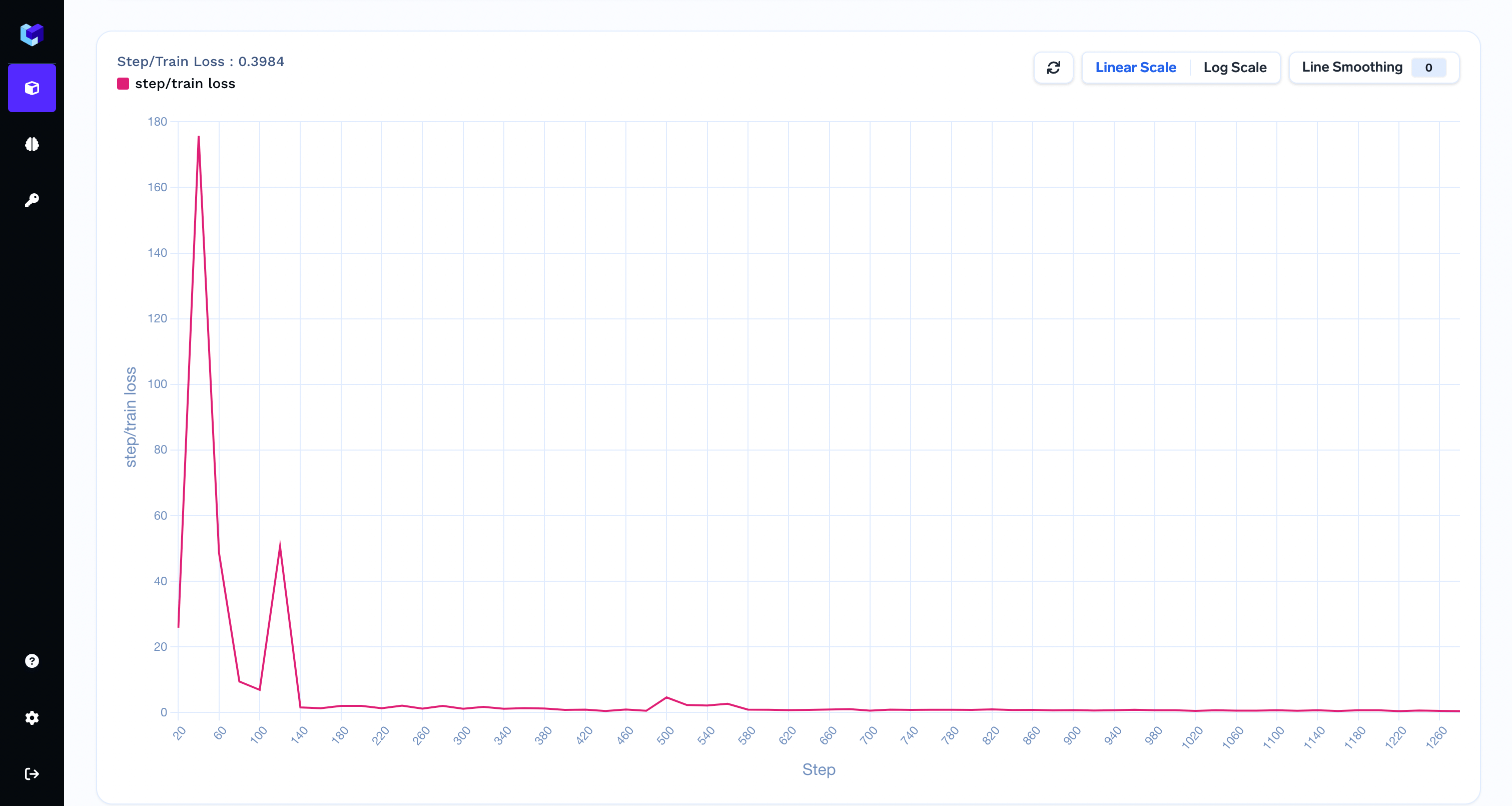
Metrics are values that help you to evaluate and compare different runs - for e.g. accuracy, f1 score. You can log any output of your script as a metric.You can capture metrics using the log_metrics method.
Should I use epoch or global step as a value for the step argument?
If available you should use the global step as a value for the step argument. To capture epoch-level metric aggregates, you can use the following pattern.
import osfrom truefoundry.ml import get_clientfrom truefoundry.ml import ArtifactPathclient = get_client()run = client.create_run(ml_repo="iris-demo", run_name="svm-model")run.log_params({"cache_size": 200.0, "kernel": "linear"})run.log_metrics(metric_dict={"accuracy": 0.7, "loss": 0.6})# Just creating sample files to log as artifacts# os.makedirs("my-folder", exist_ok=True)# with open("my-folder/file-inside-folder.txt", "w") as f:# f.write("Hello!")# with open("just-a-file.txt", "w") as f:# f.write("Hello from file!")artifact_version = run.log_artifact( name="my-artifact", artifact_paths=[ # Add files and folders here, `ArtifactPath` takes source and destination # source can be single file path or folder path # destination can be file path or folder path # Note: When source is a folder path, destination is always interpreted as folder path ArtifactPath(src="just-a-file.txt"), ArtifactPath(src="my-folder/", dest="cool-dir"), ArtifactPath(src="just-a-file.txt", dest="cool-dir/copied-file.txt") ], description="This is a sample artifact", metadata={"created_by": "my-username"})print(artifact_version.fqn)run.end()
To interact with runs in TrueFoundry, you can use the provided methods in the TrueFoundryClient class. Here are the different possibilities to access runs:
Get a Run by ID
To retrieve an existing run by its ID, use theget_run_by_id method:
You will need to have minimum of Project Editor role to create a run under a ml_repo. Project Viewer role does not have permission to create a run.
Can I use runs as a context manager?
Yes, we can use runs as a context manager. A run will be automatically ended after the execution exits the with block.
client.create_ml_repo("iris-demo")run = client.create_run(ml_repo="iris-demo", run_name="svm-model")with run: # Your code here. ...# No need to call run.end()
Are run names unique?
Yes. run names under a ml_repo are unique. If a run name already exists, we add a suffix to make it unique.
If you do not pass a run name while creating a run, we generate a random name.
from truefoundry.ml import get_clientclient = get_client()run = client.create_run(ml_repo="iris-demo")print(run.run_name)run.end()
How runs are identified?
Runs are identified by by their id.
from truefoundry.ml import get_clientclient = get_client()run = client.create_run(ml_repo="iris-demo")print(run.run_id)run.end()
Was this page helpful?
Assistant
Responses are generated using AI and may contain mistakes.