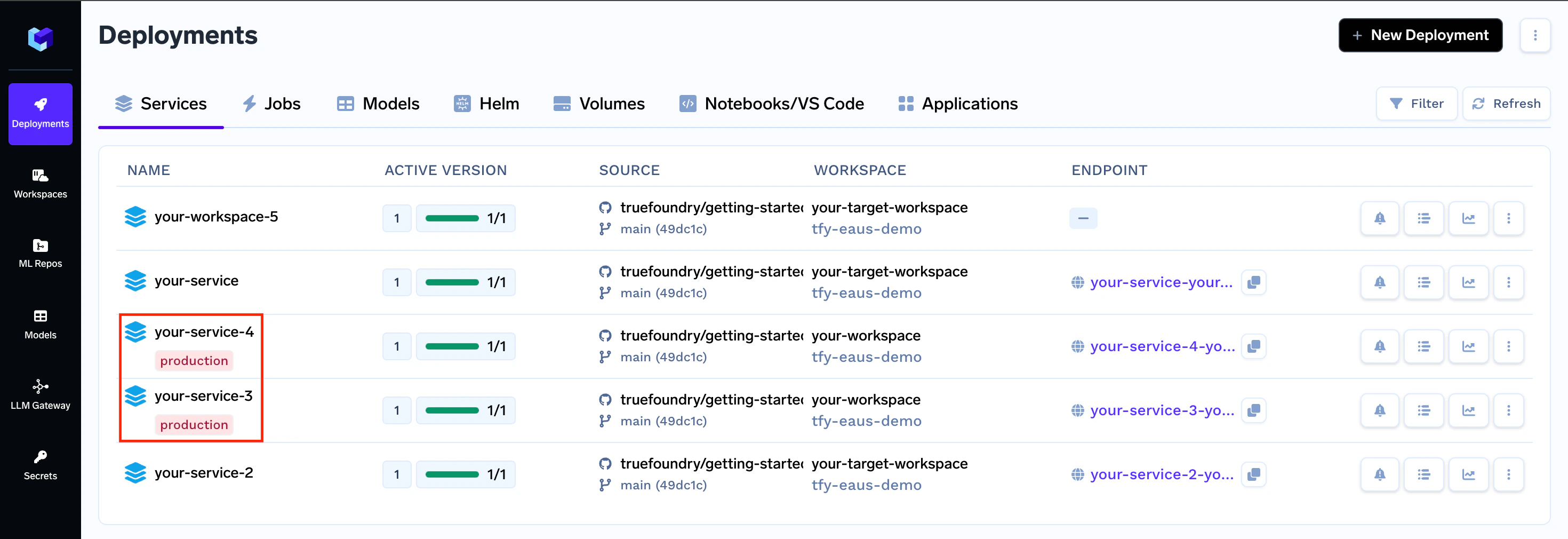
- Environment-based filtering: You can easily filter applications by their assigned environment, focusing on specific sets like production services.
- Descriptive environment names: Environment names provide immediate context about an application’s purpose and stage.
Creating Environments
To create an environment in TrueFoundry, follow these steps:How to tag a workspace with an environment
To tag a workspace with an environment, first, the Cluster where the workspace resides needs to have those environments added.
For this, you will have to add all environments relevant to your cluster (one cluster can have multiple environments) in the cluster, using the instructions provided below.
Now all your applications deployed within that specific workspace will have the environment of the workspace show up beside them.