

Available on TrueFoundry SaaS. On-prem support coming soon.
Getting started
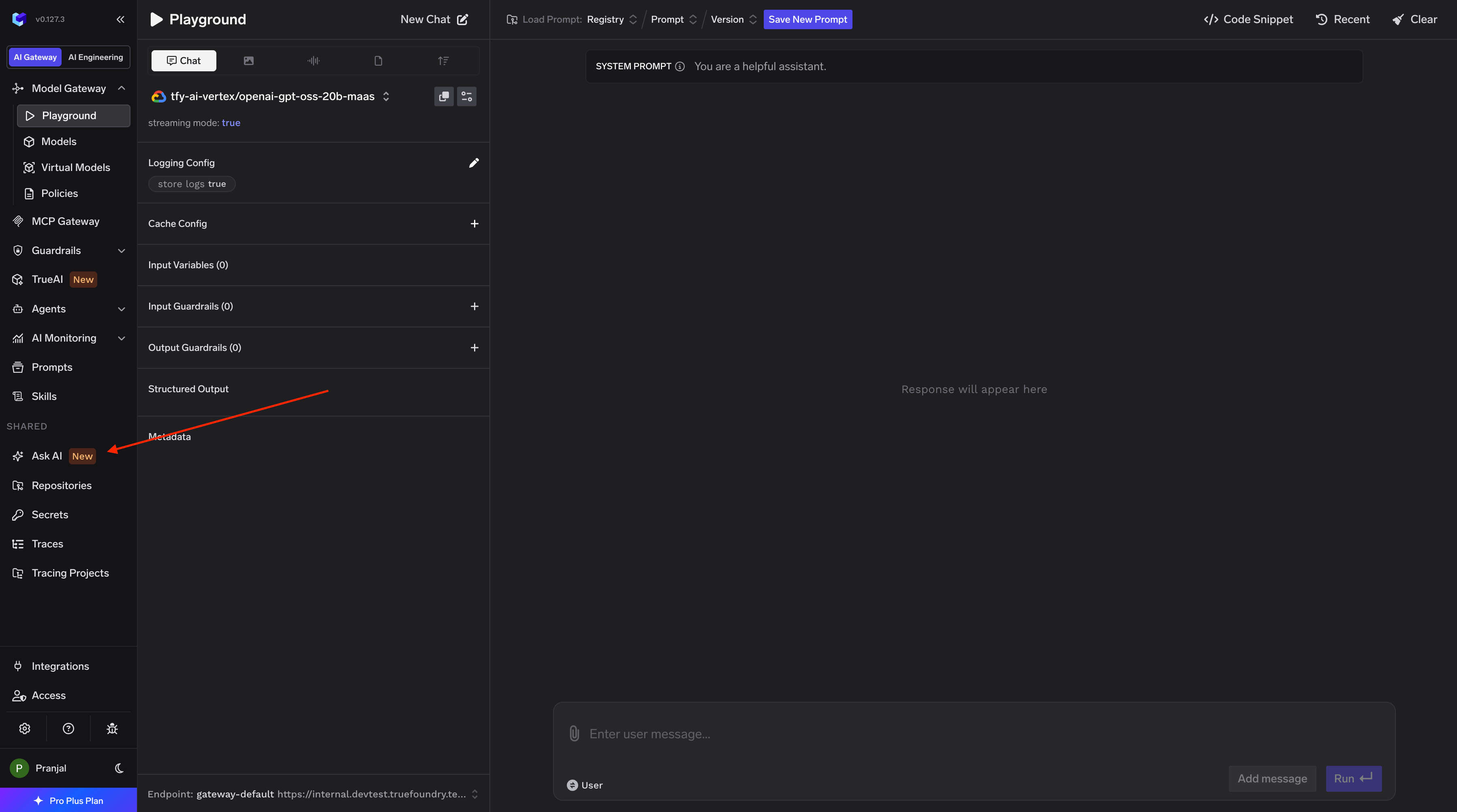
Describe what you want
Type a natural language request. The agent picks the right tools and skills, and executes.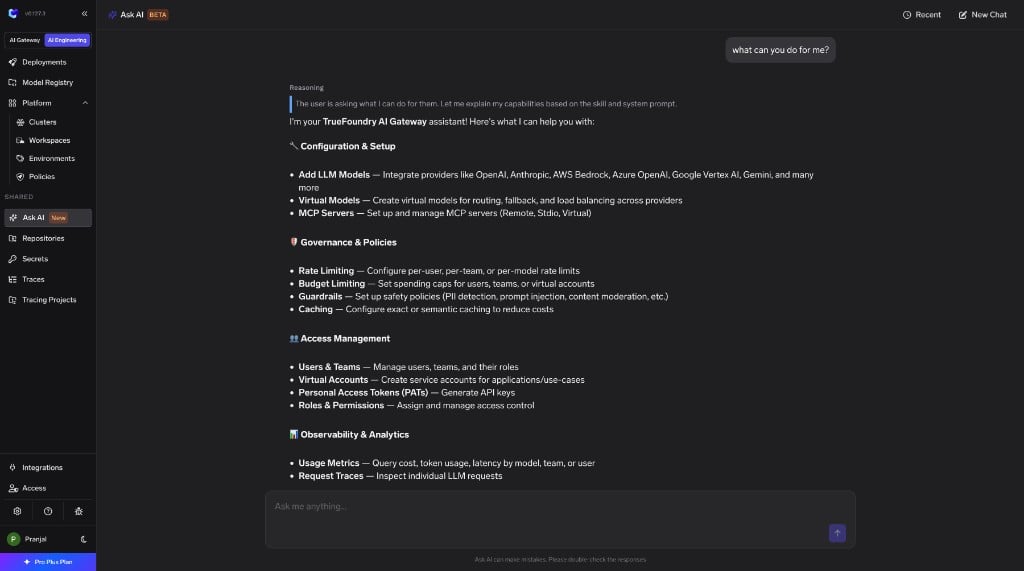
Key capabilities
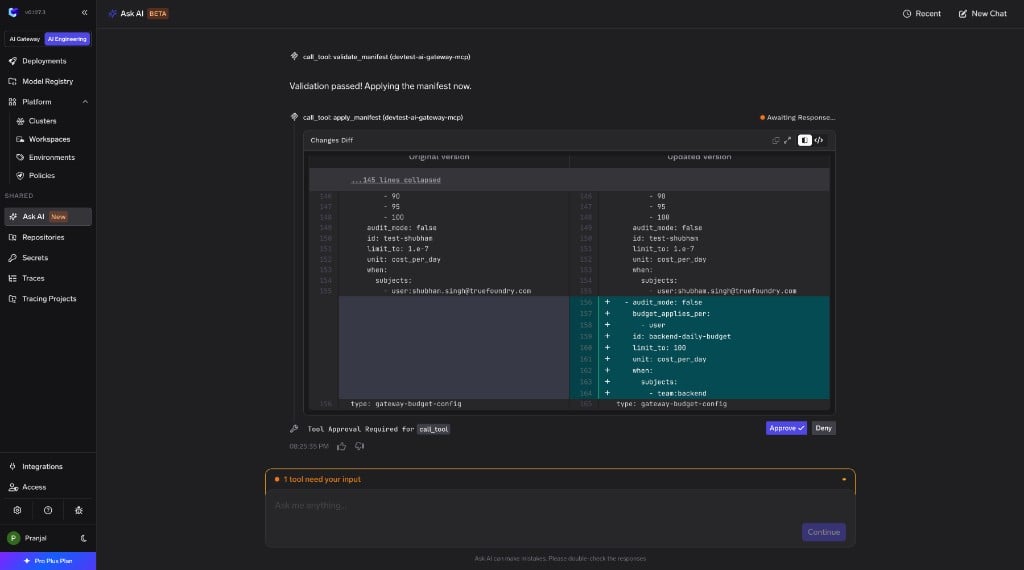
Diff view
Visual diff of manifest changes before applying — review exactly what will be created or modified.
Approval flows
Write operations need explicit confirmation. Nothing destructive runs without your approval.
Platform-aware skills
Pre-built TrueFoundry skills encode correct workflows, required fields, and best practices.
Deferred tool & skill loading
Tools and skills are loaded on demand — the agent pulls in only what’s relevant to your current request, keeping responses fast and focused.
Docs access
The agent references TrueFoundry documentation to validate its approach and answer platform questions.
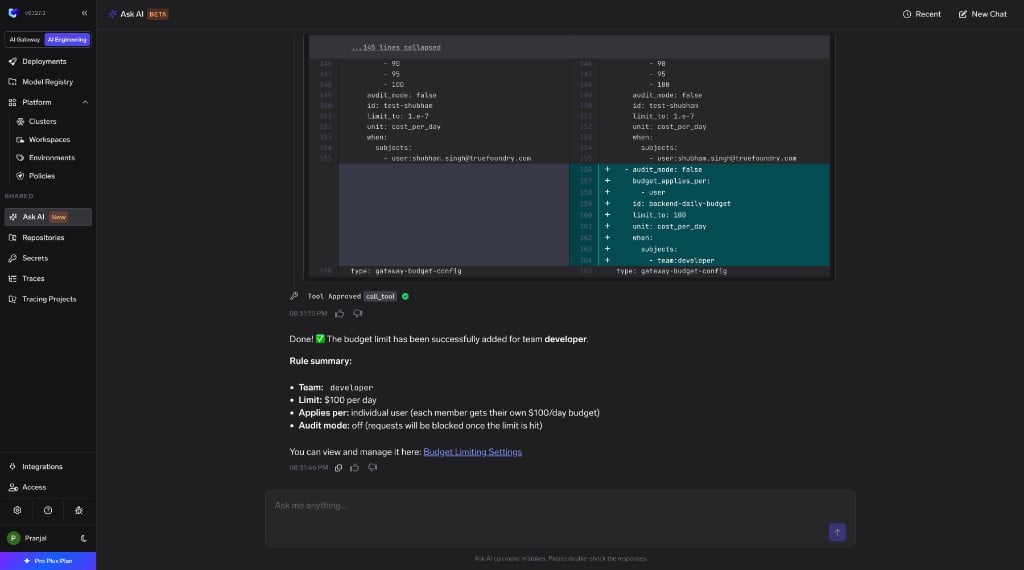
Example prompts
- Add my OpenAI API key as a provider account and give access to my team
- Create a virtual model that load-balances between Groq and Cerebras
- Rate limit the interns team to 100 requests per minute
- Show me the top 5 teams by token usage in the last 7 days
- Connect the Linear MCP server from the catalogue