1
Create Tracing Project, API Key and copy tracing code
Follow the instructions in Getting Started to create a tracing project, generate API key and copy the
tracing code.
2
Install Dependencies
First, you need to install the following
3
Add Tracing code to Python application
For Python applications, we need to add the
Traceloop.init() call to the application and use the @task decorator to trace functions.Python Code
4
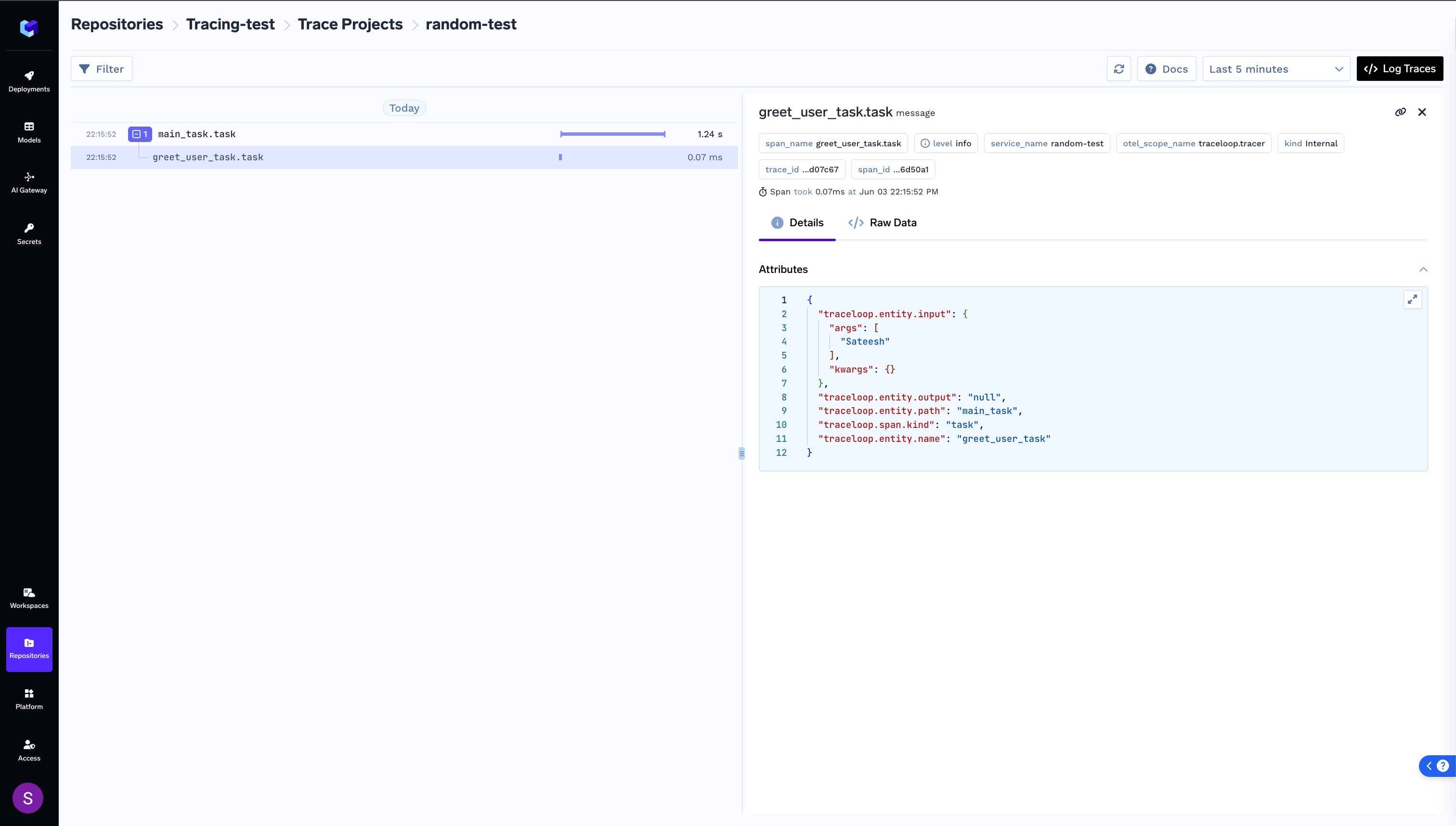
Run your application and view logged trace