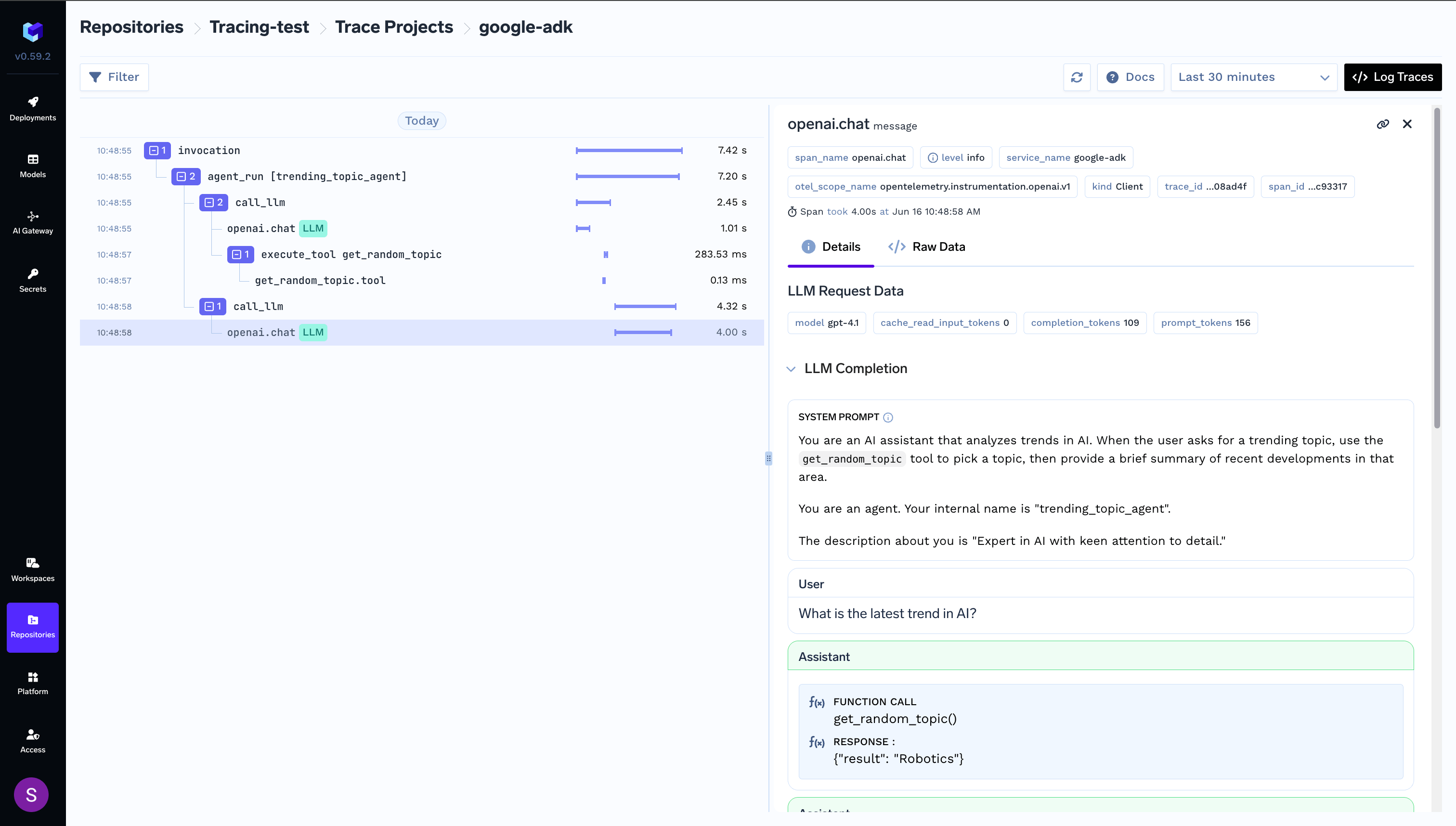
import asyncio
import random
import os
from dotenv import load_dotenv

from traceloop.sdk import Traceloop
from traceloop.sdk.decorators import tool

from google.adk import Agent, Runner
from google.adk.sessions import InMemorySessionService
from google.genai import types
from google.adk.models.lite_llm import LiteLlm

load_dotenv()

TFY_API_KEY = os.environ.get("TFY_API_KEY")
Traceloop.init(
    api_endpoint="https://internal.devtest.truefoundry.tech/api/otel",
    app_name="your tracing application name",
    headers = {
        "Authorization": f"Bearer {TFY_API_KEY}",
        "TFY-Tracing-Project": "tracing-project:truefoundry/Tracing-test/google-adk",
    }
)


 # # --- Constants ---
MODEL_GPT_4O = "openai/gpt-4.1"
APP_NAME = "trending_topic_app"
USER_ID = "user_1"
SESSION_ID = "session_001"


@tool(name="get_random_topic")
def get_random_topic() -> str:
    """Get a random topic from a list of AI-related subjects for research."""
    words = [
        "AI", "Machine Learning", "Data Science", "Deep Learning",
        "Computer Vision", "Natural Language Processing", "Robotics",
        "Blockchain", "Quantum Computing", "Gen AI", "LLMs", "RAG",
        "LLM Agents", "LLM Tool Calling", "LLM Planning", "LLM Self-Reflection"
    ]
    return random.choice(words)

agent = Agent(
    name="trending_topic_agent",
    model=LiteLlm(
        model=MODEL_GPT_4O,
    ),
    description="Expert in AI with keen attention to detail.",
    instruction=(
        "You are an AI assistant that analyzes trends in AI. "
        "When the user asks for a trending topic, use the `get_random_topic` tool "
        "to pick a topic, then provide a brief summary of recent developments in that area."
    ),
    tools=[get_random_topic],
)

session_service = InMemorySessionService()

# create the session once
async def setup():
    await session_service.create_session(
        app_name=APP_NAME, user_id=USER_ID, session_id=SESSION_ID
    )

asyncio.run(setup())

runner = Runner(agent=agent, app_name=APP_NAME, session_service=session_service)

user_msg = types.Content(role="user", parts=[types.Part(text="What is the latest trend in AI?")])

for event in runner.run(user_id=USER_ID, session_id=SESSION_ID, new_message=user_msg):
    if event.is_final_response():
        print(event.content.parts[0].text)