

1. Deploy the Benchmarking Service
- Deploy this repository as a service on TrueFoundry.
- Configure environment variables:
-
TOKEN_COUNT: Number of tokens to return in responses (default: 100) -
LATENCY: Latency in seconds (default: 0)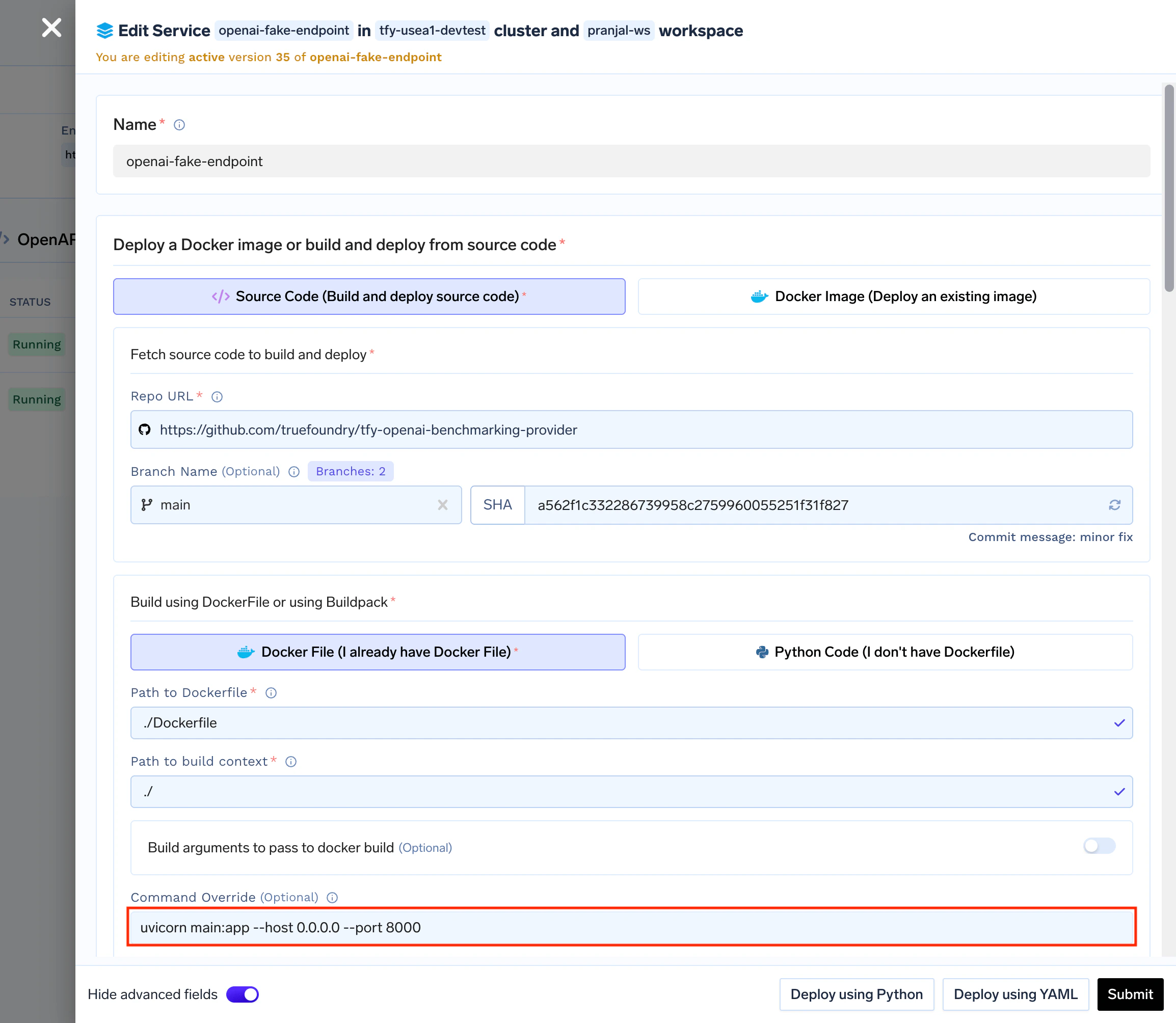
-
2. Create a Model Account
2.1. Navigate to the AI Gateway
- In the TrueFoundry Dashboard, go to AI Gateway → Models
-
Select Self Hosted Models as your model provider
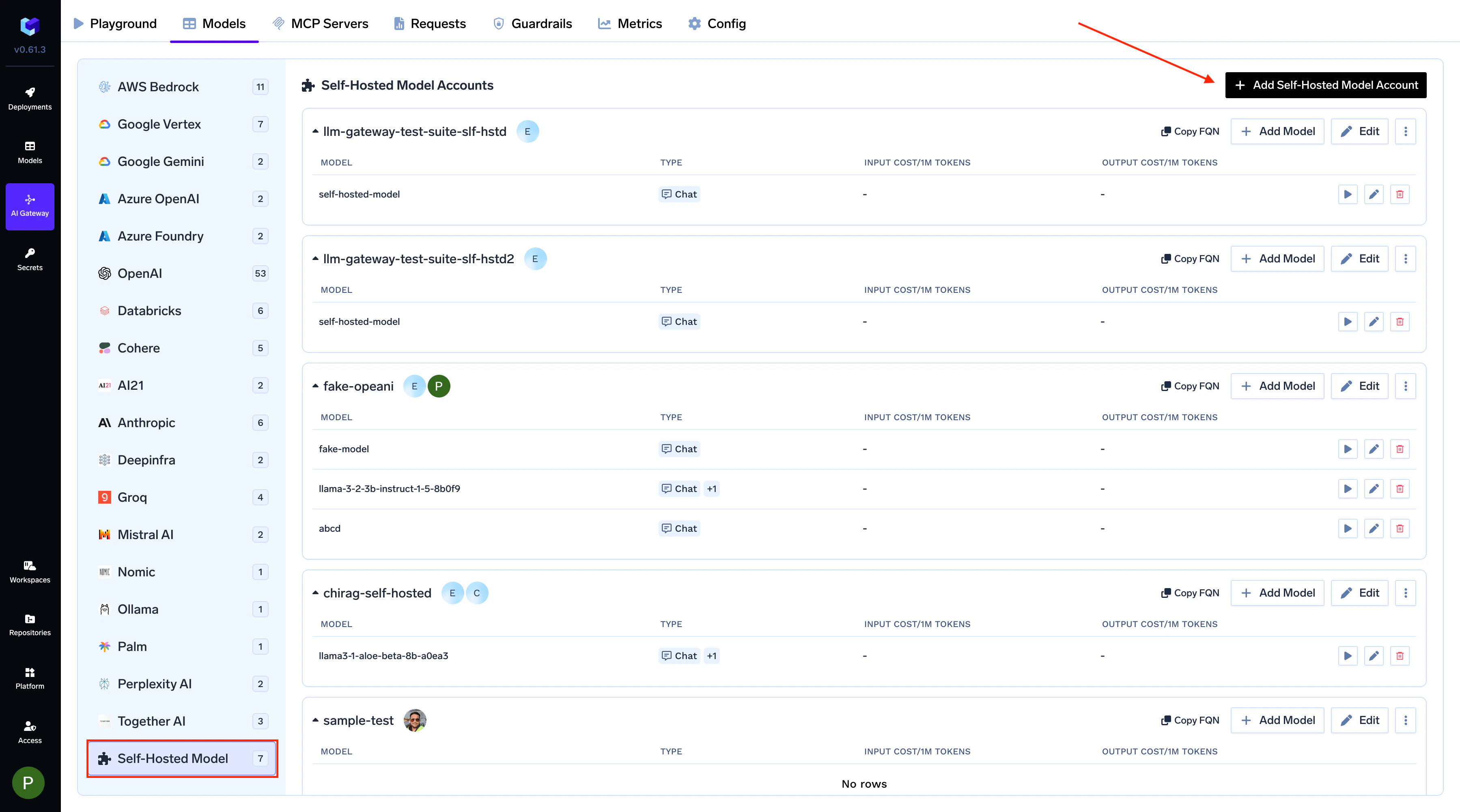
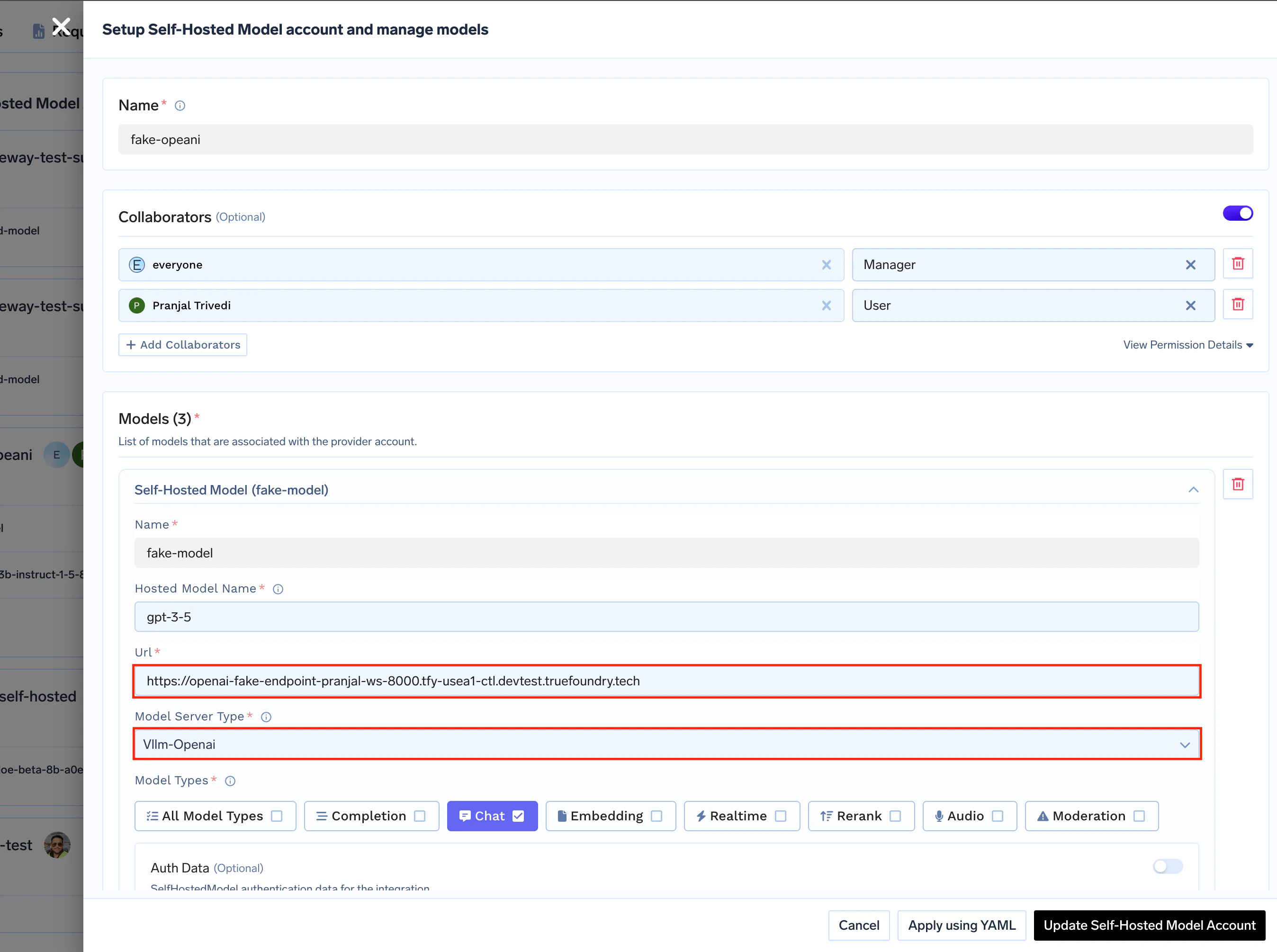
2.2. Configure Models
-
Model Type: Select
Vllm-Openai - Base URL: Enter the URL of your deployed benchmarking service
-
Name: Add a proper display name to your models
3. Generate Load Traffic
Create a client for producing traffic at your desired RPS (Requests Per Second). You can use any HTTP client or load testing tool such as:- Locust: For advanced load testing scenarios
- Custom scripts: Using any HTTP client library