> ## Documentation Index
> Fetch the complete documentation index at: https://www.truefoundry.com/llms.txt
> Use this file to discover all available pages before exploring further.
# Deploy Models on TrueFoundry
> Add your own deployed models to TrueFoundry's AI Gateway for unified access and management
### Adding TrueFoundry Hosted Models to the Gateway
Follow these steps to add a model you have deployed on TrueFoundry to the AI Gateway.
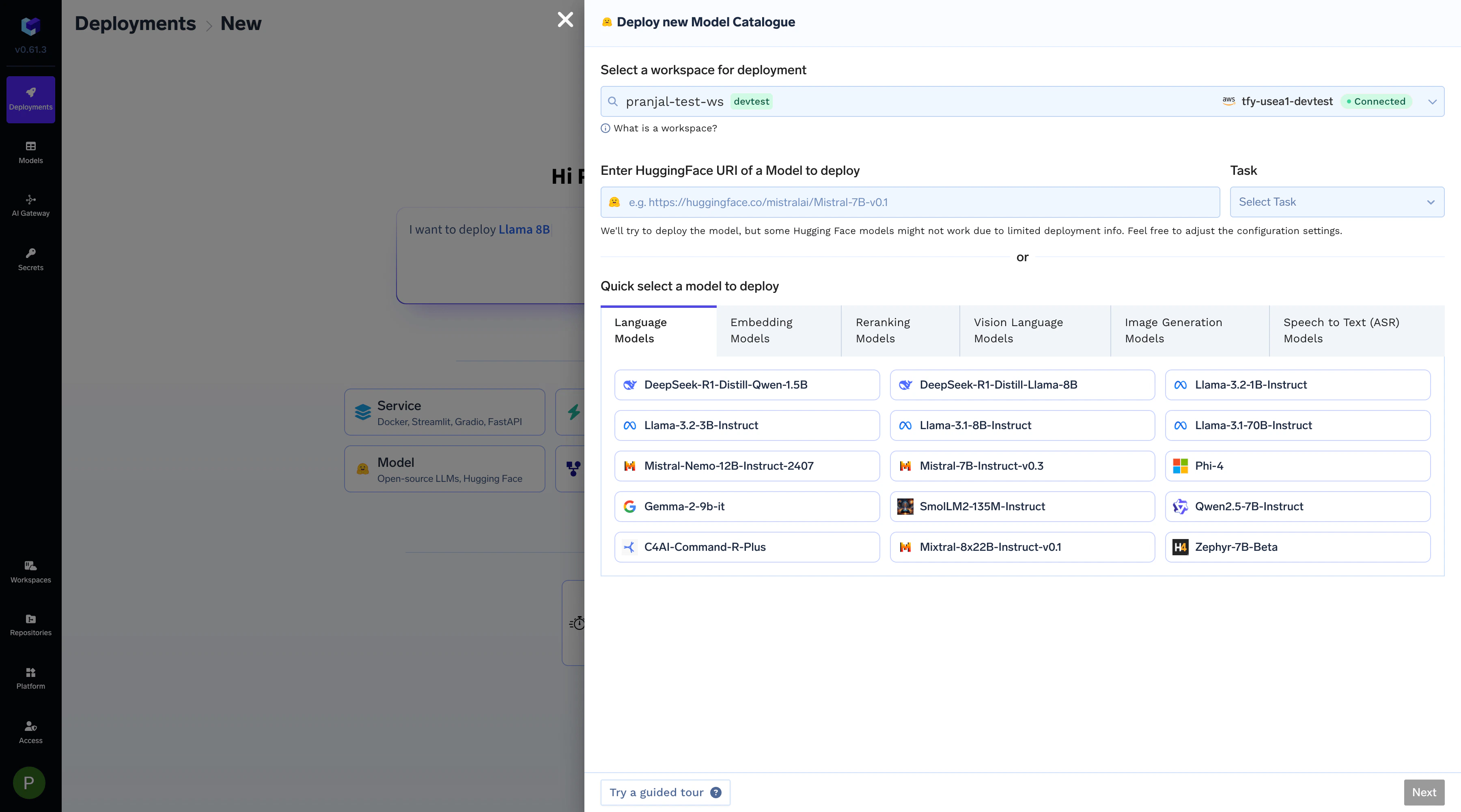
First, deploy your open-source or private model as a service. You can refer to our documentation on [Deploying LLMs From Model Catalogue](/docs/deploying-an-llm-model-from-the-model-catalogue) for detailed instructions.
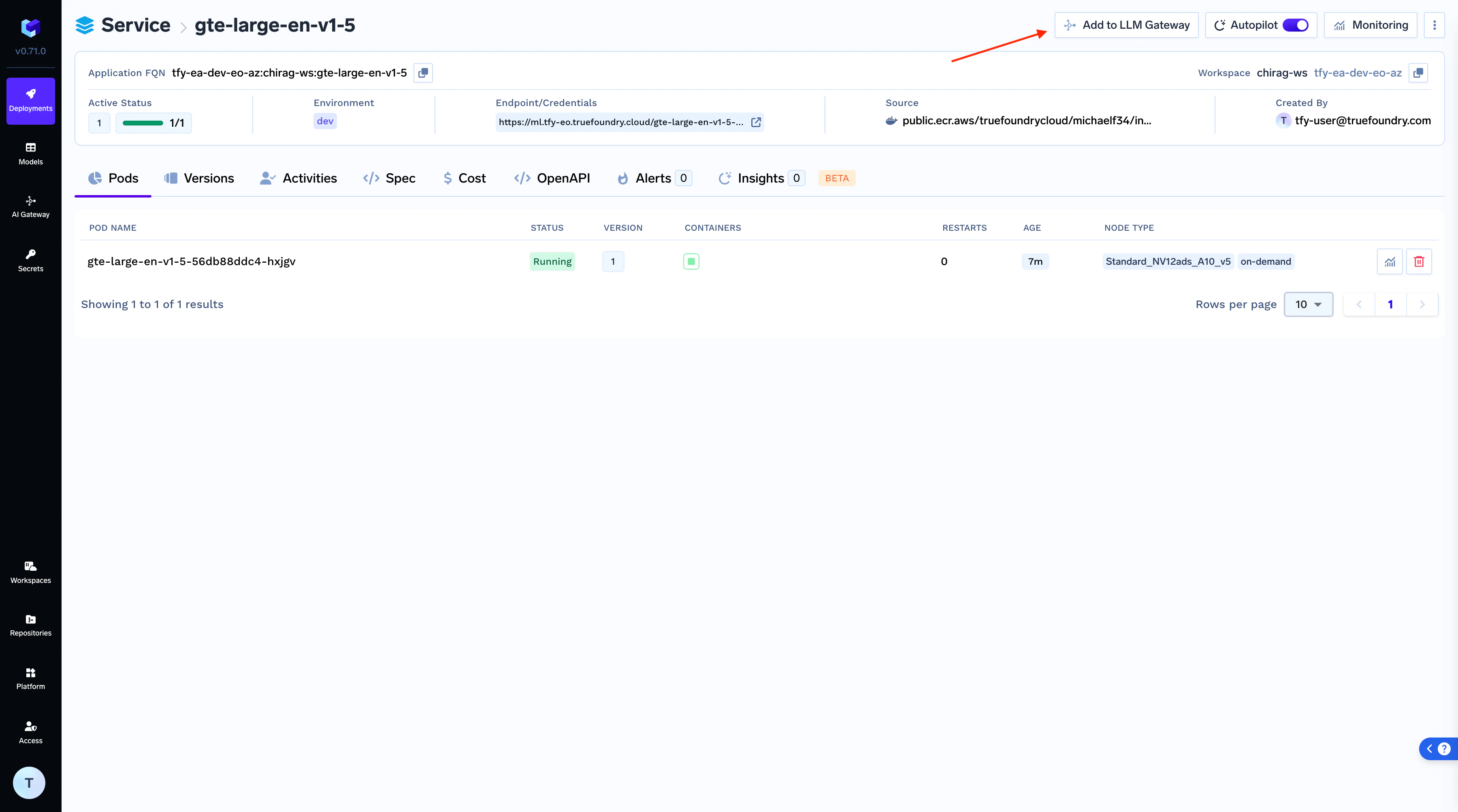
 Once your model is successfully deployed, click the "Add to Gateway" button on the deployment page to begin the integration process.
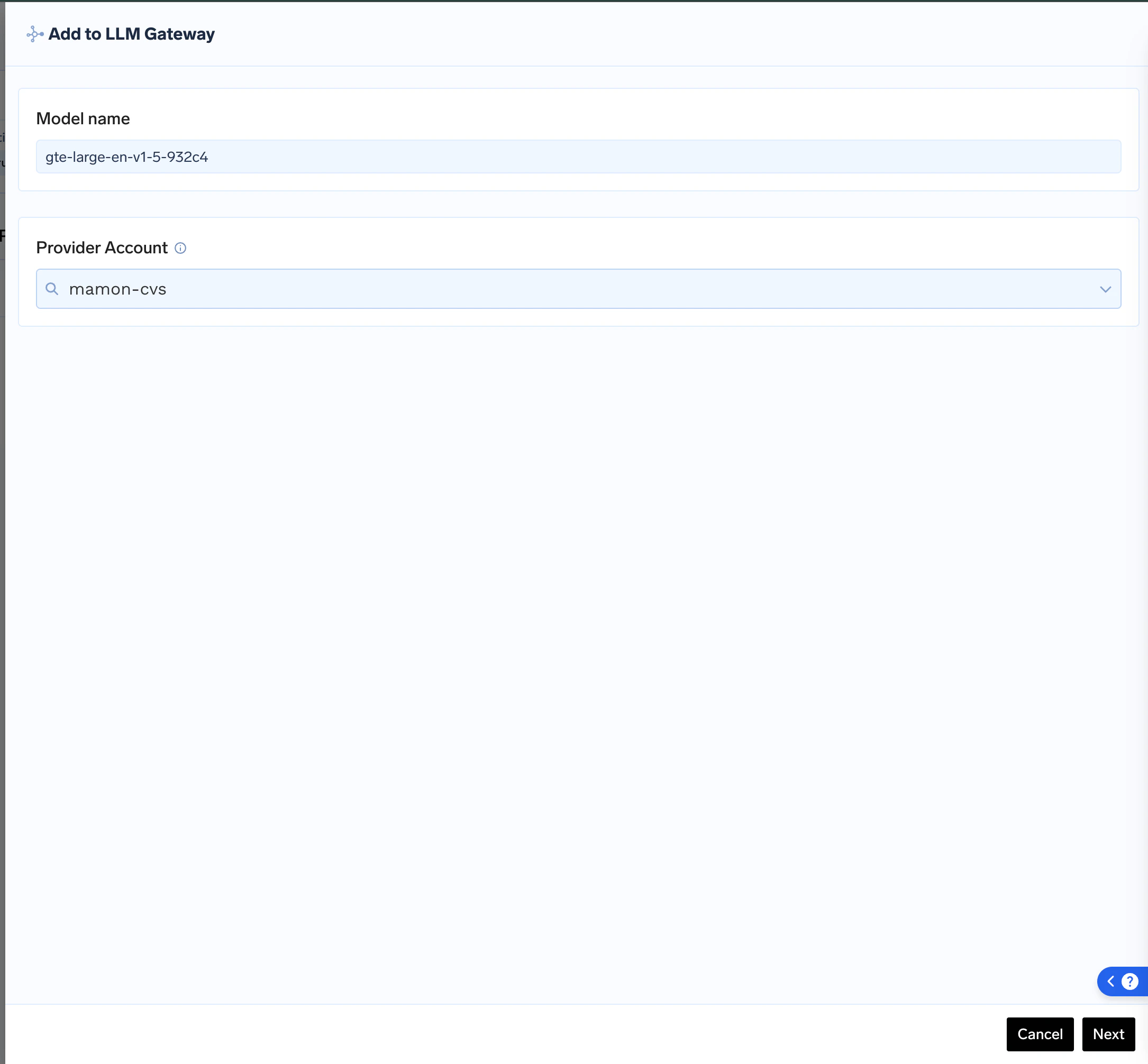
 Give your model a unique **Model Name** and choose an existing **Provider Account** to add it to, or create a new one. This helps in grouping and managing your self-hosted models.
 Add collaborators to your account, this will give access to the account to other users/teams. Learn more about access control [**here**](https://docs.truefoundry.com/gateway/gateway-access-control).
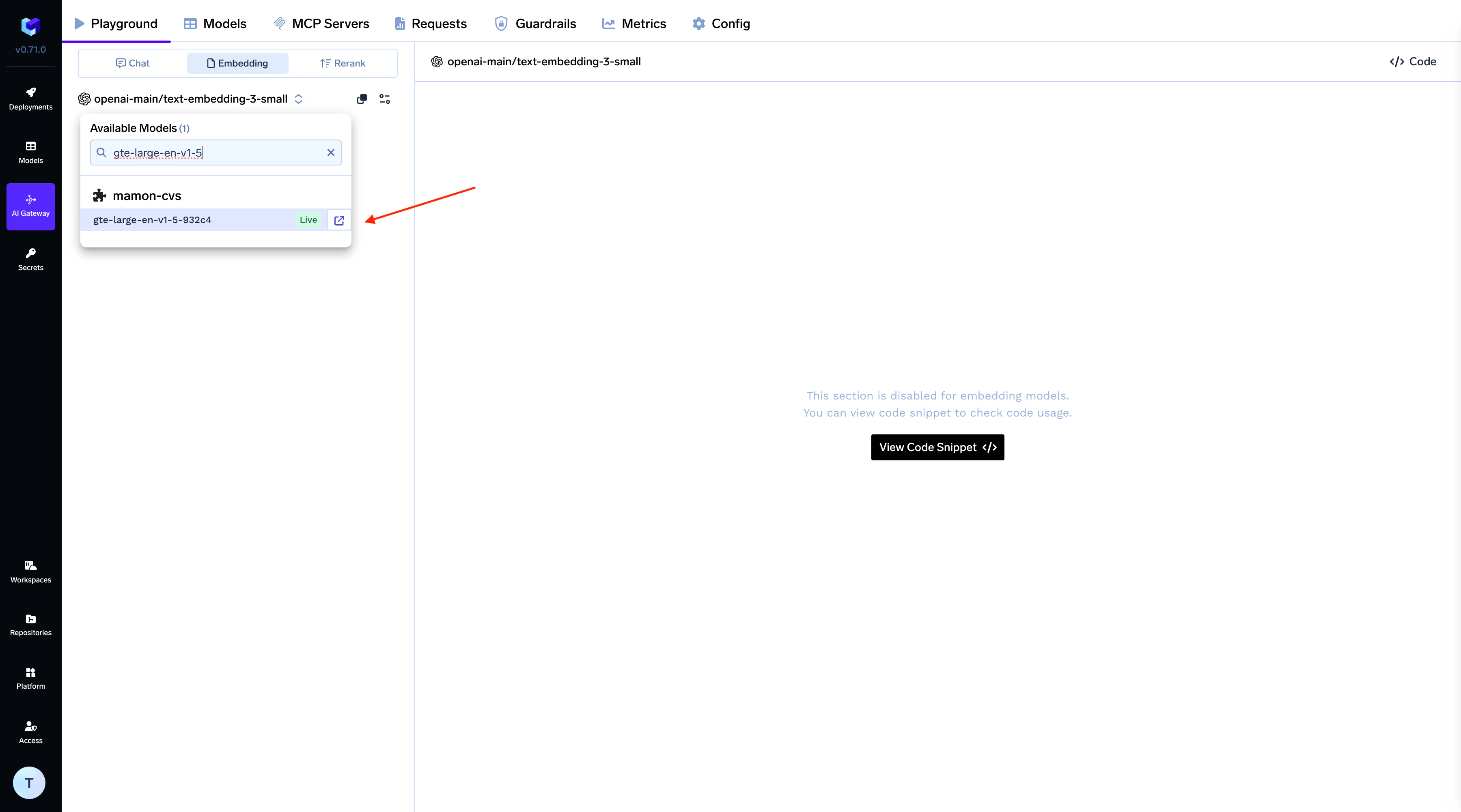
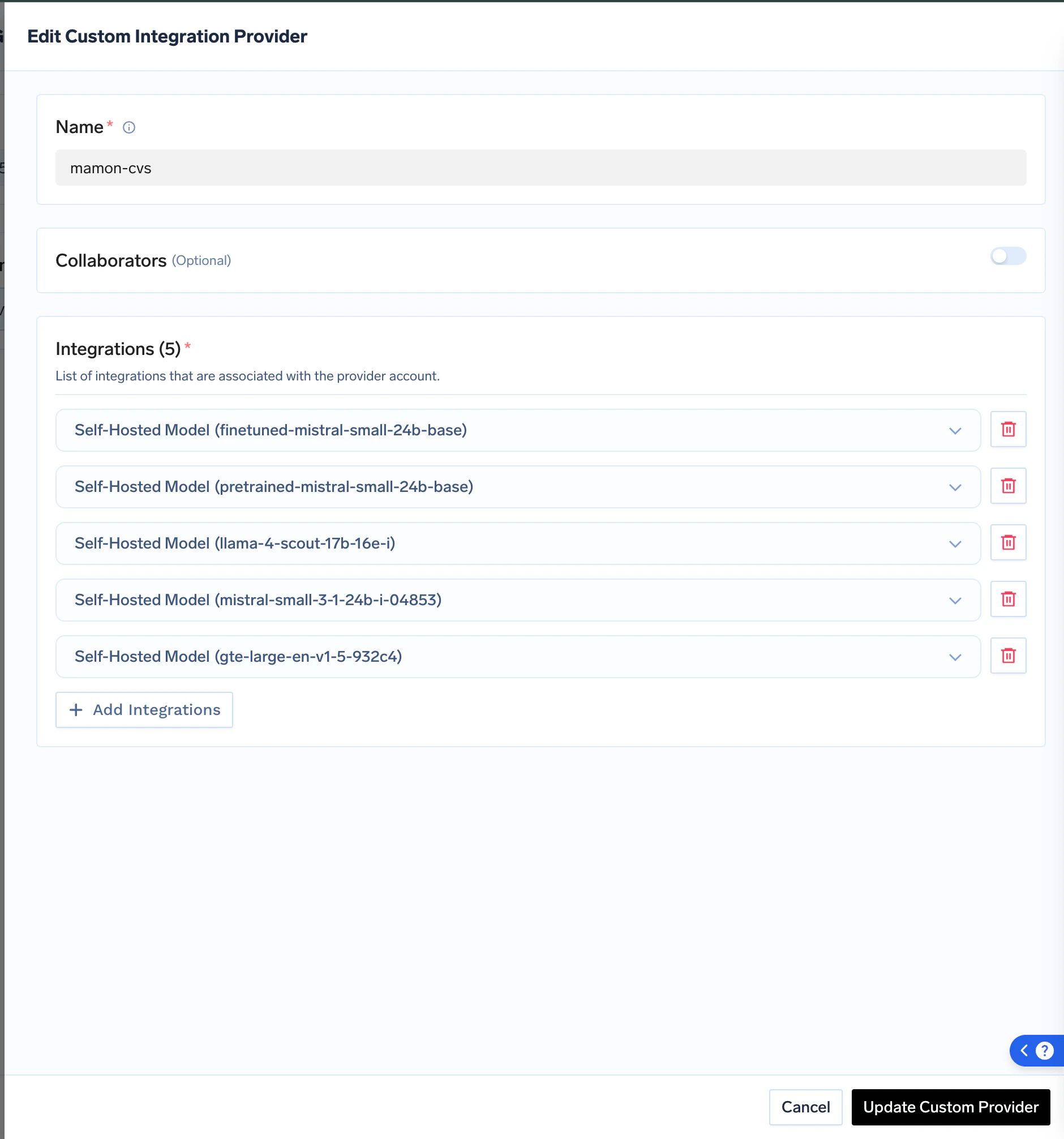 After saving, your model will be live on the AI Gateway and ready for use.
 ### Cost Management for Self-Hosted Models
GPUs are costly, and running GPU-powered deployments can quickly drive up expenses. TrueFoundry offers built-in solutions to help reduce deployment costs.
You can choose from two cost-saving options:
1. **Auto-shutdown based on inactivity:** Set up automatic shutdown of deployment pods if no new requests are received within a specified time frame.
2. **Manual pause/resume:** You can manually pause deployments that you anticipate won't be used for a certain period.
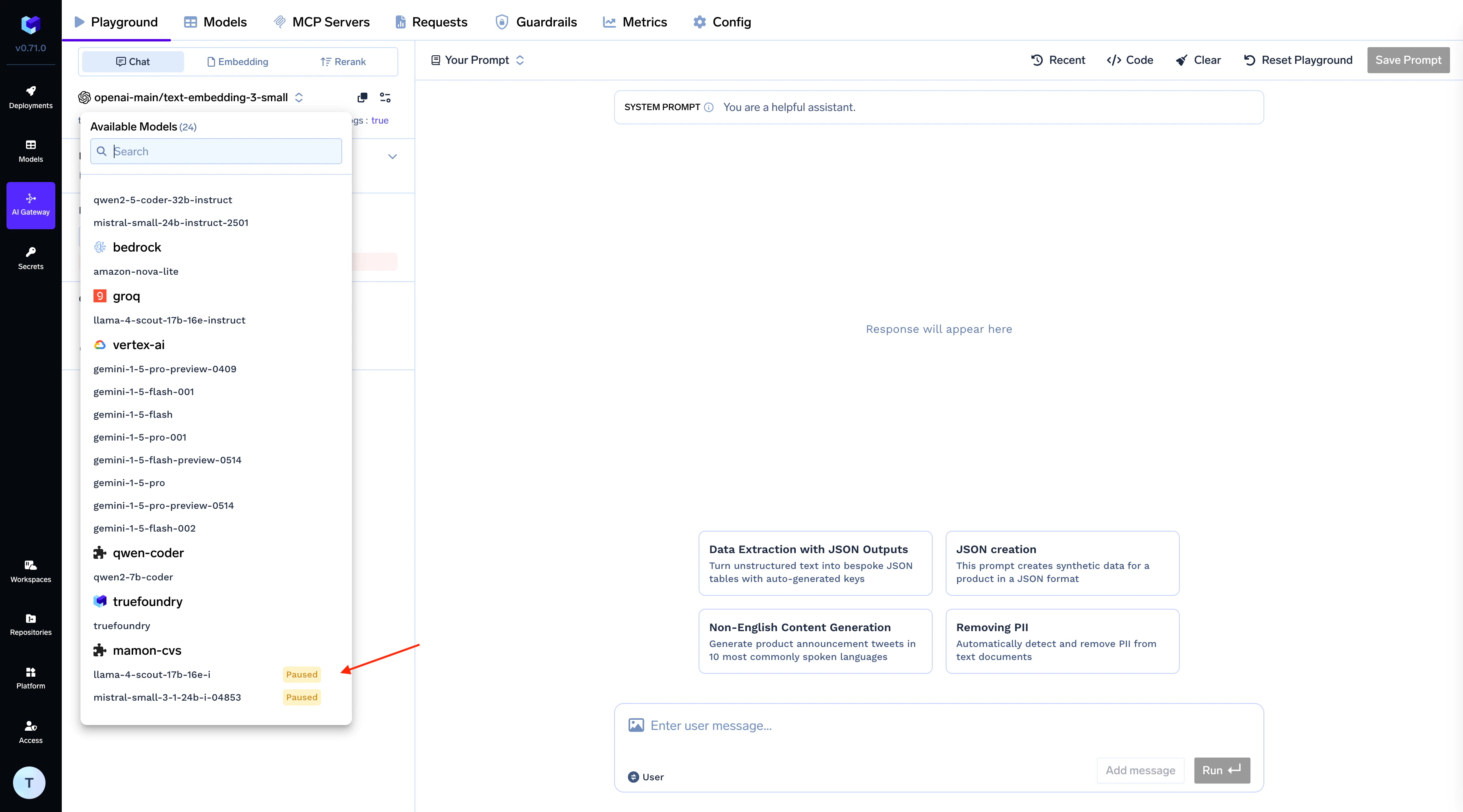
In both scenarios, the model status will be displayed as "paused" on the Gateway.
### Cost Management for Self-Hosted Models
GPUs are costly, and running GPU-powered deployments can quickly drive up expenses. TrueFoundry offers built-in solutions to help reduce deployment costs.
You can choose from two cost-saving options:
1. **Auto-shutdown based on inactivity:** Set up automatic shutdown of deployment pods if no new requests are received within a specified time frame.
2. **Manual pause/resume:** You can manually pause deployments that you anticipate won't be used for a certain period.
In both scenarios, the model status will be displayed as "paused" on the Gateway.