> ## Documentation Index
> Fetch the complete documentation index at: https://www.truefoundry.com/llms.txt
> Use this file to discover all available pages before exploring further.
# Overview
> The single place to build, register, discover, and govern every AI agent in your organization — whether built on TrueFoundry or running anywhere else.
Teams across your organization are already building AI agents. The problem isn't building them — it's everything that comes after. These show up the moment you go from two agents to twenty:
* **Discoverability** — No shared catalog means duplicated work and word-of-mouth discovery.
* **Access Control** — No consistent way to control who can invoke which agent.
* **Metrics** — No centralized view of which agents are active, how much traffic they handle, or what to invest in.
* **Traces & Logs** — No unified record of what an agent did, when, and who invoked it.
* **Governance** — No central layer to enforce content policies, rate limits, or guardrails.
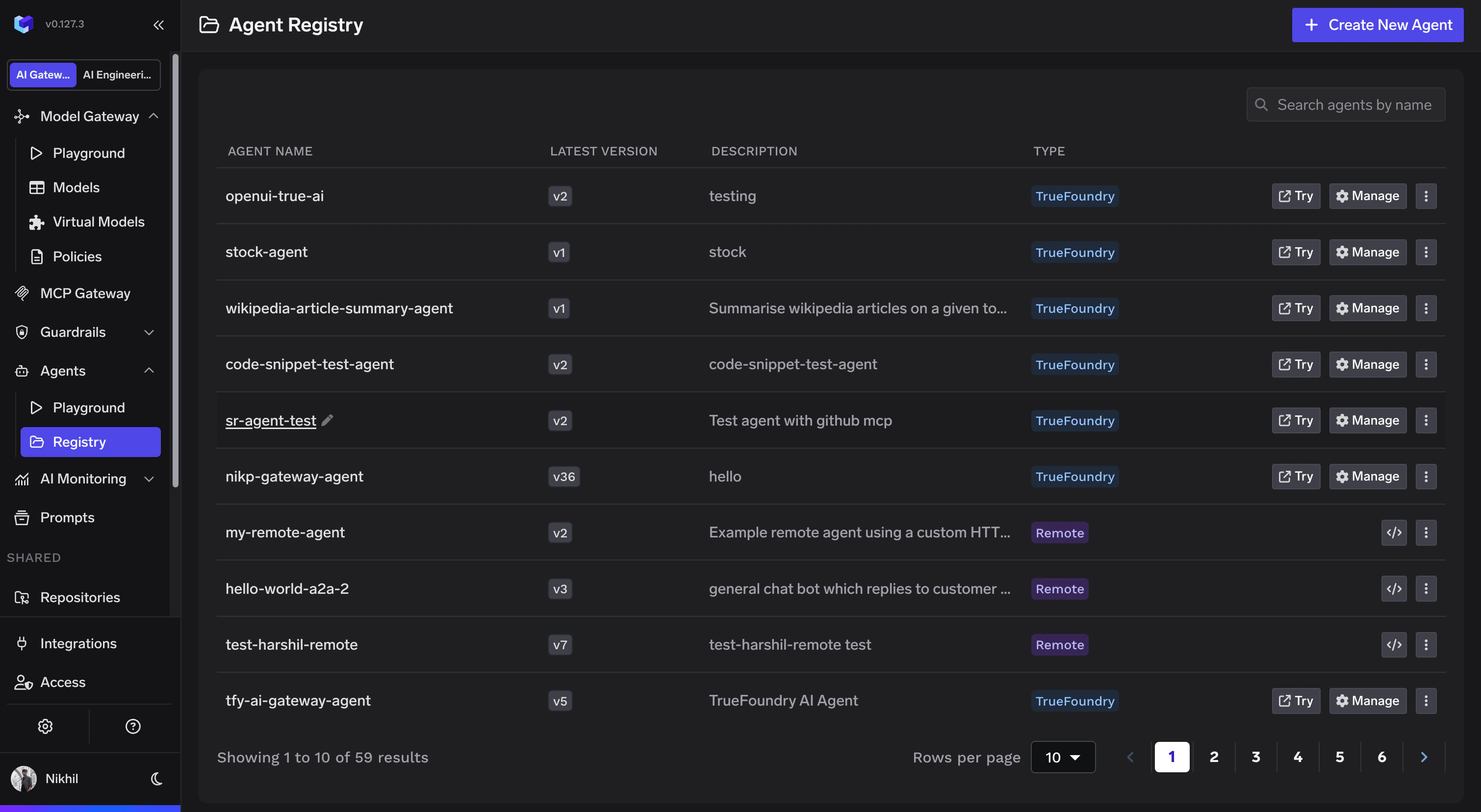
Agent Registry solves this. It is a single platform where every agent in your organization is registered, discovered, accessed, and governed — regardless of where it runs.
 ## Types of Agents
There are two ways to add an agent to the registry. Click **Create New Agent** on the Agent Registry page to get started.
## Types of Agents
There are two ways to add an agent to the registry. Click **Create New Agent** on the Agent Registry page to get started.

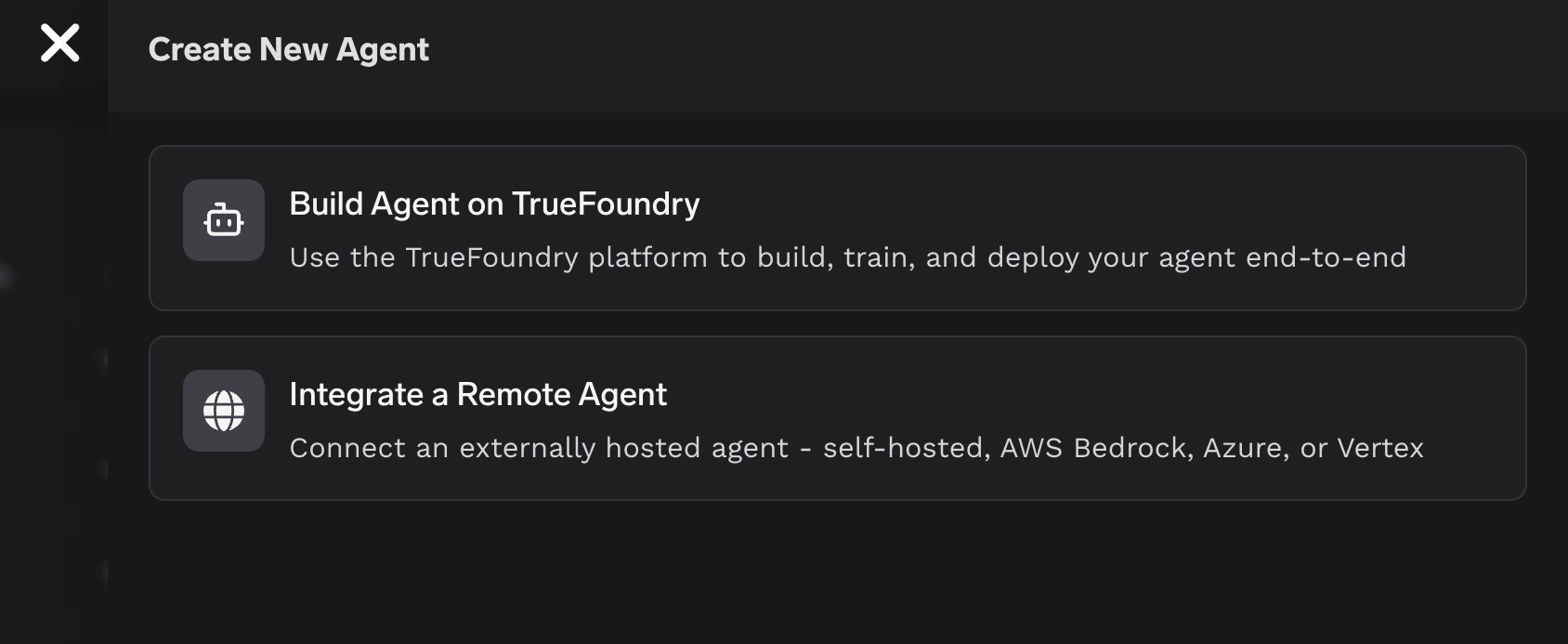 Build agents natively on TrueFoundry. The platform handles infrastructure, model routing, tool orchestration, and access control. You focus on the prompt and the tools.
Available on **SaaS** only.
Register an agent running elsewhere — Bedrock, LangGraph, a custom HTTP service, A2A agents, anything. Point the registry at it, and it gets the same catalog, controls, and observability.
Available on both **SaaS** and **Self-hosted**.
## Unified Observability
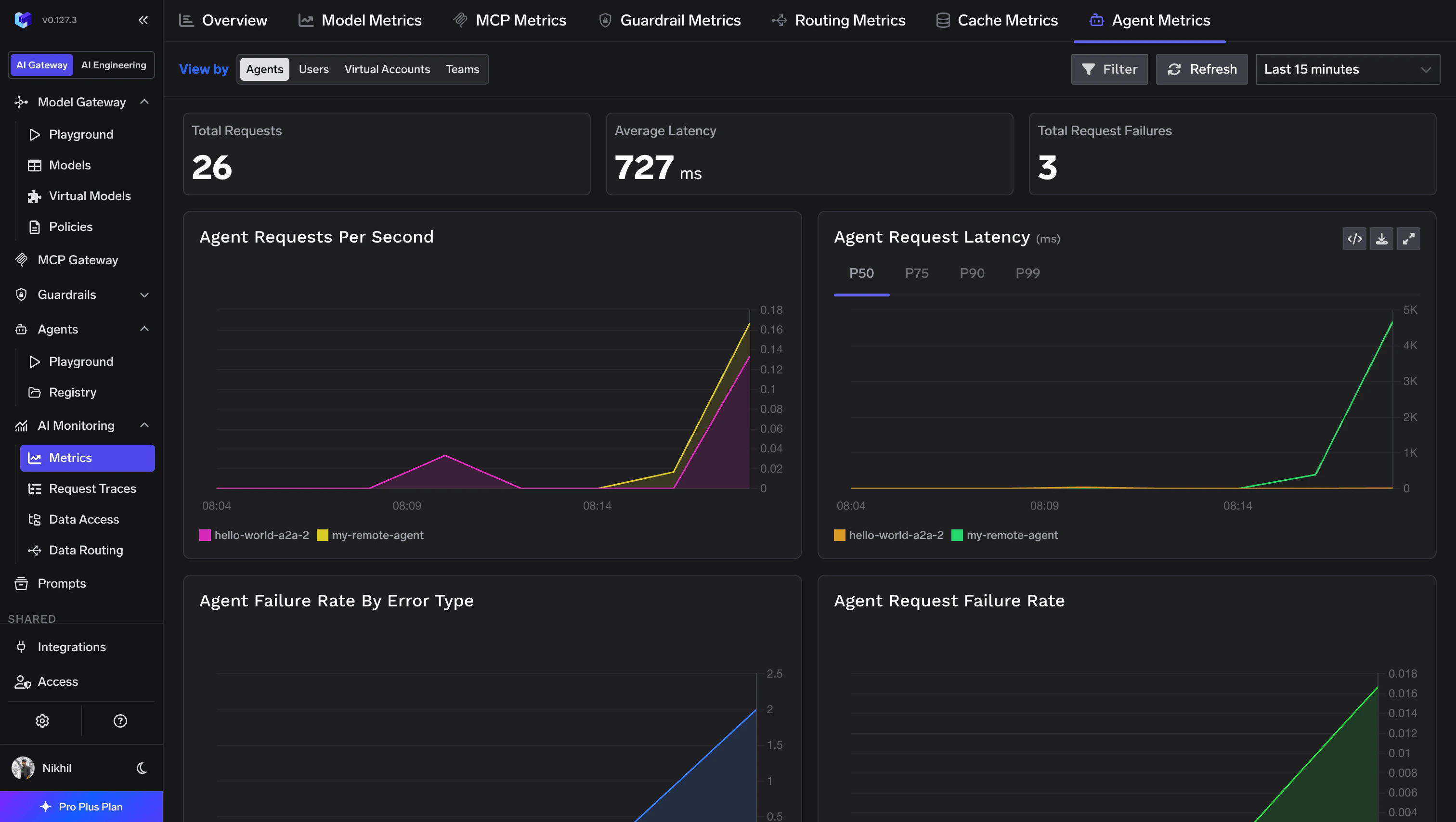
Every registered agent — whether built on TrueFoundry or running remotely — gets centralized metrics and traces out of the box. Request counts, latency percentiles, error rates, and usage data are all available from a single dashboard.